Best Student Laptops in Dubai, Judged on What Fails First
The best student laptops are not the fastest ones; they are the ones that still work properly in the third year of a course. In practice, three things fail first on a student laptop: the battery stops lasting the day, the hinge or keyboard wears out from being carried and opened thousands of times, and heat shortens the life of both. So judge any shortlist on battery capacity in watt hours rather than the hours on the box, on weight with the charger, on build and serviceability, and on how it copes with Dubai's summer heat. A "military tested" badge helps only if you know what was actually tested.
This guide takes each of those failure points in turn, using manufacturers' own specification sheets, so you can compare models on the things that end a student laptop's life early. We do not publish prices; every laptop in our catalogue is quoted on request.
Battery life claims versus a real school day
Battery hours on a spec sheet are measured under a named test, at a set screen brightness, on a specific configuration. Lenovo's product specification sheet for the ThinkPad E14 Gen 6 shows this clearly. For one configuration it lists:
| Test named on the sheet | Screen brightness | Claimed result |
|---|---|---|
| MobileMark 25 | 250 nits | Up to 11.8 hours |
| JEITA 3.0 video | 200 nits | Up to 11.68 hours |
| Local video playback | 150 nits | Up to 20.24 hours |
Same laptop, same battery, and a range from under 12 hours to over 20 depending on the test and the brightness. Lenovo's footnote states that actual battery life varies with configuration, software, wireless use, power management settings and screen brightness, and that the battery's maximum capacity decreases with time, ambient temperature and use. That last clause is the important one for students: the figure on the box describes a new battery, and every term after that the real number is lower.
How to compare batteries honestly
- Use watt hours. The battery capacity in Wh is a physical figure. Lenovo's E14 Gen 6, for example, is offered with a 47Wh or a 57Wh battery. Between two similar laptops, the larger Wh battery will usually last longer.
- Compare like with like. Only compare hour claims that name the same test at the same brightness.
- Plan for year three. Buy enough battery that a cell which has lost a fifth of its capacity still covers a full day of lessons.
- Check the charger. USB C charging means a spare charger can live at school or in a library locker.
Weight: the spec that matters every single day
Weight is listed as "starting at", which means the lightest configuration. Lenovo's ThinkPad T14 Gen 5 specification shows how much that can move: models start at 1.31 kg with a black cover and the 39.3Wh battery, and at 1.43 kg with a grey cover and the 52.5Wh battery. The bigger battery adds weight, and the charger is never included in the figure.
For a student who walks between buildings or rides the Metro with a full bag, a few hundred grams matter. Weigh the full kit: laptop, charger and sleeve. If two shortlisted models are close in every other respect, the lighter one will be used more and dropped less.
Hinges and keyboards: where daily use wears through
A student laptop is opened and closed several times a day, typed on for hours, and carried with one hand by the screen more often than anyone admits. The parts that take that punishment are the hinges, the keyboard and the screen bezel.
- Hinge test. Open the lid with one finger. If the base lifts off the desk, the hinge is stiff relative to the base weight, which is fine. If the screen wobbles after you stop typing, the hinge is loose already.
- Lid flex. Gently press the centre of the lid from behind. A lid that flexes enough to press the screen against the keyboard will eventually mark the panel.
- Keyboard deck. Press down in the middle of the keyboard while typing. Noticeable bounce means a thin deck.
- Serviceability. On business ranges the keyboard, battery and SSD are usually replaceable parts. On many thin consumer laptops the keyboard is part of the top case, so a failed key means a much bigger repair.
Business laptops tend to score well on these checks because they are built for company fleets. Refurbished examples in our catalogue include the HP EliteBook 830 G8 and the Dell Latitude 3440 with a 13th generation Core i5.
MIL STD 810 claims, explained
Many of the best student laptops carry a line such as "MIL STD 810H military test passed". Lenovo's spec sheets for the ThinkPad T14 Gen 5 and E14 Gen 6 both use that wording. It sounds like a certification, but it is not one.
MIL STD 810 is a US military environmental test standard, maintained jointly by the US Army, Navy and Air Force, with revision H dated 31 January 2019. It is a library of test methods, covering things such as temperature, humidity, shock, vibration and dust, and it is designed to be tailored: the user chooses which methods to run and at what limits. The reference summary of the standard notes that no commercial organisation or agency certifies compliance, so the manufacturer decides which tests to run and reports its own results.
That does not make the claim worthless. A maker that runs drop, vibration and temperature tests on its laptops is doing more than one that runs none. But to compare two "MIL tested" laptops you need to know which methods were run and at what limits. Ask the seller or check the maker's published test list. If neither can say, treat the badge as a sign of a sturdier design intent, not a guarantee against drops.
Heat: the Dubai factor
Heat is the quiet enemy of laptop batteries and electronics. The World Meteorological Organization's city data for Dubai, supplied by the UAE National Center of Meteorology, gives mean daily maximum temperatures of 40.6°C in July and 40.4°C in August, and above 38°C in June and September.
Compare that with what laptop makers specify. Lenovo's spec sheets for the ThinkPad T14 Gen 5 and E14 Gen 6 list an operating temperature range of 5°C to 35°C, and storage without packaging up to 43°C. In other words, a Dubai summer afternoon outdoors is above the operating range, and a laptop left in a parked car is likely to exceed the storage limit.
Practical rules for students:
- Never leave a laptop in a parked car between school and home, even in the boot.
- Do not use the laptop on a bed or sofa where the vents are blocked; a lap desk or hard surface keeps the fans working.
- Let a laptop that has been outside cool down before charging it.
- Clean the vents once or twice a year. Dust clogs the fins and makes the fans work harder.
- If the laptop offers a battery charge limit setting, consider using it when the laptop sits on a charger most of the day, since the maker's own notes say capacity falls with time, temperature and use.
Screens and accidents
The other thing that ends a student laptop early is an accident: a drop in the corridor or a spill in the canteen. Durability features help, but cover matters more. Major makers sell accidental damage plans; Dell's, HP's and Lenovo's terms cover drops and spills and exclude theft and cosmetic damage, and each notes that availability varies by country, so confirm UAE availability with the seller before relying on one. Our guide to reading a school's device list covers those plans in more detail.
- A padded sleeve inside the bag prevents most screen cracks from pressure and bumps.
- A matte screen hides scratches and glare better than a glossy one.
- A convertible such as the Lenovo Yoga L13 adds a second hinge mechanism, so check its hinges as carefully as the screen.
Ports and chargers: the small parts that break
After batteries and hinges, the most common student laptop faults are small ones: a charging port that only works at a certain angle, a frayed charger cable, or a USB port loosened by a memory stick snapped off in a hurry. They rarely make the spec sheet, but they can end a laptop's useful life just as surely.
- Two charging routes. A laptop that charges over either of two USB C ports keeps working if one port is damaged. A single barrel connector is a single point of failure.
- Standard chargers. USB C Power Delivery chargers are widely available, so a lost or broken charger is easy to replace. Check the wattage the maker specifies; Lenovo's sheets, for instance, pair the T14 Gen 5 batteries with a 65W adapter.
- Cable routing. Teach students not to wrap the cable tightly around the charger brick. Most cable failures start at the strain relief where the wire meets the plug.
- Full size ports. An HDMI port and at least one USB A port save carrying adapters, and adapters are easily lost or bent.
Inspecting a used student laptop for wear
Families often hand a laptop down to a younger sibling or buy one second hand. Before trusting it for another school year, look for the early signs of each failure point covered above:
- Generate the Windows battery report and compare current full charge capacity with design capacity.
- Open and close the lid twenty times and listen for creaks or grinding from the hinges.
- Look at the bezel corners and the base near the hinges for hairline cracks.
- Shine a torch into the vents to see how much dust has collected.
- Wiggle the charger plug gently while charging and watch whether the charging light flickers.
Any one of these can usually be fixed on a business laptop. Several at once suggest the machine has had its best years.
A durability scorecard for your shortlist
| Check | Strong answer | Weak answer |
|---|---|---|
| Battery | Large Wh figure, USB C charging | Only an hours claim, no Wh figure |
| Weight | Light with charger and sleeve | Light only in the base configuration |
| Hinge and lid | Steady screen, little flex | Wobbling screen, flexing lid |
| Serviceability | Replaceable battery, keyboard and SSD | Glued battery, keyboard fused to top case |
| Testing claims | Named test methods published | Badge with no detail |
| Damage cover | Plan available in the UAE | No plan, or not valid locally |
Score each shortlisted model on all six. The best student laptops for a long course are the ones with the fewest weak answers, not the ones with the highest benchmark. If the course also needs specific software, cross check with our guide to the best laptop for students by course.
Questions about the best student laptops
Does "MIL STD 810H tested" mean the laptop survives drops?
Not necessarily. The standard is a set of tailorable test methods with no independent certification, so the claim depends on which tests the maker chose and at what limits. Ask for the list.
How many hours of battery should a student laptop have?
Enough that the battery still covers a school day after two or three years of ageing. Compare watt hour capacity, and treat any hours figure as a best case under the maker's own test.
Is Dubai's heat really a problem for laptops?
It can be. Lenovo lists an operating range up to 35°C for current ThinkPads, while Dubai's mean daily maximum in July is over 40°C. Indoors with air conditioning is fine; cars and outdoor use in summer are not.
Are business laptops more durable than consumer ones?
They are generally designed for fleet use and easier servicing, with replaceable batteries and keyboards on many models. That usually means they keep working longer, and are cheaper to put right when something does fail.
Is a heavier laptop more durable?
Not by itself. Weight often comes from a larger battery or a bigger screen. Judge the hinge, lid and serviceability directly instead.
What to send with an enquiry
- The student's year and course, and any software list.
- How the laptop travels: walking, Metro, school bus or car.
- A weight limit and preferred screen size.
- Whether a refurbished business laptop is acceptable.
- Whether you want accidental damage cover quoted with it.
Codeeo Tech prices every catalogue item through Add to Quote. Send those details through the contact form and we will reply from Building A1, IFZA Business Park, Dubai Silicon Oasis with models that score well on the checks above.
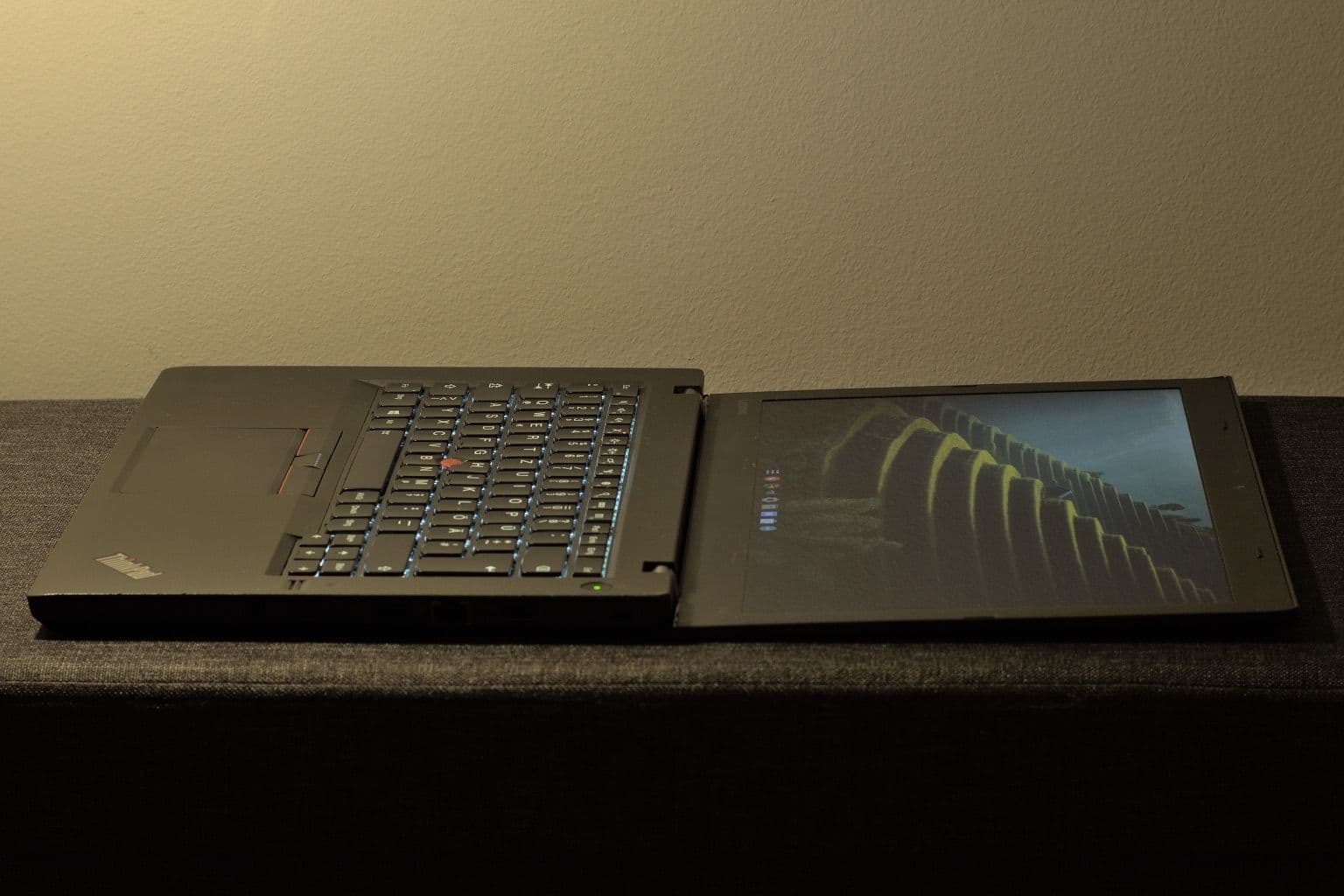
Cover photo: T460 fullopen by Albert György, via Wikimedia Commons (CC BY 4.0).

