Core Network Switch for UK Sites: When You Actually Need One
A UK business needs a separate core network switch when it has more than a couple of access switches to join together, routes traffic between several VLANs, hosts servers or storage on site, or cannot accept one box failing and taking the whole site offline. A small office with one or two switches and a firewall doing the routing usually does not. Between the two sits the collapsed core: one redundant pair of switches that does both the core and the aggregation job, which is the right answer for most SMEs that have outgrown a flat network. This guide explains how to tell which group you are in, and what to look for in throughput, redundancy and routing when you buy.
Codeeo Tech is a Dubai IT hardware reseller at Building A1, IFZA Business Park, Dubai Silicon Oasis. We have no UK office or UK stock, but UK buyers can request a quote with delivery to the UK.
Signs your site needs a core network switch
Most small offices start with a firewall and one switch. Routing between VLANs happens on the firewall, and that is fine while traffic is light. The case for a dedicated core builds up as these appear:
- More access switches than one switch can uplink cleanly. Once you have a cupboard on each floor, or several buildings, each needs fibre back to a central point with enough fast ports to take them all.
- Heavy traffic between internal VLANs. If staff pull large files from an on site server, or cameras stream to a recorder, sending all of that through the firewall makes the firewall the bottleneck. A layer 3 switch routes between VLANs at switching speed.
- Servers and storage on site. Hosts with 10G or 25G links need a switch with ports that fast and the capacity to serve them together.
- Uptime requirements. If one failed switch taking down every floor is unacceptable, you need a redundant core, and that means at least two switches working as a pair.
If none of those apply, spend the money on better access switches and a second internet line instead.
Collapsed core: the usual answer for SMEs
Textbook campus networks have separate access, distribution and core layers. A collapsed core merges distribution and core into one tier. Every access switch uplinks to a pair of core switches, which also route between VLANs and connect to the firewall and the server room.
Cisco positions its Catalyst 9500 family as its lead fixed platform for enterprise core and aggregation, and describes the Catalyst 9600 modular family as a core and distribution platform, with the SUP-1 supervisor aimed at layer 3 core or collapsed core designs. In other words, the vendor builds for this design explicitly.
A collapsed core suits a single building or a compact campus where every access cupboard can reach the main comms room over fibre. It removes a layer of hardware, a layer of configuration and a hop for every packet. A separate distribution tier only starts to pay for itself across several large buildings. The VLANs the core routes between are planned at the edge, and our guide to segmenting an office network with VLANs covers that step.
Throughput and backplane: reading the numbers
Core switch data sheets quote switching capacity and forwarding rate. Switching capacity is the total traffic the switch can move across all ports at once; forwarding rate is how many packets per second it can process. For a core, both should comfortably exceed the sum of everything that could hit it at once.
The Catalyst 9500 data sheet shows how wide the range is. It lists the C9500-16X at up to 480 Gbps and 360 Mpps, the C9500-24Y4C at up to 2.0 Tbps, the C9500-32QC and C9500-48Y4C at up to 3.2 Tbps, and the C9500-32C at up to 6.4 Tbps. The 9500X models go higher again.
To size it, add up the uplinks you will connect. Twelve access cupboards each with two 10G uplinks is 240 Gbps of access bandwidth, before servers and the firewall. A 16 port 10G model would be full on day one; a model with 24 or 48 ports of 25G gives room for growth and faster uplinks later. Port count and port speed usually decide the model long before capacity becomes the limit, but check both.
Codeeo Tech lists core models across that range, for example the C9500-16X, the C9500-24Y4C and the C9500-48Y4C, through Add to Quote.
Redundancy: StackWise Virtual, dual supervisors and power
A core that is a single box is a single point of failure for the whole site. There are three common ways to avoid that.
Two fixed switches as one logical switch
Cisco's StackWise Virtual joins two Catalyst 9500 switches into one logical switch. The data sheet says multichassis EtherChannel can span the two members, which means each access cupboard's pair of uplinks can land one on each core switch and still act as one bundle. If a core switch fails, the cupboard keeps working on the other link. The data sheet also notes that stateful switchover on the fixed 9500 models requires StackWise Virtual.
One modular chassis with two supervisors
A modular chassis takes the redundancy inside the box. Cisco's Catalyst 9600 data sheet describes the C9606R as a six slot chassis with four line card slots and two supervisor slots, supporting one plus one redundant supervisors with stateful switchover. The C9606R chassis suits sites that need high port density or expect to add line cards over time. The 9600 supervisors also support StackWise Virtual, so two chassis can be paired for larger sites.
Power supplies and fans
Cisco says both 9500 families support dual redundant power supplies, but ship with one by default. Order the second supply, and connect each to a different power feed or UPS where the building allows. The data sheet also describes field replaceable fans, so a failed fan does not mean a failed switch.
For smaller sites, a stack of capable access class switches can act as a modest collapsed core, and our article on stacking versus chassis compares the approaches.
Layer 3 routing at the core
Routing between VLANs is the core's main job besides moving traffic. Cisco's Catalyst 9500 data sheet lists OSPF, EIGRP, IS-IS, BGP, RIP and static routing, along with multicast routing, MPLS features and VXLAN with BGP EVPN.
Most UK SMEs need far less than that list. Typical needs are routed VLAN interfaces for each user, voice, camera and server VLAN, a default route to the firewall, and perhaps OSPF if there is a second site or a separate WAN router. Two points matter at purchase:
- Licence tier. The 9500 data sheet describes Network Essentials as foundational layer 2 and layer 3 switching, and Network Advantage as adding advanced routing, segmentation, multicast and scale. Check which tier the features you need sit in before you accept a quote.
- Subscription. Cisco's data sheets describe subscription licences alongside the perpetual network tiers, in three, five or seven year terms. Make sure every quote you compare includes the same tier and term.
Keep the firewall at the edge doing what it does best: inspecting traffic to and from the internet, and between zones where you need policy. Let the core route trusted internal traffic. That split keeps both devices doing one job well.
Moving to a new core without a weekend outage
Most UK sites that buy a core network switch are replacing something: an old core pair, or a firewall that has been doing all the routing. The cut over is where projects go wrong, so plan it before the hardware arrives.
- Document what exists. List every VLAN, its gateway address, any DHCP relay settings, static routes and the firewall rules that depend on internal addressing. The new core must reproduce all of it.
- Build and test in advance. Configure the new pair on a bench or in a spare rack, with the same software release on both members, and test failover by pulling a power lead and an uplink before anything is live.
- Move one access cupboard at a time. Connect the new core to the old one, then move the uplinks of one floor or building, confirm users can work, and continue. Move the gateway addresses for each VLAN last, in a short evening window.
- Keep the old core for a fortnight. Leave it powered and labelled until you are sure nothing still depends on it. Then retire it, and remember that WEEE rules apply when you dispose of it.
Check optics early in that plan. The transceivers in each access cupboard have to match the new core's port speeds and the fibre type in the risers. A new core network switch with 25G ports can usually run its ports at 10G for existing uplinks, but confirm that for the exact model and optic, and order matching optics for both ends of every link that will change speed.
Finally, set up monitoring on day one. Send syslog and SNMP from both core members to a collector, alert on a member or supervisor going down, a power supply failing and an uplink dropping, and test those alerts. A redundant core that fails over silently can run for months on one leg before anyone notices.
UK practicalities: power, patching and import
A core network switch lives in the main comms room, and that room needs to be ready for it. Check rack depth and the airflow direction of the model against how the room is cooled, provide two power feeds, and size the UPS for both supplies under load.
Supported software matters too. The NCSC's Cyber Essentials Requirements for IT Infrastructure v3.3 say software on in scope devices, which includes network software and router and firewall firmware, must be licensed and supported, and that critical or high risk fixes must be applied within 14 days of release. Redundant core pairs make that easier, because one member can be upgraded while the other carries traffic.
For hardware shipped from Dubai, the UK Trade Tariff lists commodity code 8517 62 00 00, covering switching and routing apparatus, with a third country duty of 0.00% and VAT at 20%. GOV.UK guidance on postponed VAT accounting says VAT registered businesses can account for that import VAT on their VAT Return through postponed VAT accounting. CE marking remains accepted in Great Britain alongside UKCA following the government's 2023 indefinite extension.
Frequently asked questions
Can a firewall act as our core?
For a small office with light internal traffic, yes. Once internal traffic between VLANs grows, or there are many access switches to aggregate, a layer 3 core switch routes that traffic faster and frees the firewall for inspection.
What is the difference between a core switch and an access switch?
Access switches have many copper ports and PoE for end devices. A core switch has fewer, faster fibre ports, much higher switching capacity, layer 3 routing and redundancy features, and connects switches rather than people.
Do we need two core switches?
If losing the core for a few hours would stop the business, yes. A pair running StackWise Virtual, or a chassis with dual supervisors, lets the site survive a hardware failure or a software upgrade.
Is a Catalyst 9500 overkill for a 100 person office?
It depends on the uplinks and servers rather than headcount. The smaller 9500 models start at 16 ports of 10G, which suits a modest collapsed core. Count the uplinks and server ports first, then choose.
What to send with a core switch enquiry
- The number of access cupboards and the uplink speed and fibre type from each.
- Servers, storage or recorders that will connect to the core, with their port speeds.
- Whether you want a redundant pair, a chassis or a single core network switch.
- The routing you need: inter VLAN only, OSPF, BGP or more, so the licence tier can be matched.
- Rack space, power feeds and the UK delivery address with your EORI number.
Send those through the Codeeo Tech contact form, and the reply can propose a core that fits the site rather than the biggest box on the list.
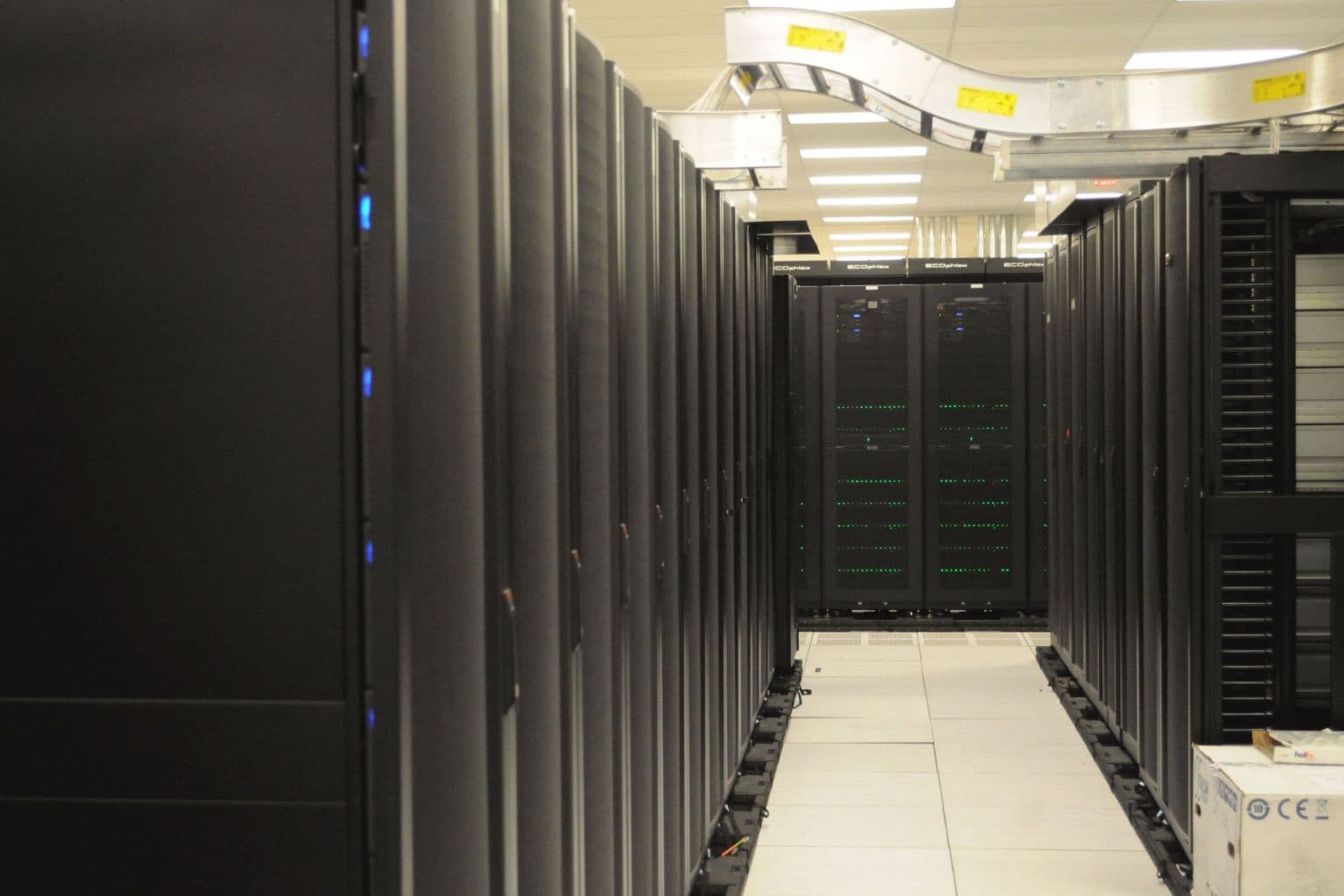
Cover photo: Front of server racks at NERSC, via Wikimedia Commons (CC0).

