Dell Inspiron 15 in Dubai: How to Check a Used Unit Before You Pay
A used Dell Inspiron 15 is a sensible buy in Dubai when four things check out: the service tag matches the machine in front of you, the battery still holds a useful share of its original capacity, the processor generation suits the software you plan to run, and the keyboard and screen pass a ten minute hands on test. Everything else, from the chassis scuffs to the charger, is negotiable. This guide walks through those checks in the order we would do them at a counter, using Dell's own support tools, and ends with the used Inspiron 15 units listed in the Codeeo Tech catalogue and what to ask before you request a quote.
The Inspiron 15 name covers more than a decade of different machines. Units from the 3000 and 5000 lines with fourth, fifth, sixth and seventh generation Intel Core processors all wear the same badge, and they behave very differently in 2026. Treat the name as a family, not a specification.
Start with the service tag, not the sticker on the box
Every Dell laptop carries a service tag, a seven character alphanumeric code that Dell uses to identify the exact unit and its original configuration. Dell's support page on locating the tag says it sits on the bottom cover, either etched into the casing or printed on a sticker. On an older Inspiron that has been through a few owners, the sticker is often faded or peeled, so read it from the firmware as well.
Dell lists three reliable ways to read the tag from the machine itself:
- BIOS setup. Restart and press F2 repeatedly at the Dell logo. The service tag field sits under Overview or System Information. Exit without changing anything.
- SupportAssist. If the app is installed, the service tag shows on its main screen.
- Command line. In an administrator PowerShell window, run
Get-WmiObject win32_bios | Select-Object SerialNumber. Dell notes that the older wmic command is disabled by default from Windows 11 24H2, so PowerShell is the safer choice.
The full method is on Dell's service tag page for laptops. Once you have the code, enter it on Dell's support site. The result shows the model name, the original configuration as shipped, and the warranty status. Three things should line up:
- The tag on the bottom cover matches the tag in the BIOS. A mismatch usually means a replaced motherboard or a swapped bottom panel. Neither is a crime, but you should be told about it.
- The model Dell reports matches the model the seller advertised. A listing that says Inspiron 15 5567 should return an Inspiron 15 5567.
- The processor and memory Dell reports as shipped are consistent with what Windows shows now. Memory and storage are often upgraded on used units, which is fine, but a different processor family means a different motherboard.
If a seller will not let you see the service tag before payment, walk away. It costs them nothing to show it.
Warranty and ownership on a used Dell Inspiron 15
Most used Inspiron 15 units on the market in Dubai are well past their original warranty, and the service tag lookup will say so. If a unit does still show active cover, Dell runs an ownership transfer process for products bought second hand. Dell's ownership transfer article asks for the service tag and the previous owner's details: name or company, address and country. It warns that incomplete details delay the request or lead to a refusal, and it gives typical processing times of seven to ten business days for a domestic transfer and fifteen for an international one.
Two points from that article matter in the UAE. First, service contracts are valid in the country or region of purchase, and some contract types may not transfer outside it. A unit bought new in another country and carried to Dubai may carry warranty that does not help you here. Second, Dell may ask for proof of purchase. When you buy a used laptop for a business, ask for an invoice that names the model and the service tag, so your own records and any later transfer request start from the same document.
Check battery health properly
Battery wear is the most common hidden cost on a used Inspiron. A pack that reads 100 percent in the taskbar can still be a fraction of its design capacity, because the percentage is relative to whatever the cells can hold today.
Windows has a built in report for this. Open a command prompt and run powercfg /batteryreport. Microsoft's documentation describes it as a report of battery usage characteristics over the lifetime of the system, saved as an HTML file in the current folder. Open the file and compare the design capacity with the full charge capacity. The gap between them is your real wear figure. The report also shows recent usage and estimated runtime at full charge, which helps you judge whether the unit will last a meeting away from the desk.
Dell's own preboot diagnostics are the second check. Dell's guide to its diagnostics says to press F12 repeatedly at the Dell logo to reach the One Time Boot Menu, then choose Diagnostics. The quick test runs a basic hardware sweep, and the advanced test lets you pick devices and run a thorough mode. The tool also has a Health tab and a log of previous test runs. Read the log: repeated earlier failures on a unit that passes today tell you something about its history. Dell's article is How to Run Dell Preboot Diagnostics.
Then do the physical checks the software cannot:
- Put the laptop on a flat desk and look along the bottom panel. A swollen battery pushes the panel or the keyboard deck out of line. Any bulge means the battery needs replacing before the laptop goes anywhere near a bag or a car in a Dubai summer.
- Unplug the charger and watch the percentage for ten minutes of light use. A sudden drop or an unexpected shutdown points to a weak cell.
- Check that the charger is the correct wattage for the model. An underpowered adapter can charge slowly or throttle the machine under load.
The processor generation decides what the laptop can run
The single most important specification on a used Dell Inspiron 15 in 2026 is the Intel Core generation, because it decides the operating system. Microsoft's list of Windows 11 supported Intel processors starts its Core entries at the 8th generation. Fourth, fifth, sixth and seventh generation Core chips are not on it. Microsoft's Windows 10 end of support page confirms that Windows 10 support ended on 14 October 2025, after which those PCs no longer receive regular security fixes unless enrolled in the paid Extended Security Updates programme.
That does not make an older Inspiron useless. It makes it suitable for specific jobs rather than general office use on a company network:
| Generation on the unit | On Microsoft's Windows 11 list? | Reasonable use in 2026 |
|---|---|---|
| 4th to 7th generation Core | No | Offline tasks, a kiosk or training machine, a spare for a lab, or Linux for staff who are comfortable with it |
| 8th generation Core and later | Yes | General office work on a managed company network, subject to the other checks in this guide |
To confirm the generation, open Settings, then System, then About, and read the processor name. For these older chips, the four digit number after i3, i5 or i7 starts with the generation: a 7200U is seventh generation, an 8250U eighth. Do not rely on the listing title alone. Check the chip on the screen.
Keyboard, screen, ports and hinges: the ten minute bench test
Software checks find the expensive faults. A hands on test finds the irritating ones that make staff hate a machine.
Keyboard and touchpad
Open Notepad and type every key, including the function row, the number pad on 15 inch models that have one, and the arrow cluster. Hold Shift and type the number row. Sticky or dead keys usually mean a keyboard replacement, so price that into your decision or ask the supplier to fix it first. Test both touchpad buttons, two finger scrolling and tapping.
Screen
Set a plain white background at full brightness and look for dead pixels, bright patches near the edges and yellow tinting. Then set a plain black background and look for light bleed. Open and close the lid slowly while watching the image. Flicker or a blank screen at certain angles points to a worn display cable, which is common on laptops that have been opened and closed thousands of times.
Hinges and chassis
A loose hinge on an Inspiron often signals a cracked hinge mount inside the lid or base. Hold the base and move the screen gently. It should stay where you put it. Look at the corners for cracks and at the screws on the bottom panel for stripped heads, a sign of repeated amateur repair.
Ports and wireless
Plug a USB stick into every port. Plug in a monitor through the HDMI port if the model has one. Connect to a wireless network and run a download to confirm the adapter holds the link. Test the headphone socket, the webcam and the microphone in a quick video call. These take two minutes and catch the faults most often missed.
Storage
Some used Inspiron 15 units have had a hard drive swapped for an SSD, which is a genuine improvement. Ask what the drive is, and run the diagnostics storage test. If the unit still has its original spinning hard drive, budget for an SSD; the speed difference on an older laptop is larger than any processor difference.
Used Inspiron 15 units in the Codeeo Tech catalogue
The Codeeo Tech store lists several used Inspiron 15 models. Their listing titles give the generation, which is the figure that matters most from the section above. Every one of these predates Microsoft's Windows 11 processor list, so they suit the specific roles in that table rather than general office deployment.
- Inspiron 15 5567 with an Intel Core i5, 7th generation, the newest generation among the used Inspiron 15 listings.
- Inspiron 15 5559 with an Intel Core i5, 6th generation, listed with 8 GB of memory and a 256 GB SSD.
- Inspiron 15 3537 with an Intel Core i5, from the 3000 line.
The catalogue also includes older Inspiron 15 units with 4th and 5th generation Core i3 and i5 chips. As with every product on the store, pricing is through Add to Quote. Before you request one, decide which role it will fill and ask for the service tag so you can run the lookup yourself. For a wider view of what drives used laptop value in the city, read our guide to second hand laptop prices in Dubai, and for the case for and against refurbished kit in a business, refurbished versus new hardware in the UAE.
When a newer machine is the better answer
If the laptop will join a company network, hold client data or be used daily by a staff member, the operating system question usually settles it. A used unit outside Microsoft's processor list will need either the paid security update programme, an alternative operating system or replacement within a short period. A newer business laptop with a current processor and a warranty in your company's name is often cheaper across its working life than a used consumer machine bought for a year.
It is also worth knowing that Dell retired the Inspiron name at CES in January 2025, moving its range to Dell, Dell Pro and Dell Pro Max lines with Base, Plus and Premium tiers. Every Inspiron 15 you see for sale in Dubai is therefore an existing unit from before the rename, which keeps the generation check above the main point of comparison.
Frequently asked questions about the Dell Inspiron 15
How do I check the warranty on a used Dell Inspiron 15?
Read the seven character service tag from the bottom cover or from the BIOS with F2, then enter it on Dell's support site. The result shows the model, original configuration and warranty end date. If cover remains, Dell's ownership transfer form needs the previous owner's details.
Can a 7th generation Inspiron 15 run Windows 11?
Seventh generation Core processors are not on Microsoft's published list of supported Intel processors for Windows 11, which begins at the 8th generation. Plan its role around that rather than assuming an upgrade.
What battery wear is acceptable on a used laptop?
There is no single cut off. Compare design capacity with full charge capacity in the powercfg battery report and decide against the job. A desk machine that stays on the charger can tolerate heavy wear; a laptop that travels to client sites cannot. Any physical swelling means replacement, whatever the numbers say.
Does Codeeo Tech repair Dell laptops or handle Dell warranty claims?
No. Codeeo Tech is a hardware supplier, not a Dell service centre. Warranty claims go through Dell support using the service tag. We can supply units, replacement batteries or newer laptops on a quote.
Why do two Inspiron 15 listings with the same name look so different?
Because Inspiron 15 describes a screen size class used across many years and models. The four digit model number and the processor generation tell you what you are actually looking at.
What to send with a used Inspiron enquiry
- The role the laptop will fill: daily office use, a spare, a kiosk or a lab machine.
- The operating system you need on it, so the processor generation can be matched.
- Minimum memory and storage, and whether an SSD is required.
- How many units, and whether they need matching chargers.
- The company name the invoice should carry, so the service tag and invoice start your asset record together.
Send those answers through the Codeeo Tech contact form. We are at Building A1, IFZA Business Park, Dubai Silicon Oasis, and the reply can include the service tags of the units on offer so you can check them before you commit.
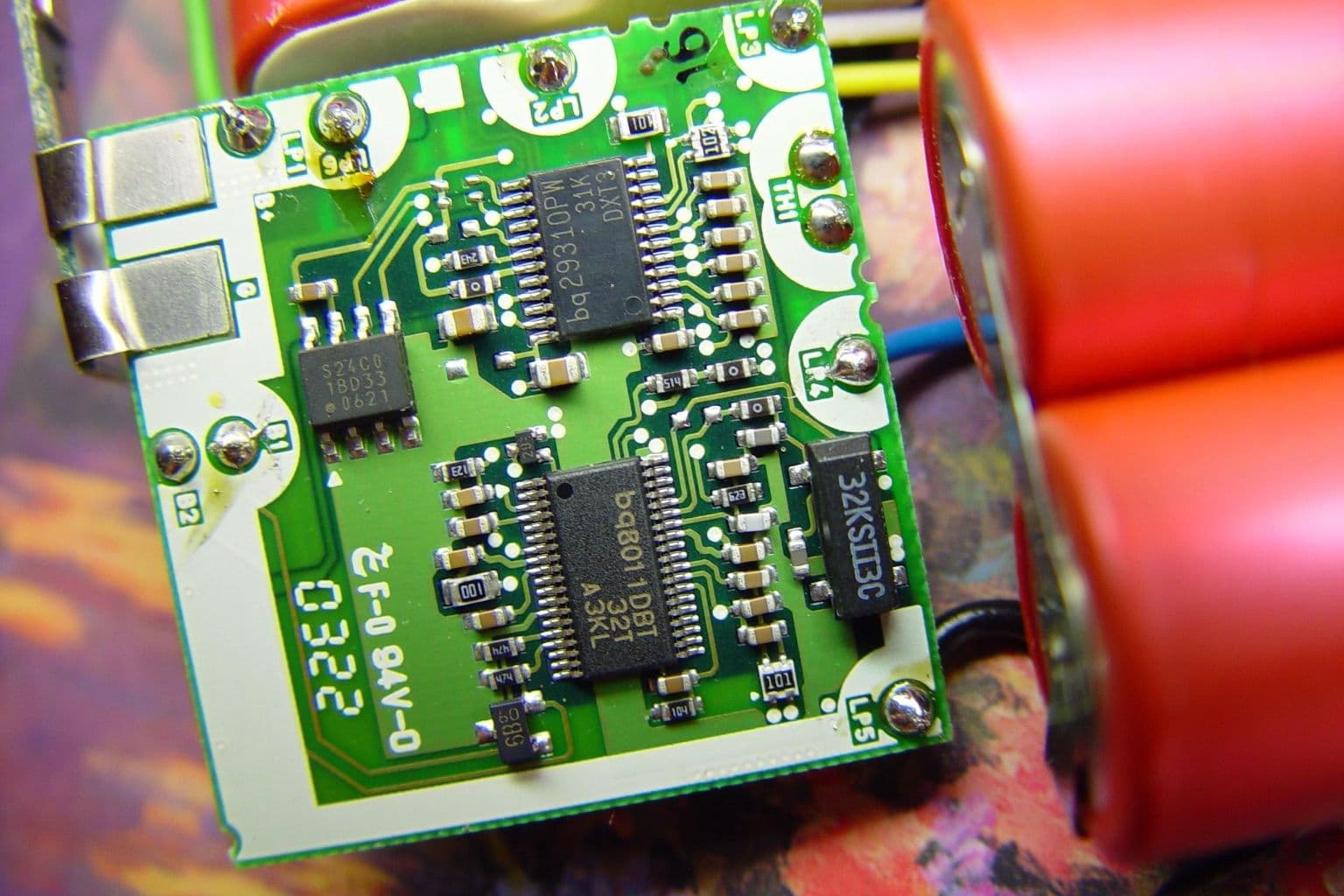
Cover photo: Laptop battery charger circuit board, via Wikimedia Commons (Public domain).

