HP or HPE: Two Companies, Two Warranty Systems, One Common Mistake
HP Inc. and Hewlett Packard Enterprise have been two separate public companies since 1 November 2015, and they run two separate warranty systems that do not talk to each other. If the box in front of you is a server, a storage array, a switch or a wireless access point, its support record lives with HPE. If it is a laptop, a desktop, a printer, a headset or a meeting room video bar, the record lives with HP Inc. The common mistake is checking the wrong one, getting no result, and concluding that a machine still under cover is out of warranty.
HPE prints the split at the bottom of its own support pages: "Products sold prior to the November 1, 2015 separation of Hewlett-Packard Company into Hewlett Packard Enterprise Company and HP Inc. may have older product names and model numbers that differ from current models." That disclaimer sat on the HPE Support Center warranty check help page when we read it on 24 September 2026, and it explains why kit bought before that date often carries a name pointing at the wrong company.
Which company owns your hardware
Two acquisitions have moved the boundary since the split, and both catch UAE buyers out. HPE closed its acquisition of Juniper Networks on 2 July 2025, announced from Houston on the same day, with former Juniper chief executive Rami Rahim taking over the combined HPE Networking business. Going the other way, HP Inc. completed its acquisition of Poly on 29 August 2022, which means Poly and legacy Polycom conferencing phones, headsets and video kit sit with HP Inc., not with HPE. A finance manager in Business Bay holding a Polycom invoice from 2019 will try HPE first, and find nothing.
| What you own | Company | Where support lives |
|---|---|---|
| ProLiant servers, storage, Synergy | HPE | HPE Support Center |
| HPE Aruba Networking switches, APs, gateways | HPE | HPE Networking Support Portal |
| Juniper switches, routers, firewalls | HPE since 2 July 2025 | Juniper support, per your contract |
| EliteBook, ProBook, Z workstations, printers | HP Inc. | support.hp.com |
| Poly and Polycom phones, headsets, video bars | HP Inc. since 29 August 2022 | support.hp.com |
The naming gives a rough rule. ProLiant, Alletra, Synergy and Aruba are HPE. EliteBook, ProBook, ProDesk, LaserJet and Poly are HP Inc. It fails on anything printed before November 2015, because a server badged "HP ProLiant DL380 G7" is supported today by HPE even though the lid says HP.
The two warranty checks do not work the same way
HP Inc. runs an open lookup. Pick the country or region of purchase, type the serial number, submit, and the result appears without signing in. The country field is the part people skip. A ProBook bought from a Dubai reseller and checked against the United States page will not return the coverage that machine actually has, because entitlement is recorded against the country of purchase.
HPE runs a closed one. Its warranty check asks you to sign in to the HPE Support Center first, then takes the product serial number from the label. HPE describes the four states it returns: Active when the end date is more than 90 days away, Expiring Soon when it is less than 90 days away, Expired when the end date has passed and is less than one year ago, and Active in Future for contracts set up in advance. Put that 90 day boundary in your own calendar, because Expiring Soon is the last cheap moment to renew rather than buy support back.
The sentence that decides whether your end date is real
Buried in the same HPE help page is the line that matters most to anyone buying hardware in the Gulf: "If the product was registered with HPE, the expiration date of a warranty is based on the purchase date. Otherwise it is estimated based on the manufacture date."
Read that again with a Jebel Ali warehouse in mind. Enterprise hardware sits in distribution for months between the factory and a Dubai loading bay, so a server built in March and installed in September has lost six months of apparent cover before anyone racks it. Unregistered, HPE estimates from the manufacture date and shows the shorter number. Registered against your invoice, it counts from the purchase date. That five minute job on delivery day is the difference between three years of cover and roughly two and a half.
This is also the cleanest test of where a unit came from. If a serial returns a warranty that started well before you bought the machine, or returns a country that is not the one you bought it in, you are looking at stock that travelled a route the vendor did not intend. Our note on genuine versus grey market IT hardware in the UAE covers what to do next.
Checking a warranty is not the same as linking it
Here is the trap that costs UAE IT teams a night. HPE states plainly that "Entering a product serial number into HPE Support Center in the warranty status box does NOT link the warranty to your HPE Support Center account, and thus does not fulfill the download validation." Seeing green on the warranty page proves nothing about what you can download.
Downloads are gated separately. HPE's Service Pack for ProLiant validation document says access to the SPP "requires validation via the HPE Support Center" and that "An active warranty or HPE support agreement is required to download it." It then splits the contents: ProLiant safety and security firmware, iLO, controller components and drivers download without entitlement validation, while the SPP bundle, the BIOS System ROM and CPLD on out of warranty products route through an HPE sales representative, an authorised partner or HPE directly.
The practical consequence is simple. Link the warranty or support agreement to your HPE Passport account on the day the server is commissioned, not at 01:00 on a Friday when a security advisory has just landed and the maintenance window closes at 05:00. HPE notes you only have to do the linking once per entitlement. For what happens when firmware work is rushed, see why firmware updates break networks.
More than one portal, even inside HPE
Even inside HPE there is more than one front door. Its customer notice a00105670, last updated 28 September 2020, moved Aruba notifications to the Aruba Support Portal and added a line people miss: "This message is applicable to Aruba Products Notifications only. It is not applicable to other Hewlett Packard Enterprise products, including Servers and Storage."
So a Dubai office running ProLiant servers and HPE Aruba Networking access points keeps two HPE logins, plus support.hp.com for the laptops, plus Juniper's own support site if there is Juniper gear in the rack. Four portals for what the finance team sees as one vendor. The fix is boring and it works: one shared mailbox owns the HPE Passport and the HP Inc. account, and the credentials sit in the asset register rather than in one engineer's browser.
Disputing a status, and why commercial kit is different
If HP Inc. shows the wrong dates on a consumer product, there is a self service route. The results page carries a Dispute this link that opens a warranty validation form, where proof of purchase uploads as a file no larger than 2 MB in one of these formats: .bmp, .doc, .docx, .gif, .jpg, .png, .pdf or .zip.
Commercial products do not get that link. HP states that if the dispute link is not shown, the product may be a commercial one, and that a live customer support agent is required instead. Almost everything a UAE company buys for staff sits in that bracket, so the correction runs by phone with an invoice in hand. File the purchase invoice and the delivery note against the serial number from day one. The difference between business and consumer models is covered in our piece on business laptops versus consumer laptops.
What to capture at delivery
- Serial number and product number for every unit, photographed from the label rather than typed from the box.
- Which company supports it, HPE or HP Inc., written next to the serial in the asset register.
- Country of purchase, because HP Inc.'s lookup asks for it and the UAE is not the default on a US page.
- Registration confirmation for HPE hardware, so the end date counts from your invoice and not from the manufacture date.
- The HPE Passport account the entitlement is linked to, and the shared mailbox that owns it.
- Warranty end date, with a reminder 120 days before it, so you act while the status still reads Active rather than Expiring Soon.
Six fields in a spreadsheet, filled in once at delivery, stop an engineer losing an hour to the wrong portal during an incident.
Where Codeeo Tech fits
We supply the hardware side of this from Building A1, IFZA Business Park, Dubai Silicon Oasis, carrying HPE servers and storage, HPE Aruba Networking switches and access points, Cisco, Dell EMC, Juniper, Supermicro, Lenovo, APC and Poly. Every item on the store is quoted rather than priced, so serial numbers, product numbers and the warranty line are settled at quotation stage. Send your list through the contact page and ask for the part numbers in writing. Registration and portal access stay yours, but the paperwork they depend on starts with the quote.
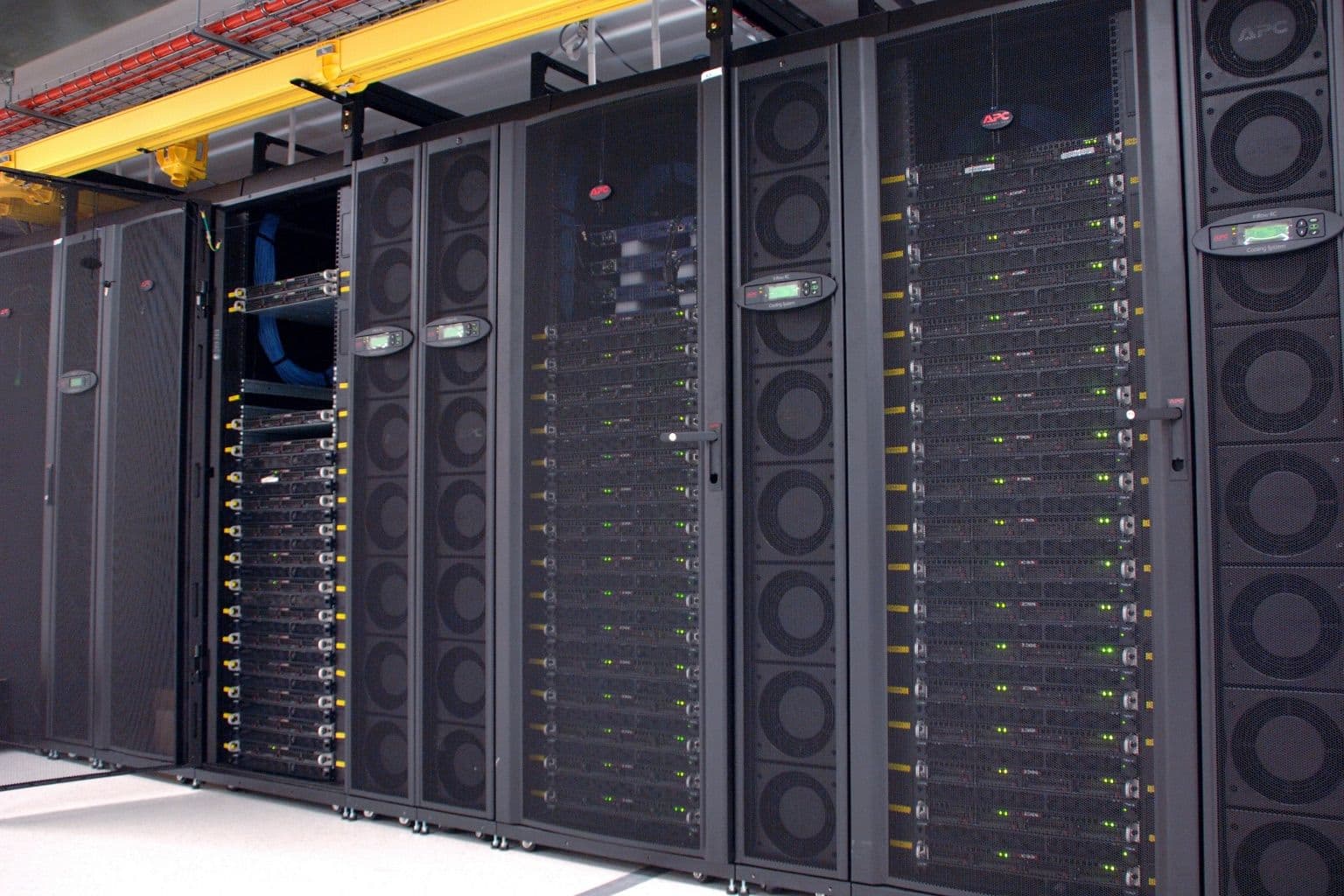
Cover photo: CSIRO ScienceImage 11313 The CSIRO GPU cluster at the data centre by division, CSIRO, via Wikimedia Commons (CC BY 3.0).

