Laptops for Students in Dubai: How to Read Your School's Device List
The right laptops for students in Dubai start with the school's own device list, not a shop's "student" shelf. Each school publishes its own bring your own device (BYOD) requirements, and they differ: one may want a Mac or a Windows laptop no older than three years, another only asks for a device with a physical keyboard. Read the list line by line for operating system, memory, storage, battery and wireless, then meet every line with some margin, add parental controls and damage cover, and you will have a laptop the school's systems accept on day one.
This guide shows how to read those lists, using real published examples from Dubai schools, and what to do about the things they leave out. We supply business laptops from Dubai Silicon Oasis, but the steps below apply wherever you buy.
Who sets the rules: the school, not a central list
Parents often ask whether there is an official Dubai standard for student laptops. We looked for one from the Knowledge and Human Development Authority (KHDA), which regulates private schools in Dubai, and did not find a published device specification. What we found instead were individual school policies. That means two families at different schools in the same community can need different machines, and a laptop that suited an older sibling's school may not suit a younger one's.
Always work from the current year's list on your own school's website or parent portal, and check its date. Policies are usually reviewed annually, and a list from three years ago may name operating system versions that are no longer supported.
Three real Dubai school lists, compared
These examples show how much the detail varies. They are summaries of documents we read on 20 October 2026; always check the live version for your child's year group.
| School | What the document asks for |
|---|---|
| GEMS Dubai American Academy | Grades 6 to 12 bring a laptop daily. Mac or Windows, in English. Not older than three years, at least 4GB of RAM with 8GB preferred, three to four hours of battery, and Wi Fi on both 2.4 and 5 GHz. |
| GEMS Winchester School Dubai | Secondary students use a device with a physical keyboard, ideally a laptop, but a tablet with an attachable keyboard is acceptable. The school takes no responsibility for loss or damage. |
| Dubai British School Emirates Hills | No hardware specification. The policy states a personal device will not be the sole means of accessing learning, and school devices are available for inclusion. |
The GEMS Dubai American Academy laptop requirements page is the most specific of the three, and it is a good model for reading any list because it covers each of the lines below.
Reading the list line by line
Operating system
Most lists name a minimum macOS or Windows version. Treat that as the floor the school's software needs, then check the version is still supported by its maker. A list that accepts Windows 10, for example, was written before Microsoft ended Windows 10 support on 14 October 2025, according to Microsoft's end of support page. A new or used laptop bought today should run Windows 11, so check Microsoft's Windows 11 requirements: a compatible 64 bit processor, 4GB of RAM, 64GB of storage and TPM 2.0.
If the school lists Chromebooks or iPads, confirm whether they are acceptable for your child's specific year. Some schools allow them in primary and expect a full laptop from secondary, when coursework involves desktop software.
Memory
Where a list says "at least 4GB, preferably 8GB", buy 8GB. The minimum figure is what the school's tools tolerate, not what keeps a laptop responsive with a browser, a video lesson and a document open. If the laptop will last through several school years, 16GB gives room for heavier software in later grades.
Storage
Many lists say nothing about storage, which is where cheap student laptops cut corners. Avoid eMMC storage and very small drives; a 256GB SSD is a sensible starting point for a Windows laptop that will hold coursework, apps and updates.
Battery
A school day can run seven hours with only some lessons using the laptop. GEMS Dubai American Academy asks for three to four hours, but plan for more. A maker's battery figure is measured under its own test conditions; Lenovo's spec sheet for one current ThinkPad, for example, adds that actual battery life varies with configuration, wireless use, power settings and screen brightness. Buy a laptop rated well above the school's minimum so a two year old battery still lasts the day.
Age of the device
An "under three years old" rule is common. It refers to the model's release, not the date you bought it. A brand new laptop of a model launched four years ago may not meet the rule, so check the launch year on the maker's spec page.
Wireless
Dual band Wi Fi (2.4 and 5 GHz) is standard on modern laptops, but older or very cheap models may lack 5 GHz support. If the school names it, confirm it on the spec sheet.
What the lists leave out: parental controls
School networks filter content on campus. At home, the controls are yours to set up. Both main platforms provide free tools:
- Windows with Microsoft Family Safety. Microsoft's support pages describe screen time limits set per day across Windows, Xbox and Android, website and search filtering in Microsoft Edge with other browsers blocked so the filter cannot be bypassed, and app and game blocking. Activity summaries show parents how the device is used.
- Chromebooks with Google Family Link. Google's help page lists options to allow all sites, try to block explicit sites, or only allow approved sites, plus app controls and the option to disable guest mode. It notes that for school accounts the school's Google Workspace administrator controls which services students can reach.
Set up a separate child account rather than letting a student use an administrator account. That one step stops most unwanted software installs.
Damage cover: drops and spills
Standard manufacturer warranties cover defects, not accidents. A dropped bag or a juice spill is accidental damage, and that needs a separate plan. GEMS Winchester's policy makes the point directly: the school does not take responsibility for damaged or lost devices and suggests checking whether a home insurance policy covers them.
The major laptop makers sell accidental damage plans, with similar limits:
- Dell Accidental Damage Service covers spills, drops, falls and collisions, electrical surges and screens broken by a drop. Dell's data sheet excludes theft, loss, fire, intentional damage and cosmetic damage, and Dell limits claims to one qualified incident per contract year.
- HP Care Pack Accidental Damage Protection covers spills and drops. HP's data sheet excludes theft, loss, fire and cosmetic damage, and says the plan must be bought within 30 days of the laptop.
- Lenovo Accidental Damage Protection covers drops, spills, bumps and structural failures. Lenovo's brochure excludes cosmetic damage, theft and fire, notes that it is not available in all markets, and says cover applies in the country of purchase.
Two practical points follow. First, ask the seller whether the plan is available for a UAE purchase and who handles claims locally, because each maker says availability varies by country. Second, buy it at the same time as the laptop, since some plans have a short window after purchase.
Durability for a school bag
Students carry laptops more than most adults. A few features make a real difference:
- A sturdy hinge and a lid that does not flex when you press the back of the screen.
- Rubber feet and a solid base, so the laptop does not slide off a desk when the cable is pulled.
- A weight your child can carry with books all day; compare the figure on the maker's spec sheet, with the charger added.
- USB C charging, so a lost charger is easy to replace.
- A padded sleeve. Many breakages happen when a laptop is carried loose in a bag with a water bottle.
Business laptops tend to do well here. A refurbished business model with a recent processor, such as the Dell Latitude 3440 with a 13th generation Core i5, or a convertible like the Lenovo Yoga L13 for students who want to write on screen, can meet a school list comfortably. Check the model's launch year against any age rule first.
When the list and the laptop do not match
Families often already own a laptop that nearly fits. Before buying anything, email the school's IT or digital learning team with the exact model and its specification and ask whether it will be accepted. Schools would usually rather say yes to a capable machine than have parents buy twice. Three situations come up often:
- The laptop is older than the age rule. Ask whether the rule is strict or a guide. If the machine runs a supported operating system with 8GB of memory and an SSD, some schools will accept it.
- The school prefers one platform. A school that "highly encourages" one operating system but accepts others is telling you where its teachers' instructions are written. Expect a little more self help on the other platform.
- A tablet instead of a laptop. Where a policy allows a tablet with a keyboard, check that the keyboard is a physical one that attaches, not just an on screen keyboard.
Setting up before the first school day
A laptop that arrives on the first morning still installing updates is a lost lesson. A week before term:
- Run every operating system update until none remain, then restart and check again.
- Sign in to the student's school account, usually Microsoft 365 or Google Workspace, using the details the school sends, and confirm the core apps open.
- Turn on cloud backup for the documents folder, so a broken laptop does not mean lost coursework.
- Label the laptop and charger with the student's name and class.
- Charge it fully and test a full day of light use at home.
These steps cost nothing and solve most of the problems schools see with laptops for students in the first week of term.
A checklist to take to the shop
- Print or save the school's current device list and highlight every line.
- Confirm the operating system version, and that it is still supported.
- Confirm memory (8GB or more), storage (SSD, 256GB or more) and dual band Wi Fi.
- Check the model's launch year if the list has an age limit.
- Ask about accidental damage cover and its UAE availability.
- Set up a child account and parental controls before the first school day.
If you are choosing laptops for students across several year groups, our guides to the best laptop for students by course and to battery, weight and durability go further into each area.
Questions parents ask about laptops for students
Does KHDA require a specific laptop?
We did not find a KHDA device specification. Requirements come from each school's own BYOD policy, so use your school's current list.
Is a Chromebook acceptable?
It depends on the school and year group. Some accept Chromebooks for younger students; others expect Mac or Windows in secondary because of desktop software. Ask before buying.
Mac or Windows?
Buy whichever the school lists and the coursework needs. Some schools encourage Macs but accept Windows. Note that Codeeo Tech does not sell Apple products, so our suggestions are Windows laptops.
Is 4GB of RAM enough if the school says so?
It meets the minimum, but 8GB is the practical floor for a smooth school day and is what schools such as GEMS Dubai American Academy say they prefer.
What if the laptop is lost or stolen?
Accidental damage plans from Dell, HP and Lenovo exclude theft and loss. Check whether your home or contents insurance covers a laptop taken to school.
What to send with an enquiry
- The school's device list, or a link to it.
- Your child's year group and any subjects with special software.
- Your budget and whether a refurbished business laptop is acceptable.
- Weight and screen size preferences.
- How many laptops, if you are buying for siblings.
Codeeo Tech prices every catalogue item through Add to Quote. Send those details through the contact form and we will reply from Building A1, IFZA Business Park, Dubai Silicon Oasis with laptops matched to the list.
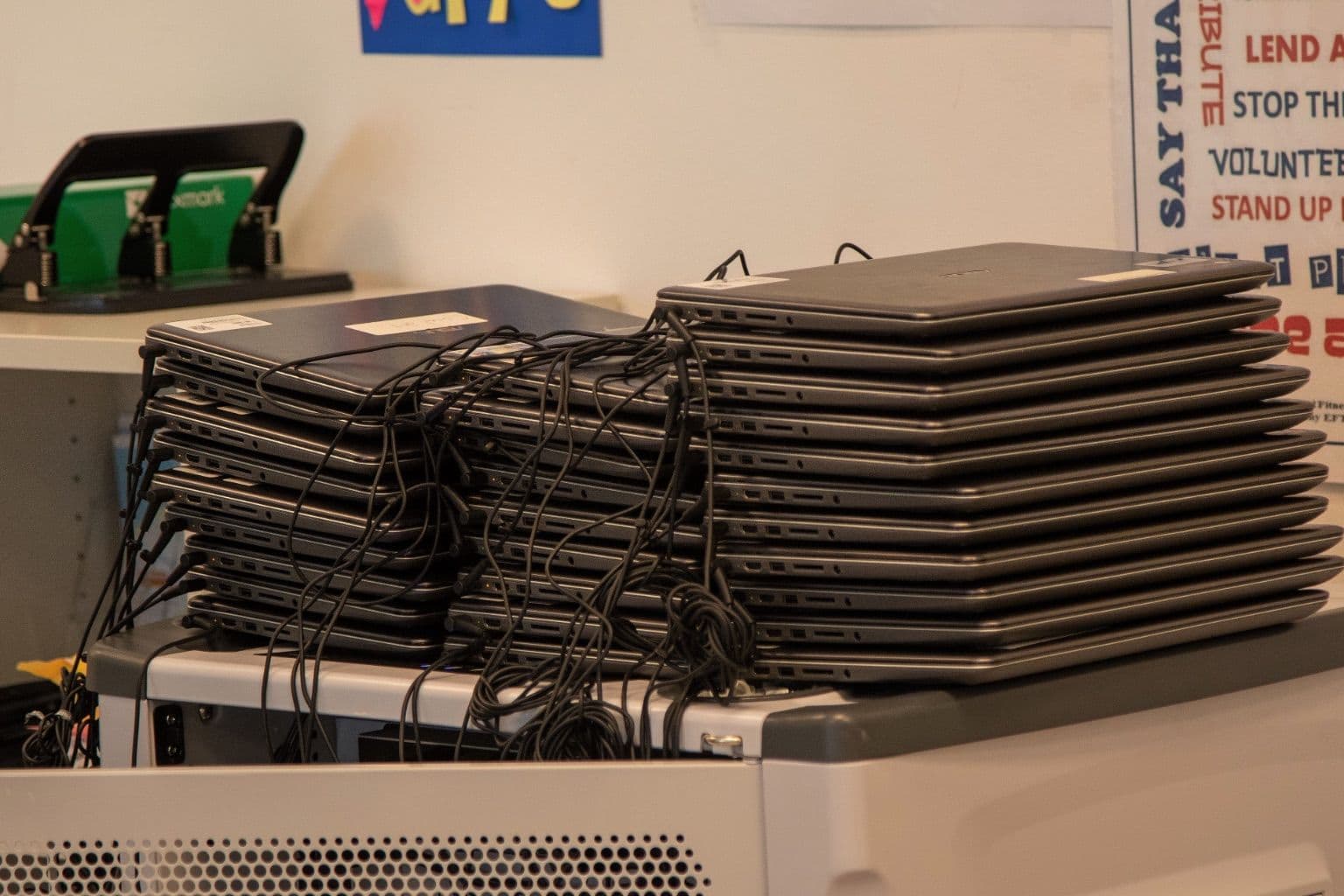
Cover photo: Wiesbaden High School Begins Digital Learning (6144718), via Wikimedia Commons (Public domain).

