Segmenting a Small Office Network With VLANs
VLAN segmentation splits one physical switch into several separate broadcast domains, so the camera in reception, the finance workstation and a visitor's phone stop sharing a network. For most Dubai offices under 100 staff, four to six VLANs covers it, and the work is a day of configuration rather than a new cabling contract. The part that gets missed is that a VLAN on its own is an addressing decision, not a security boundary. Traffic between VLANs has to be routed somewhere, and unless somebody writes rules at that point, you end up with a tidier network carrying exactly the same exposure it had before.
What the tag actually does
IEEE 802.1Q is the standard that defines VLAN tagging, and the current revision is 802.1Q-2022, titled Bridges and Bridged Networks. It inserts a tag into the Ethernet frame carrying a 12 bit VLAN identifier. Twelve bits gives 4,096 values, and because 0 and 4,095 are reserved, the usable range is 1 to 4,094. A switch reads that number and will not forward the frame to any port that is not a member of that VLAN.
That single rule is what buys you containment. Broadcasts and ARP requests stay inside their own VLAN, so a device that has been compromised can only see and talk to the other devices in its segment until something routes it further. Ports come in two flavours. An access port belongs to one VLAN and sends untagged frames to the device plugged into it, which is what a laptop or a camera gets. A trunk port carries several VLANs at once with tags intact, which is what you run to an access point, another switch or the firewall.
The 4,094 ceiling is not your budget
Hardware limits sit well below the standard's theoretical maximum, and they differ more than people expect. The Cisco Catalyst 1300 and 1300X data sheet states support for up to 4,094 VLANs simultaneously, with 4,078 to 4,094 held back for internal use. HPE's product reference for the Aruba Instant On 1930 is blunter: up to 256 VLANs, with a VLAN ID range of 2 to 4093. That second number matters more than the first, because it tells you VLAN 1 is not yours to hand out on that switch.
The real constraint is rarely the VLAN count anyway. It is the number of IP interfaces the switch will route between, and the number of subnets your IT team is willing to document. Cisco lists up to 128 IP interfaces on the Catalyst 1300, rising to 256 on the 10 Gigabit SKUs and the 1300X. No 60 person office in Business Bay is going to trouble either figure. What does happen is that a firm creates eleven VLANs during a fit-out, nobody records what three of them were for, and two years later an engineer is afraid to delete them. Six well named segments beat eleven vague ones. If you are still deciding what class of switch to buy, the trade-offs are set out in our note on managed and unmanaged switches, since an unmanaged switch cannot do any of this.
A segment plan for a 40 person office
A layout that holds up in practice for a single floor in Business Bay, JLT or DIFC looks like this. VLAN 10 for staff endpoints. VLAN 20 for voice, which both the Catalyst 1300 and the Instant On 1930 can assign automatically and prioritise with QoS, so handsets stay clear of a file copy saturating the uplink. VLAN 30 for guest wireless, terminating straight at the firewall with no route into anything internal. VLAN 40 for cameras and door controllers, which are the devices least likely to ever receive a firmware update. VLAN 50 for servers and storage. VLAN 99 for switch, access point and UPS management.
The camera segment earns its place on its own. Recorders and IP cameras are commonly installed with default credentials and left for years, and a Dubai site also has evidence retention obligations to think about, which we covered in the piece on Dubai Police CCTV requirements. Cameras on VLAN 40 should reach the recorder and nothing else. They do not need the internet, and they certainly do not need to reach VLAN 50.
Where the routing happens decides what segmentation is worth
Once the VLANs exist, something has to move traffic between them. There are two places to do it, and the choice changes what the segmentation actually delivers.
| Routing point | What you get | What you give up |
|---|---|---|
| The switch, using IP interfaces per VLAN | Wire speed traffic between segments, no new bottleneck | No inspection and little logging, so an infected laptop reaching the server VLAN leaves almost no trace |
| The firewall, with each VLAN as its own interface | Rules, logging and inspection on every crossing between segments | All inter-VLAN traffic now passes the firewall, and inspection cuts throughput sharply |
Most small offices should route guest, camera and server traffic at the firewall and leave routine staff traffic on the switch. Size the appliance for the internal load, not only the internet circuit, because a 500 Mbps office line tells you nothing about the several gigabits per second that may cross between VLAN 10 and VLAN 50. The scale of the drop when inspection is switched on is set out in our article on firewall throughput.
Six ways this goes wrong on site
- Management is left on the default VLAN. Every untagged frame on a misconfigured port lands in VLAN 1, which is why the Instant On 1930 starts its user range at 2. Give management its own ID and keep it off every access port.
- The new VLAN has no DHCP scope. Six VLANs need six scopes. A device that cannot get an address is the obvious symptom, and on an Instant On 1930 the switch itself falls back to 192.168.1.1 when no DHCP server answers, which is a useful tell.
- The trunk to the access point is missing a VLAN. The guest SSID broadcasts, users connect, and nothing works, because the tag has nowhere to go between the AP and the switch.
- Cameras get a rule allowing everything outbound. A camera VLAN with an any to any internet rule is segmentation on paper only. The same applies to a port forward opened to a recorder so somebody can view footage from home, a pattern we listed among the firewall rules that quietly undo security.
- The two ends of a trunk disagree on the native VLAN. Untagged frames arriving on a trunk are placed in whatever the native VLAN is set to. Configure the switch for VLAN 99 and the access point for VLAN 1, and untagged traffic quietly crosses from one segment into another while every status light stays green.
- Nobody writes the inter-VLAN rules at all. This is the common one. The VLANs are built, everything routes on the switch, every segment can still reach every other segment, and the business believes it is segmented.
If you take card payments, segmentation changes your audit scope
The PCI Security Standards Council published its information supplement, Guidance for PCI DSS Scoping and Network Segmentation, in December 2016, and two of its statements are worth knowing before you plan anything. The first is that isolating the cardholder data environment from the rest of the network is not a PCI DSS requirement. The second is that if you do use segmentation to reduce the scope of an assessment, the assessor must verify it is adequate, and all segmentation controls must be penetration tested at least annually.
The document is equally clear on where the line falls: a system sitting in the same subnet or VLAN as systems that store, process or transmit cardholder data is in scope, full stop. It also warns that many compromises happened through systems wrongly judged out of scope, where the business placed what it calls false reliance on segmentation. The Council has since issued further scoping and segmentation guidance aimed at modern network architectures, announced in March 2023. For a restaurant group or retailer in Dubai, the practical reading is that a payment VLAN is worth building and worth testing, and that an untested one may be worse than none, because it creates confidence nobody has earned.
Checks before you call it done
Four tests take under an hour and catch most of the above. Plug a laptop into an access port in each VLAN and confirm it gets an address in the right subnet. From the guest VLAN, try to reach a server on VLAN 50 by IP and confirm it fails. From the camera VLAN, try to reach anything on the internet and confirm it fails. Then check the firewall log actually recorded those two denials, because a rule that blocks silently gives you nothing to review in six months. Write the VLAN table into your asset register on the same day, while the reasons are fresh.
Codeeo Tech supplies the switching and firewall hardware this runs on, including Cisco and HPE Aruba, with every item quoted on request rather than listed at a price. The segmentation design itself is work for your IT team or integrator. If you want the hardware side scoped, send your floor count, port count, camera count and whether card payments are in play through the contact page, and we will quote against them.
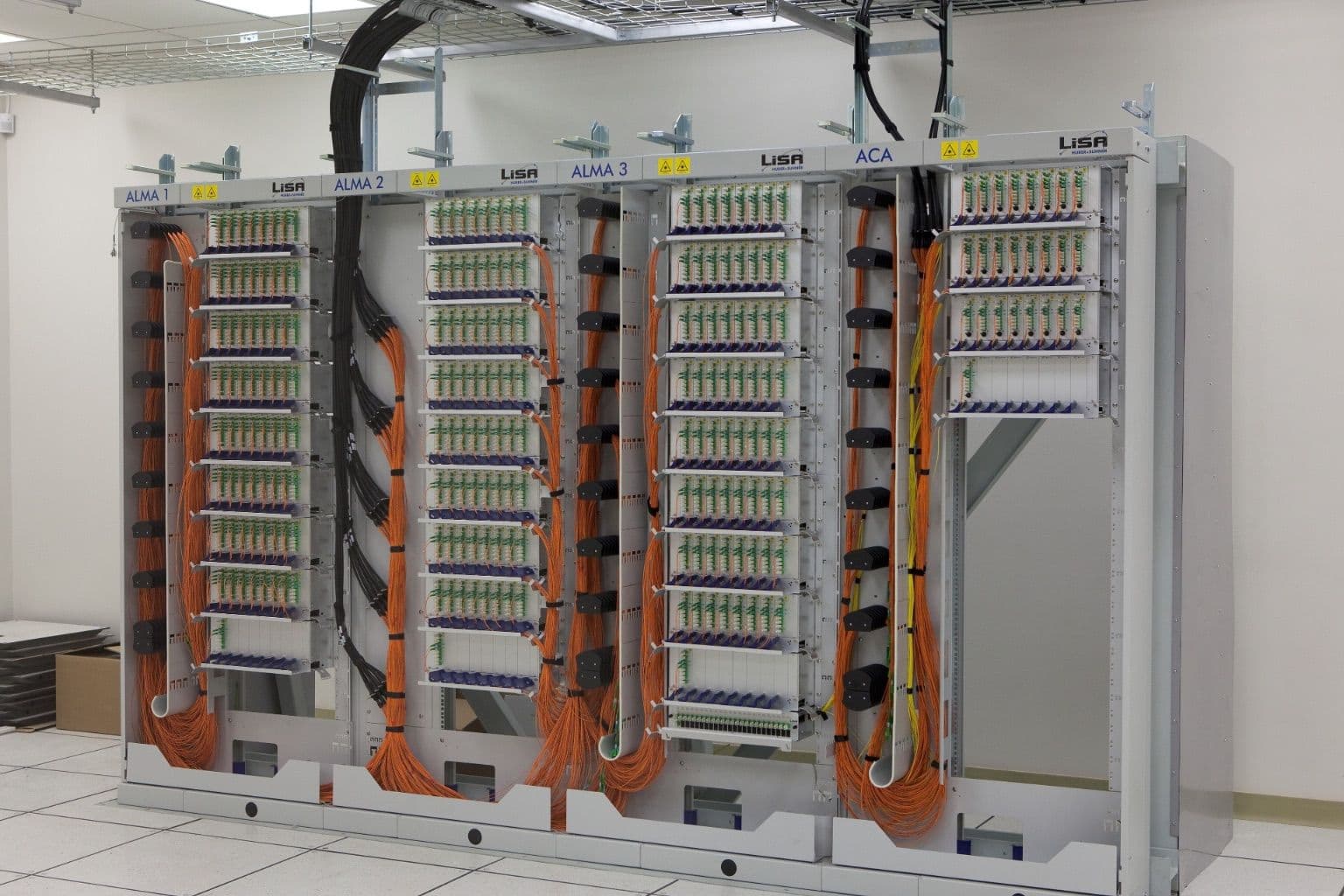
Cover photo: ALMA fibre optic patch panel (alma aos mar2009-1815) by ALMA (ESO/NAOJ/NRAO), via Wikimedia Commons (CC BY 4.0).

