Dell Server Buying in Dubai: PowerEdge Names, Sizing and Heat
Buying a Dell server in Dubai gets much easier once you can read a PowerEdge model name. The letter tells you the form factor (T for tower, R for rack, M or MX for blade, XE for specialist high performance systems), the first digit tells you the class and therefore how many processors it takes, the second digit tells you the generation, and the last digit tells you whether the processor is Intel or AMD. With that decoded, sizing comes down to four questions: tower or rack, how many cores and how much memory the workloads need, how many drives and of what type, and whether the room it will sit in can remove the heat. This guide works through each in turn, using Dell's own generation table and the PowerEdge models listed in the Codeeo Tech catalogue.
How Dell names a PowerEdge server
Dell's support article PowerEdge: Servers by generation sets out the scheme. It says the model name gives insight into the generation, the class of system, the form factor and the CPU socket count.
The letters
- T: tower servers, the free standing type that can sit under a desk or on a shelf.
- R: rack mountable servers.
- M or MX: modular blade servers that slide into an enclosure such as the MX7000 or the older M1000e and VRTX.
- XE: in Dell's words, purpose built for complex, emerging workloads that need high performance and large storage.
- XR: industrial grade servers for extreme environments.
- C and HS: compute optimised and cloud service provider designs, rarely relevant to an office server room.
Lower case suffixes add detail. Dell's table includes names such as R740xd, R760xs and R760xa, which are variants of the base model with different drive, feature or accelerator options, so read the variant's own specification rather than assuming it matches the base model.
Three digit names
For three digit names, Dell's article gives this reading:
- First digit, class. 1 to 3 are single CPU systems, 4 to 7 are dual CPU, 8 is two or four CPUs, and 9 is four CPUs.
- Second digit, generation. 0 for the 10th generation, 1 for the 11th, and so on. A 4 is 14th generation, a 6 is 16th.
- Third digit, CPU make. 0 for Intel, 5 for AMD.
So an R440 is a rack server, dual CPU class, 14th generation, Intel. An R940 is a four socket Intel rack server from the same generation. An R770 is a dual CPU class Intel rack server from the 17th generation.
Four digit names
Four digit names, used mainly for AMD systems, add a socket digit. The first digit is still the class, the second the generation, the third often gives the number of CPU sockets (1 or 2), and the fourth is the CPU make. An R7515 is therefore a class 7 rack server from the 15th generation with one AMD socket, and an R7625 is a 16th generation two socket AMD system. Dell's article also notes that classes 1 to 5 default to iDRAC Basic and classes 6 to 9 to iDRAC Express, which matters for remote management, covered below.
Which generation is a given Dell server?
The generation decides which processors, memory type and remote management controller you get, and how much firmware support remains. Dell's table, summarised:
| Generation | Example rack models | Example tower models | Remote management |
|---|---|---|---|
| 17th (17G) | R470, R570, R670, R770, R6715, R7725 | None listed in Dell's table | iDRAC10 (R670 and R770 can also use Open Server Manager) |
| 16th (16G) | R260, R360, R660, R760, R7625 | T160, T360, T560 | iDRAC9 |
| 15th (15G) | R250, R350, R450, R650, R750, R7515 | T150, T350, T550 | iDRAC9 |
| 14th (14G) | R240, R340, R440, R540, R640, R740, R740xd | T140, T340, T440, T640 (T40 has no iDRAC) | iDRAC9 |
| 13th (13G) | R230, R330, R430, R530, R630, R730, R730xd | T130, T330, T430, T630 (T30 has no iDRAC) | iDRAC8 |
| 12th (12G) | R220, R320, R420, R620, R720 | T320, T420, T620 (T20 has no iDRAC) | iDRAC7 |
Two practical points follow. First, the second digit is enough to place most models, so an R630 and an R640 that look identical on a listing are a full generation apart. Second, the entry level towers at the bottom of some generations (T20, T30, T40) have no iDRAC at all, which rules them out for any server you need to manage remotely.
Tower or rack for a Dubai office
The choice between T and R models is mostly about the room, not the workload.
- Choose a tower when there is no rack, the server will sit in an office or a cupboard, and you expect one or two servers in total. Towers are generally quieter and need no rails, but they take more floor space per server and are harder to tidy as the estate grows.
- Choose a rack server when you already have a rack with switches, a patch panel and a rack UPS, or when you expect more than two servers over the life of the building. Rack servers keep cabling, power and airflow organised, and they are designed for the front to back airflow a proper comms room provides.
Rack servers are loud. A 1U or 2U server built for a comms room is rarely comfortable to sit beside, so do not put one in an open office because the rack happens to be there. If the only space is in the office, a tower is the honest answer. Our guide to blade, rack and tower servers on the Codeeo Tech blog covers the trade in more depth.
Sizing the processor, memory and drives
Processors and sockets
Start from the workloads, not the server. List the virtual machines or services the Dell server will run, and the cores each needs today. Add room for growth over the server's working life. If one modern processor covers that with margin, a single socket class (1 to 3, or a four digit name with 1 in the socket position) keeps cost and power down. If not, move to a dual CPU class such as the 4, 5, 6 or 7 series. Check software licensing before adding a second socket, because some server software is licensed per core or per socket and a second processor can raise that cost more than the hardware.
Memory
Memory is the resource virtualised offices run out of first. Add up the memory each virtual machine needs, add the hypervisor's own requirement, and leave headroom for the largest machine to restart elsewhere if you run two hosts. Our guide on how much memory a virtualised UAE office needs works through the arithmetic. Populate memory evenly across channels as Dell's documentation for the model describes, rather than filling slots at random, so the processors run at full memory bandwidth.
Drives and the chassis option
The drive bays are set when you choose the chassis variant. Many PowerEdge models come in versions with large 3.5 inch bays for capacity or small 2.5 inch bays for more drives and SSDs; the Codeeo Tech listings show the bay format at the end of the title, for example an R440 listing that ends in 3.5 and 4, and a T440 listing that ends in 3.5 and 8. Decide the RAID level and usable capacity first, then pick the chassis that fits it with spare bays. The storage controller matters as much as the drives: a hardware RAID controller with cache protects write performance, while a basic controller suits simpler setups. Plan backups separately, because RAID protects against a failed drive, not against deletion or ransomware.
iDRAC: remote management you should not skip
The integrated Dell Remote Access Controller, iDRAC, lets you see a server's health, read its logs, update firmware and use its console when the operating system is down, all over the network. For a server in a locked comms room or at a branch site, it turns a site visit into a login. The generation table shows which version you get: iDRAC10 on 17G, iDRAC9 on 14G to 16G, iDRAC8 on 13G.
The feature level depends on the licence. Dell's naming article notes that lower classes default to iDRAC Basic and higher classes to iDRAC Express, and some features need a higher tier than the default. When you request a quote, say which iDRAC features you expect, so the licence on the server matches how you plan to run it. Put the iDRAC port on a separate management network, not on the office LAN.
Comms room heat in a Dubai summer
Servers are designed to run within a stated inlet temperature range, and every PowerEdge technical guide has an environmental specifications section that gives it for that model, along with any limits that apply to particular processors, drives or GPUs. Read it for the exact configuration you are buying. In Dubai the outside temperature is not the issue; the issue is what happens to a small server room when the split unit fails, when the building switches off central cooling at night, or when a door is propped open to the corridor.
- Measure the inlet temperature at the front of the rack, not the room thermostat reading.
- Keep hot exhaust from wrapping round to the front: blanking panels in empty rack units help.
- Add the server's heat output to the room's existing load before assuming the current cooling copes.
- Set iDRAC temperature alerts so you hear about a cooling failure before the server shuts itself down.
Our guide to cooling a comms room in Dubai summer conditions covers redundancy and monitoring for small rooms.
PowerEdge models in the Codeeo Tech catalogue
The Dell section of the Codeeo Tech store lists PowerEdge servers across several generations, each priced through Add to Quote. Reading their names with the method above:
- 13th generation: R230 and R330 (single CPU class rack), R430, R530, R630 and R730 (dual CPU class rack), and T330 and T630 towers. All use iDRAC8.
- 14th generation: the PowerEdge R440 in several processor options, R540, R640, R740 and R740xd, the four socket R840 and R940, and the PowerEdge T440 tower and T640. All use iDRAC9.
- 15th generation: R250, R350, R450, R550, R650, R650xs and R750 on Intel, and R6515, R6525 and R7515 on AMD. All use iDRAC9.
If you are not sure which generation fits, tell us the workloads and the room, and we will suggest a model with the reasoning written down.
Frequently asked questions about Dell servers
What does the R in a Dell PowerEdge name mean?
R means a rack mountable server. T is a tower, M or MX a modular blade, and XE a system built for high performance workloads such as GPU computing.
How do I tell the generation of a PowerEdge server?
Read the second digit of the model number. Dell counts from 0 for the 10th generation, so an R640 is 14th generation and an R760 is 16th. For a specific unit, enter its service tag on Dell's support site; Dell's page on finding a service tag shows where it is printed.
What does a 5 at the end of a PowerEdge name mean?
It means an AMD processor. A 0 in the last position means Intel. Four digit AMD names such as R7515 also include a socket digit.
Is a tower server enough for a small Dubai office?
Often, yes. If the server will sit outside a rack and you expect only one or two, a tower is quieter and simpler. Make sure the model has iDRAC if you want remote management.
Does Codeeo Tech provide Dell warranty service?
No. Codeeo Tech supplies Dell hardware on quotation and is not a Dell service centre. Warranty and support run through Dell against the service tag, so ask for the warranty terms on the quotation.
What to send with a Dell server enquiry
- The workloads: the applications or virtual machines, with their current core and memory use.
- Usable storage needed now and in three years, and the RAID level you prefer.
- Tower or rack, and the rack depth if it is a rack.
- The room: its cooling, its UPS capacity and whether power is single or dual feed.
- The iDRAC features you need and the operating system or hypervisor you will run.
Send those through the Codeeo Tech contact form. We are at Building A1, IFZA Business Park, Dubai Silicon Oasis, and the reply will name the PowerEdge model, generation and configuration proposed, so you can check it against Dell's table yourself.
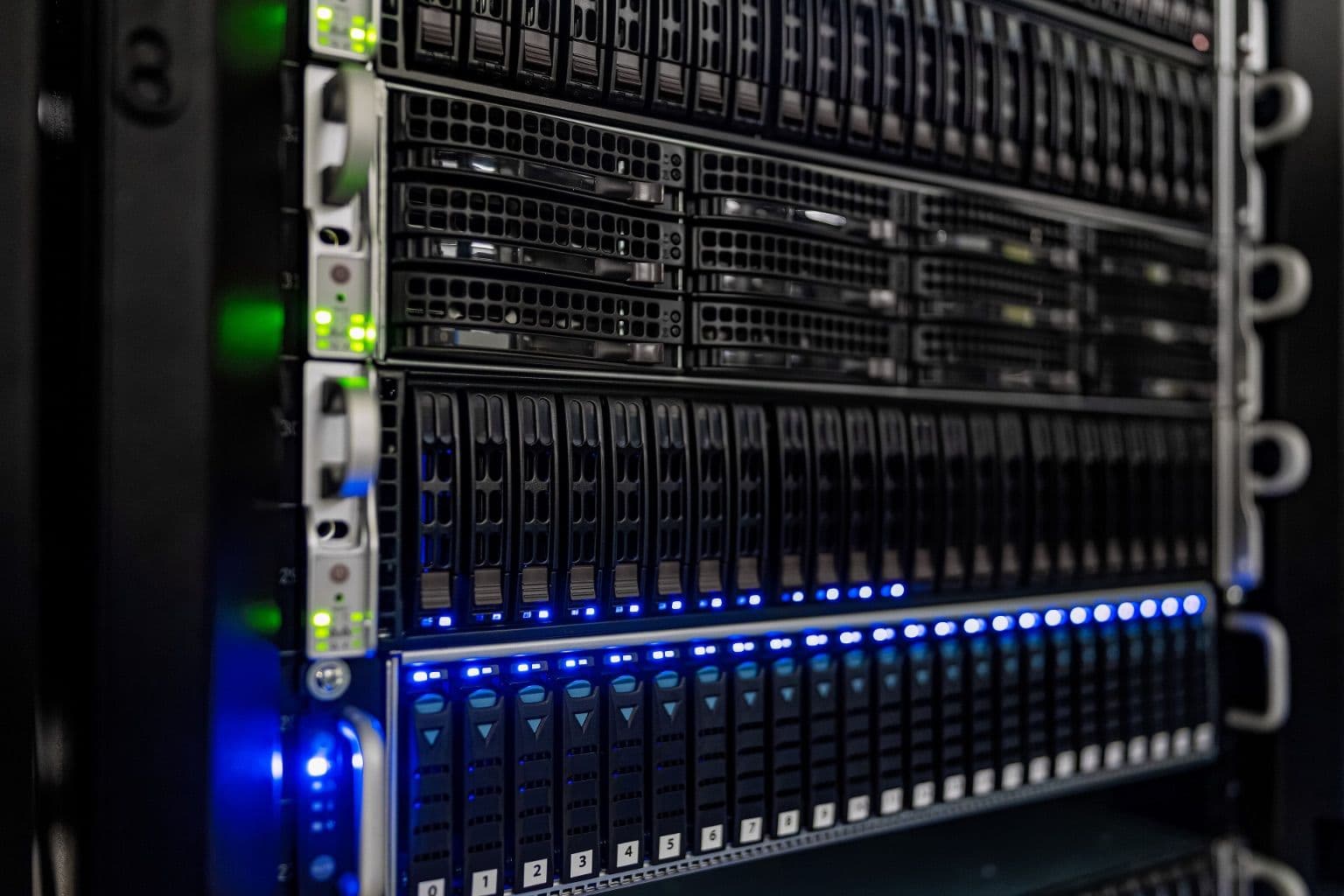
Cover photo: NOIRLab HQ Server Racks (6V6A0402-CC) by NOIRLab/NSF/AURA/T. Slovinský, via Wikimedia Commons (CC BY 4.0).

