Firewall Rules That Quietly Undo Your Security
Firewall rules best practice comes down to three habits: deny everything by default in both directions, keep every allow rule as narrow as the traffic it serves, and review the whole table on a fixed schedule. NIST Special Publication 800-41 Revision 1 (September 2009) sets out the first two, and PCI DSS v4.0.1 requirement 1.2.7 puts a number on the third: at least once every six months. Plenty of small office firewalls in the UAE are a sound appliance running a rule table that has drifted away from all three, and the drift is invisible until someone looks.
Below are six rule patterns that undo a good firewall, and a review routine you can hold your IT team to.
What the source documents actually say
Three documents are worth knowing by name, because an auditor or a card acquirer may quote them.
- NIST SP 800-41 Rev. 1, Guidelines on Firewalls and Firewall Policy (September 2009). It says firewalls should block all inbound and outbound traffic not expressly permitted by policy, calls this deny by default, and says rulesets should be as specific as possible. It also asks for a formal change management process, periodic ruleset reviews or tests, and a comment on every rule so others can see why it was made.
- PCI DSS v4.0.1. Requirement 1.2.5 says every allowed service, protocol and port must be identified, approved and have a defined business need. Requirement 1.2.7 says network security control configurations are reviewed at least once every six months. Requirements 1.3.1 and 1.3.2 restrict inbound and outbound traffic for the card data environment to only what is necessary, with all other traffic specifically denied. Any UAE retailer, clinic or restaurant group taking cards on its own network is in scope.
- NSA and CISA advisory AA23-278A (5 October 2023). Its list of the ten most common misconfigurations found by their red and blue teams includes lack of network segmentation and insufficient access control lists. Those are rule table problems, not hardware problems.
Six rules that undo a good firewall
1. The troubleshooting rule that never left
A telephony vendor is installing IP phones in a JLT office on a Thursday afternoon. Calls are one way only, the vendor asks for "any to any" between the voice VLAN and the internet to rule out the firewall, the calls start working, and everyone goes home. Eighteen months later that rule is still sitting at position 4, and it now allows every device on that VLAN to reach anything on every port. Temporary rules outlive their purpose because nobody owns the job of taking them out, and the vendor who asked for it has long since closed the ticket.
The fix is procedural. Every temporary rule gets an expiry date in its name or comment, such as "TEMP voice test, remove 15 Oct", and most current platforms let you attach a schedule so the rule stops matching on its own.
2. The rule that can never fire
Cisco's Secure Firewall Management Center 7.6 guide defines a shadowed rule as one that will never be applied to any traffic because an earlier rule matches the same traffic first. The classic example: rule 12 allows the staff LAN out on HTTPS to anywhere, and rule 30 was later added to block a file sharing service that also runs on HTTPS. Rule 30 looks correct in every screenshot and blocks nothing, because firewalls that process rules top down stop at the first match.
Cisco's conflict analysis flags shadowed and redundant rules, with one caveat from the same guide: it reports only the first conflict for a given rule, so fixing one can reveal the next.
3. Outbound allow all
Most small office configurations restrict inbound traffic carefully and then allow everything outbound. NIST is explicit that deny by default applies in both directions. Outbound control matters because malware on one laptop in Business Bay still has to call home, and a firewall that permits every destination on every port gives it every channel it could want.
A workable starting point for a 30 to 80 person office: DNS only to your own resolvers or the ones you choose, NTP to named time servers, web traffic through the inspection profile, outbound SMTP on port 25 only from the mail server if you still run one, and remote access protocols such as RDP and SSH allowed out only from the IT team's addresses. Log what hits the final deny for two weeks, and you will learn which line of business applications need their own rule.
4. Port forwards to recorders and remote desktops
A camera recorder published so the owner can watch the shop from a phone, or a remote desktop forward so an accountant can work from home. Both are common in UAE SMEs, and both put a device that was never designed to face the internet directly on it. NIST SP 800-41 recommends restricting remote management to specific interfaces and source addresses. The same logic applies to anything behind a port forward: restrict the source, or better, put the service behind the firewall's own remote access VPN with multi factor authentication.
5. Silent denies
A deny rule that logs nothing tells you nothing. Fortinet's own technical tip on implicit deny logs (October 2020) states that by default FortiGate does not generate logs for denied traffic, to save logging resources. It can be switched on with the "Log Violation Traffic" option on the implicit deny policy, or in the CLI with set fwpolicy-implicit-log enable under config log setting.
The trade-off is volume. A small appliance logging every internet scan against its public address will fill local storage quickly, so send logs to a syslog server or a dedicated log collector rather than keeping them on the box.
6. Rules with no owner and no comment
A rule named "Policy 47" allowing a public address to reach an internal server on port 8443 is unremovable, because nobody knows what breaks if it goes. NIST calls comments trivial to add and valuable to auditors. Our addition: every allow rule should name a business owner as well as a technician, because IT contractors come and go while the finance manager who needed the bank connection usually stays.
Why a zero hit count is not proof a rule is dead
Hit counters are the best tool for a cleanup, and the easiest to misread. Cisco's 7.6 guide says the hit count increments only for the first packet of a connection, and that on Firewall Threat Defense counts persist through reboots and upgrades until someone clears them. FortiManager exposes Hit Count and Last Used columns for FortiGate policies, and its guide notes the counters can be reset on the managed device, which is why it offers an option to keep the last used timestamp.
UAE businesses have a calendar that a 30 day window misses. A VPN rule for the external auditors may only be used in the first quarter. A rule for a supplier portal may sit idle through July and August when half the team is travelling. A rule for the handheld scanners used in an annual stock count at a Jebel Ali warehouse can look dead for eleven months of the year. Judge a rule on at least twelve months of data where the platform keeps it, and ask the owner before removing anything.
A six month review your IT team can run
- Export the full ruleset with hit counts and last used dates, and save it with the date. This is your evidence for requirement 1.2.7 if you are in PCI scope.
- List every rule with "any" in two or more of source, destination and service. Each one needs a written reason or a narrower replacement.
- Run the platform's shadow and redundancy analysis and fix what it finds, then run it again.
- For rules with no hits in twelve months, disable rather than delete, note the date, and delete after 30 quiet days.
- Confirm the final rule in each direction is a deny, and that it logs to somewhere other than the appliance.
- Check that the management interface is not reachable from the internet and that every port forward has a restricted source or has moved behind the VPN.
- Update each surviving rule's comment with owner, reason and review date, and record the firewall's model, firmware and subscription expiry in your asset register.
If this review cannot be finished because nobody can explain half the rules, the table has outgrown anyone's understanding, and a rebuild from a written policy is often faster than untangling it.
When the problem is the box, not the rules
Sometimes the review reveals the appliance itself is the limit: firmware that is out of vendor support, as covered in our piece on firmware updates that break networks, or throughput that collapses once you turn on the inspection the new rules depend on, which we explain in why firewall throughput drops when inspection is on. In that case, size the replacement on inspected throughput using our firewall sizing guide and carry the cleaned ruleset across, not the old one.
Codeeo Tech supplies security platforms from Fortinet, SonicWall, Cisco and Juniper. The rule review itself is work for your IT team or integrator. If it ends with a replacement, send us your circuit speed, headcount and remote access needs through the contact page and we will quote against them.
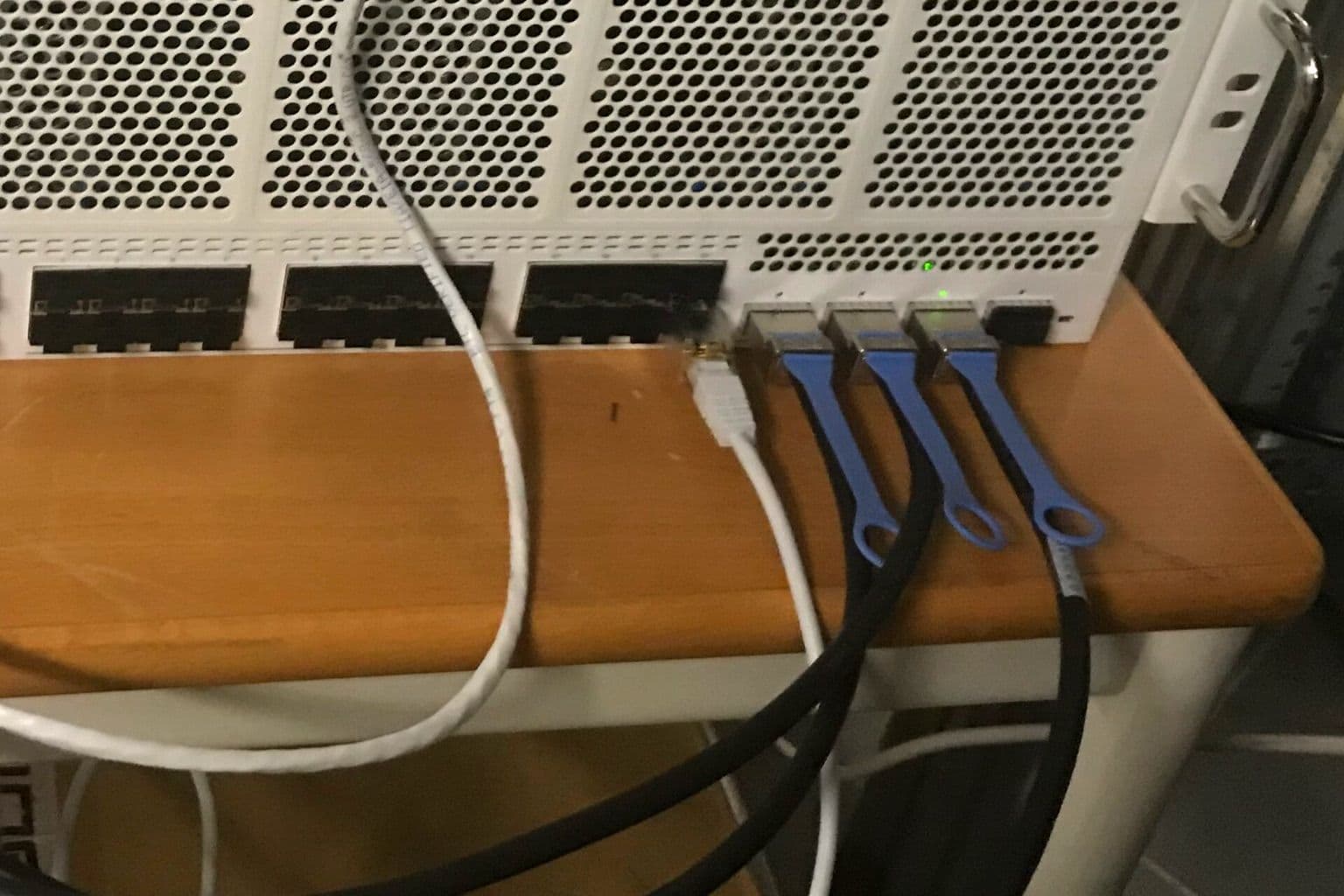
Cover photo: The Gathering 2019 - Server and firewall (46813726325) by DiFronzo, via Wikimedia Commons (CC BY 2.0).

