HP All in One PC in Dubai: Where It Fits a Business
An HP all in one PC fits best at fixed, public facing desks: reception counters, clinic front desks, patient check in, hotel concierge stations, shared hot desks and staffed kiosks. One cable to the wall, no tower on the floor and a tidy screen facing the visitor are worth more there than anywhere else in an office. The trade off is that screen and computer are one unit, so a failure in either takes the whole desk out of service. For business use, choose from HP's business range, now sold as ProStudio and EliteStudio, rather than the consumer OmniStudio models, mainly for onsite warranty, Windows 11 Pro and HP's business security features.
This guide looks at the desks where an all in one earns its place in a Dubai business, the serviceability and lifecycle questions to settle first, and how HP's business and consumer all in one ranges differ on paper.
HP's all in one range has new names
If you last bought HP all in ones a few years ago, you will remember ProOne and EliteOne. Those names belong to the previous generation, such as the EliteOne 840 and 870 G9 covered in HP's Elite Series 800 G9 QuickSpecs. HP's current US store now filters its all in one desktops into four brands: ProStudio and EliteStudio for business, and OmniStudio and OmniStudio X for consumers. Current models include the HP ProStudio 4 All-in-One G1i at 23.8 inches and the HP EliteStudio 8 G1i, which HP's QuickSpecs list at 23.8 and 27 inches in touch and non touch versions.
This follows the naming system HP announced in 2024, where Pro and Elite mark commercial products and Omni marks consumer products. Older ProOne and EliteOne units are still in service across Dubai offices and on the used market, and much of what follows applies to them too.
Where an HP all in one PC fits a business
Reception and front desks
A reception counter is the clearest case. Visitors see the back of whatever sits on the desk, and an all in one presents a single clean panel instead of a monitor, a tower and a tangle of cables. Cleaning staff can wipe the desk without moving a computer case. For buildings in Business Bay, DIFC or Dubai Silicon Oasis where the reception is part of the brand, that matters.
Clinics and patient check in
Clinics, dental practices and pharmacies tend to have small counters, frequent cleaning and staff who share one workstation across shifts. An all in one keeps the counter clear and leaves fewer surfaces to wipe. HP's business models offer touch versions, which suit quick check in screens, and a camera that can be pushed down or raised, useful where staff run teleconsultations from the same desk. HP's EliteStudio 8 datasheet lists a "5 MP RGB fixed camera (push-in)" and an HDR plus IR option that is "pull-up".
Staffed kiosks and information points
An all in one works well as a staffed information point at a showroom, a school office or a government services counter run by a private operator. HP's ProStudio 4 datasheet says its stand and mount offerings include "adjustable-height stand, fixed-height stand, or VESA mounting" and that they "must be configured at the time of purchase". If you plan to put a unit on a wall arm or a kiosk frame, specify the VESA option on the order rather than discovering later that the unit came on a fixed stand.
For unattended public kiosks running one application all day, a purpose built kiosk or a mini PC behind a commercial display is often the better design. An office all in one is built for a staffed desk.
Shared and hot desks
In offices where people book desks by the day, a fixed computer at each desk means nobody carries a laptop between floors. An all in one gives that desk a full size screen and a webcam in a single unit, and the desk looks the same for every user. It works best when staff log in with their company account and files live in the cloud, so the machine holds nothing personal.
Count the peripherals before you choose
Front desks collect devices. A clinic counter might need an Emirates ID card reader, a receipt or label printer, a barcode scanner, a payment terminal that talks to the billing system and a headset for phone calls. Every one of those wants a USB port or a network connection. Before you settle on an HP all in one PC for that counter, list every device it must connect to and compare that list with the port layout on the spec sheet of the exact model. Side ports are easier to reach for a card reader that gets plugged and unplugged; rear ports are tidier for printers that never move. If the count does not fit, a small powered USB hub under the counter is cheaper than a second computer.
Wired network is worth the effort at a fixed desk. A reception or billing screen that drops off Wi-Fi when the lobby fills with visitors' phones creates a queue. Run a cable to the counter during fit out if you can.
Serviceability: what you can and cannot do yourself
The main worry with any all in one is repair. Here is what HP's own documents say about the business models.
- Memory. HP's Elite Series 8 G1i QuickSpecs list "2 SODIMM" slots and state "All memory slots are customer accessible." The ProStudio 4 datasheet says the same and adds "upgradeable".
- Storage. The EliteStudio 8 datasheet lists two M.2 2280 slots for SSDs. The older EliteOne G9 supports "up to three (3) M.2 storage slots", according to its QuickSpecs. A second SSD can be added without replacing the first.
- Opening the case. HP's ProStudio 4 datasheet describes "simple tool-less access to this All-in-One chassis through the rear panel". We did not find the same statement for the EliteStudio, so check the service manual for that model.
- Spare parts. The Elite Series 8 G1i QuickSpecs state that "Spare parts are available throughout the warranty period and or for up to "5" years after the end of production."
What HP's documents do not change is the basic shape of the product. The screen and the computer share one body, so a failed panel, a failed motherboard or a cracked bezel all mean the desk is without a computer until the unit is repaired or swapped. For a reception or clinic desk, plan for that before it happens.
Plan for the day it fails
- Keep one spare unit, imaged and ready, if you run more than a handful of front desks.
- Store nothing locally that cannot be lost: use cloud storage or a file server for scans and documents.
- Choose onsite warranty for desks that face customers, so the engineer comes to you.
- Put front desk units on a small UPS. Our guide to UPS power protection for Dubai offices explains how to size one.
Business vs consumer: ProStudio and EliteStudio against OmniStudio
It is tempting to pick a consumer all in one from a retail shelf for a reception desk. The hardware can look almost identical. The differences sit in warranty, Windows edition and security.
| Point | Business (ProStudio, EliteStudio) | Consumer (OmniStudio) |
|---|---|---|
| Standard warranty in HP's documents | "One-year (1-1-1) limited warranty" with onsite next business day service | "1 year (1/1/0)" parts and labour, "No on-site repair" on the OmniStudio X 27 page |
| Warranty extension | Up to 5 years through an HP Care Pack, per the QuickSpecs | Consumer care plans vary by market |
| Windows | Windows 11 Pro available; HP's QuickSpecs say "HP recommends Windows 11 Pro for business" | Windows 11 Home on the listings we checked |
| Security | HP Wolf Security for Business, including HP Sure Start | Not listed |
| Memory slots | 2 SODIMM, customer accessible | 2 SODIMM on the OmniStudio X 27 |
| Mounting | VESA option chosen at purchase | Check the model |
The consumer model is not a sealed box: the OmniStudio X 27 page lists two SODIMM slots too. The real gaps are onsite service, the Windows edition and HP's business security stack. HP's footnote says Wolf Security for Business requires Windows 10 or 11 Pro and is available on Pro, Elite, Workstation and retail point of sale products.
Warranty terms also vary by country. HP's spec page for an EliteStudio 8 27 configuration on its Middle East and Africa site lists "1 year (1/1/1) limited warranty includes 1 year of parts, labor and on-site repair", while some US store bundles carry three years. Ask for the term on the quotation and check it against the serial number after delivery. Our note on HP and HPE warranty systems explains where to check.
Watch for FreeDOS units
Some configurations in the region ship with FreeDOS rather than Windows. HP's regional spec page for an EliteStudio 8 shows such a SKU. A FreeDOS unit is fine if you hold volume licensing, but it is not ready to use at a reception desk on day one. Confirm the operating system line before you approve the quote.
Lifecycle trade offs
An all in one tends to be replaced as a whole. When the computer inside is too slow, the screen goes with it, even if the panel is fine. A few points help stretch the useful life:
- Buy the memory you will need later. The slots are accessible, but adding memory to dozens of units after deployment is a job nobody schedules.
- Match the support term to the replacement plan. If you expect to keep front desk units five years, an HP Care Pack that covers five years avoids a gap at the end.
- Keep Windows current. Microsoft ended support for Windows 10 on 14 October 2025, and its Windows 11 specifications list TPM 2.0 as a requirement. Older all in ones that cannot run Windows 11 should be on your replacement list now.
- Record each unit. Serial number, location, warranty end date and the person responsible. Our guide to a practical asset register for a UAE SME shows a simple layout.
If upgradability or a longer screen life matter more than a tidy desk, a small desktop behind a separate monitor is the alternative. That comparison has its own trade offs, which we cover in a separate post.
Frequently asked questions
Is an HP all in one PC good for a clinic reception?
Yes, it is one of the better uses. It keeps the counter clear, it is easy to clean around, and HP's business models offer touch screens and cameras suited to teleconsultation. Choose a business model with onsite warranty so a failure does not leave the desk empty for days.
Can I upgrade the memory in an HP all in one?
On the business models we checked, yes. HP's QuickSpecs for the Elite Series 8 G1i state that all memory slots are customer accessible, and the ProStudio 4 datasheet says the same.
What happened to the HP ProOne and EliteOne?
They are the previous generation. HP's current business all in ones are sold as ProStudio and EliteStudio. Older ProOne and EliteOne units are still widely used and can still be supported while their warranty or Care Pack lasts.
Can an HP all in one be wall mounted?
Business models support VESA mounting, but HP says the stand or mount option must be configured at the time of purchase on the ProStudio 4. Specify it on the order.
Is a consumer HP all in one acceptable for an office?
For a single home office desk, often yes. For customer facing desks in a business, the lack of onsite repair on the consumer model we checked, and the Windows Home edition, usually make the business range the safer choice.
What to send with an HP all in one enquiry
- Where each unit will sit: reception, clinic counter, kiosk or shared desk.
- Screen size, and whether you need touch.
- Stand type or VESA mounting, decided before ordering.
- Windows 11 Pro or FreeDOS with your own licensing.
- Memory and storage, plus the warranty or Care Pack term you want.
You can browse the HP range first, and every item on the Codeeo Tech store is priced through Add to Quote. Send those five answers through the contact form, and the reply from Building A1, IFZA Business Park in Dubai Silicon Oasis will confirm which HP model fits each desk and what the warranty covers.
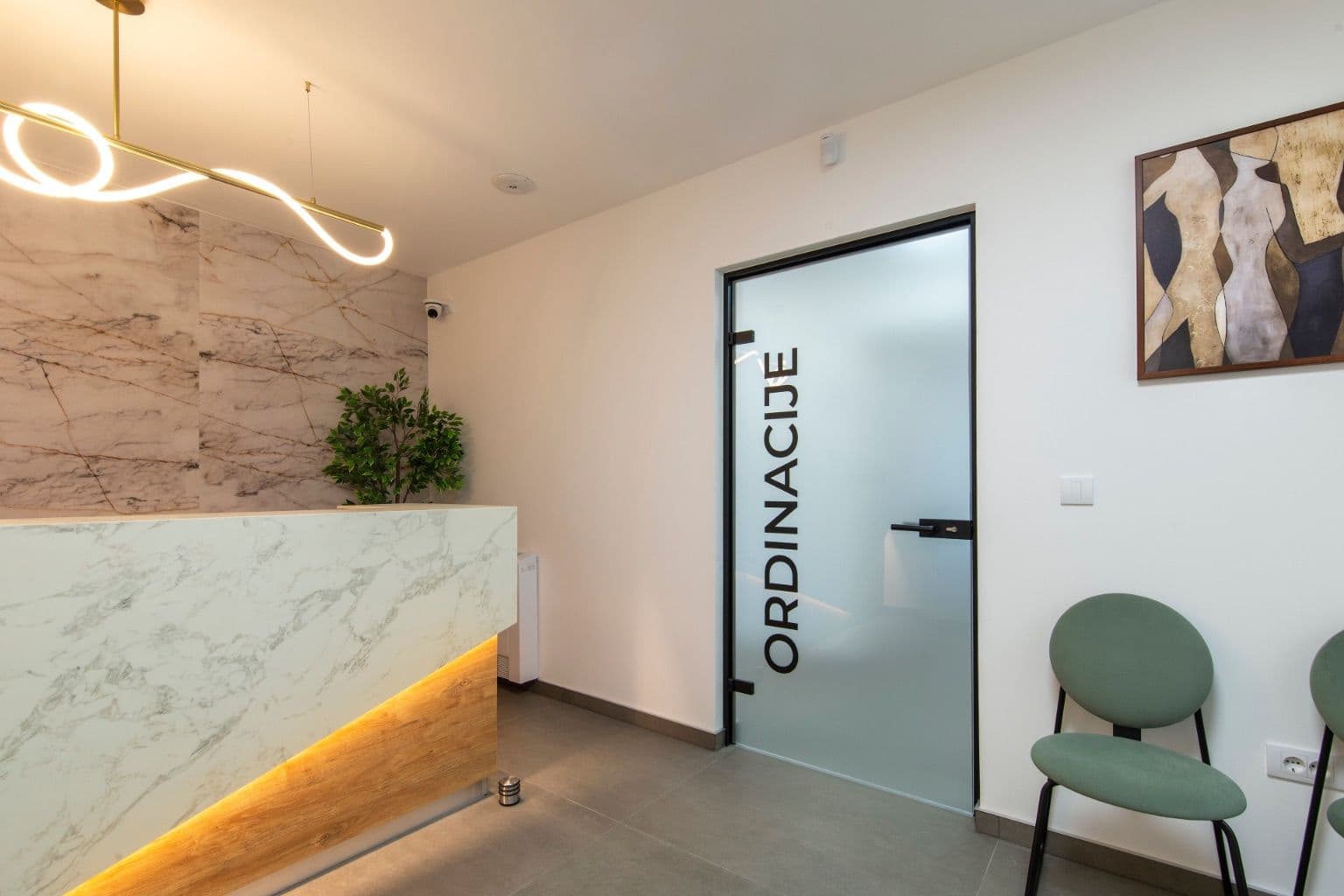
Cover photo: Modern reception area with sleek design by Shixart1985, via Wikimedia Commons (CC BY 2.0).

