Lenovo Service Center Dubai: Preparing a Business Laptop for Repair
The short Lenovo service center Dubai checklist: before a company laptop goes in for repair, do five things: back it up and test the backup, find and save the BitLocker recovery key, deal with passwords and user accounts, decide what happens to the drive, and agree what the repair record will say. Lenovo's own warranty terms put these duties on the customer and state that the service provider is not responsible for loss or disclosure of data. For a business, that makes preparation a data protection task, not just an IT chore.
Codeeo Tech is a hardware supplier, not a Lenovo service center, so we do not repair machines. We do see what happens when a laptop comes back with a new drive and no data, or with a locked screen nobody can open. This checklist is written to prevent both.
What Lenovo's warranty asks you to do first
The Lenovo Limited Warranty (document L505-0010-02, the 2021 edition we read) lists the customer's responsibilities before warranty service. In summary, you should:
- Follow the service provider's request procedure.
- Back up or secure all programs and data on the product.
- Give the service provider any system keys or passwords it needs.
- Give safe access to your premises for onsite service.
- Remove all data, including confidential, proprietary and personal information, or if you cannot, modify it so another party cannot access it.
- Remove features, parts and attachments the warranty does not cover.
- If you are not the owner, get the owner's authorisation for the service.
The same document says the service provider is not responsible for the loss or disclosure of any data on a product returned or accessed for warranty service. It also says replacement parts may be refurbished, that repair may result in loss of data on a product that stores user data, and that a replaced part becomes Lenovo's property. Read together, those lines tell you to treat every Lenovo service center Dubai visit as if the drive may not come back.
Step one: a backup you have actually restored
Most company laptops already sync documents to OneDrive, SharePoint or Google Drive. That is not the same as a backup of the machine. Before handover, check three things:
- Files outside the synced folders. Desktop folders, local project directories, downloaded email archives and anything saved under C:\ by an older application.
- Application data. Licence files, local databases, accounting company files and CAD templates that live in the user's profile.
- A test restore. Open two or three files from the backup on another machine. A backup that has never been restored is a hope, not a backup.
If the fault prevents the laptop from starting, the backup you have is the last one that ran. That is a reason to check backup reports across the whole fleet now, not when a machine fails.
Step two: the BitLocker recovery key
Many business laptops use BitLocker drive encryption. That is good for data protection and risky for repairs. Microsoft's BitLocker recovery overview lists replacing the motherboard with one that has a new TPM, upgrading BIOS or UEFI firmware, and moving a protected drive into another computer among the events that put a device into recovery mode, which are exactly the things a repair can involve. Microsoft's support page on finding the BitLocker recovery key explains that the key is a 48 digit number and may be stored in one of these places:
- The Microsoft account of whoever set up the device.
- A work or school account in Microsoft Entra ID, viewable by the user or the organisation's IT team.
- A printout made when BitLocker was turned on.
- A USB flash drive.
Microsoft is clear that its support cannot retrieve or recreate a lost key, and that without it the device may need to be reset, which removes the files. Before the laptop leaves, confirm the key for that exact machine is in your records and that the key ID matches. Do not tape it to the laptop or put it in the repair bag.
Step three: passwords and user accounts
Lenovo's warranty asks you to provide the system keys or passwords the service provider needs. At the same time, you do not want a technician holding a user's Windows password. The way through is to separate the two.
BIOS passwords
ThinkPads can carry power on, supervisor and drive passwords. Lenovo's ThinkPad user guide is blunt about the supervisor password: if it is forgotten, there is no service procedure to remove it, and the fix is a system board replacement through an authorised provider, for a fee. So check that someone in your company knows every BIOS password on the machine. Then either remove the passwords the technician needs before handover and set them again on return, or share them through a controlled channel and change them afterwards.
Windows accounts
A technician usually needs to sign in to test the repair, not to see the user's mailbox. Common practice is a temporary local administrator account created for the repair and deleted when the laptop returns. The user should sign out of browsers and password managers, and your IT team should know whether the device management platform will flag or lock the machine while it is away.
Step four: decide what happens to the drive
Under the standard Lenovo warranty, a part replaced during service becomes Lenovo's property. If the failed part is the drive, your data leaves with it. Lenovo's answer is Keep Your Drive. Its UAE Premier Support page describes Keep Your Drive as letting you retain device drives in case of failure, so you keep control of sensitive data even after a failure. Lenovo's warranty FAQ lists Keep Your Drive among the warranty upgrades available for some models, and Lenovo's UAE page includes it in Premier Support Plus.
Two timing points from Lenovo's warranty FAQ matter here. Upgrades are best bought with the product or within 90 days of purchase, and they must be registered. If your company handles client files, health data or financial records, decide on Keep Your Drive when you buy the laptops. It cannot help a machine that is already on the bench.
Without Keep Your Drive, your options are narrower. If the drive still works and the fault is elsewhere, you can wipe it after a verified backup, accepting that the technician will test on a clean install. If the drive itself has failed, ask the provider in writing what happens to it after replacement.
Step five: data protection obligations in the UAE
A business laptop usually holds personal data about customers, suppliers or staff. The UAE government portal describes Federal Decree-Law No. 45 of 2021 on the Protection of Personal Data as an integrated framework to ensure the confidentiality of information, which sets out the responsibilities of those involved and took effect on 2 January 2022. Companies in the DIFC fall under the DIFC's own Data Protection Law, DIFC Law No. 5 of 2020, which the same portal lists.
We are not lawyers, and your legal adviser should tell you what applies to your company. The practical point is simple: sending a laptop for repair is a moment when data can leave your control. Removing or encrypting personal data before handover, keeping the drive where it matters, and recording what happened are the steps a regulator or a client would expect a careful business to take.
What the repair record should state
When the laptop comes back, the paperwork matters as much as the repair. Ask the service center for a job record that states:
| Item | Why it matters |
|---|---|
| Serial number and model number | Ties the record to the asset in your register |
| Dates received and returned | Shows how long the data was out of your control |
| Reported fault and diagnosis | Helps if the same fault returns |
| Parts replaced, with part numbers | Lenovo says replacement parts carry the balance of the original warranty |
| Whether the drive was replaced, and what happened to the old one | The key data protection question |
| Whether the operating system was reinstalled or the drive wiped | Tells IT what to rebuild |
| Warranty or paid repair | Confirms the claim was accepted |
File the record with the asset. If a client or auditor ever asks what happened to a device that held their data, this is your answer. Our guide to a practical asset register for a UAE SME shows where it fits.
When the laptop comes back
The return is the second half of the job, and it is where shortcuts creep in. Before the user takes the machine back:
- Start it and confirm the reported fault is gone, using the same test that showed the fault.
- Check that BitLocker is on and protecting the drive again. If the drive was replaced, encryption may need to be set up from scratch, and a new recovery key saved.
- Set any BIOS passwords you removed, and change any you shared.
- Delete the temporary technician account.
- Restore the user's data from the backup and let them confirm it is complete.
- Update the asset register with the repair record, including any replaced part numbers.
If the drive was replaced and you hold Keep Your Drive, record where the old drive is now kept and when it will be destroyed. A drive in a desk drawer is a smaller risk than one that left the building, but it is still a risk until it is wiped or physically destroyed.
Choosing a Lenovo service center Dubai route
Check the warranty type before choosing where to send the laptop. Courier, carry in, onsite and Premier Support each follow a different route, and Lenovo's own locator lists authorised service providers by country and radius. Our companion guide, Lenovo service center near me in Dubai: check the warranty first, walks through the lookup, the service types and Lenovo's service provider locator step by step.
A handover checklist
- Backup completed and a test restore done.
- BitLocker recovery key confirmed in your records, matched by key ID.
- BIOS passwords known internally; those the technician needs removed or shared securely.
- Temporary technician account created; user signed out of browsers and password managers.
- Personal and confidential data removed or encrypted, as the Lenovo warranty asks.
- Non Lenovo parts and accessories removed: docks, third party memory, stickers with internal details.
- Owner authorisation in place if the laptop is leased or personally owned.
- A written request for a repair record covering the items above.
Frequently asked questions
Does a Lenovo service center in Dubai keep my old drive?
Under the standard Lenovo Limited Warranty, a replaced part becomes Lenovo's property. Keep Your Drive is the Lenovo service that lets you retain a failed drive. Without it, ask the provider in writing what happens to a replaced drive.
Will the repair erase my data?
It may. Lenovo's warranty terms say repair may result in loss of data on products that store user data, and the provider is not responsible for that loss. Back up first and assume the drive could be wiped or replaced.
Why did my laptop ask for a BitLocker key after repair?
Microsoft lists a new motherboard with a new TPM and firmware upgrades among the events that trigger BitLocker recovery. The 48 digit key is usually in the Microsoft account or Entra ID account linked to the device. Find it before handover so the user is not locked out when the laptop returns.
Can I add Keep Your Drive now that the laptop has failed?
Lenovo recommends buying upgrades with the product or within 90 days, and registers them against the machine. A service bought after a fault is unlikely to cover that fault. Plan it into the next laptop purchase.
Can Codeeo Tech repair the laptop instead?
No. We are a supplier, not a Lenovo service center. We can quote a replacement or spare laptop while yours is away, and include Lenovo warranty services such as Keep Your Drive on new purchases where Lenovo offers them for the model.
What to send Codeeo Tech
- Model and serial number of the laptop going for repair.
- Whether you need a temporary spare, a permanent replacement, or both.
- For new machines: quantity, keyboard language, Windows edition and the Lenovo services you want, such as Keep Your Drive or Premier Support.
- Delivery address and the date the user needs a working machine.
Codeeo Tech is at Building A1, IFZA Business Park, Dubai Silicon Oasis. Every product, including the Lenovo range in the Lenovo section of our store, is priced through Add to Quote. Send your details through the contact form and we will come back with options that keep the user working and your data under control.
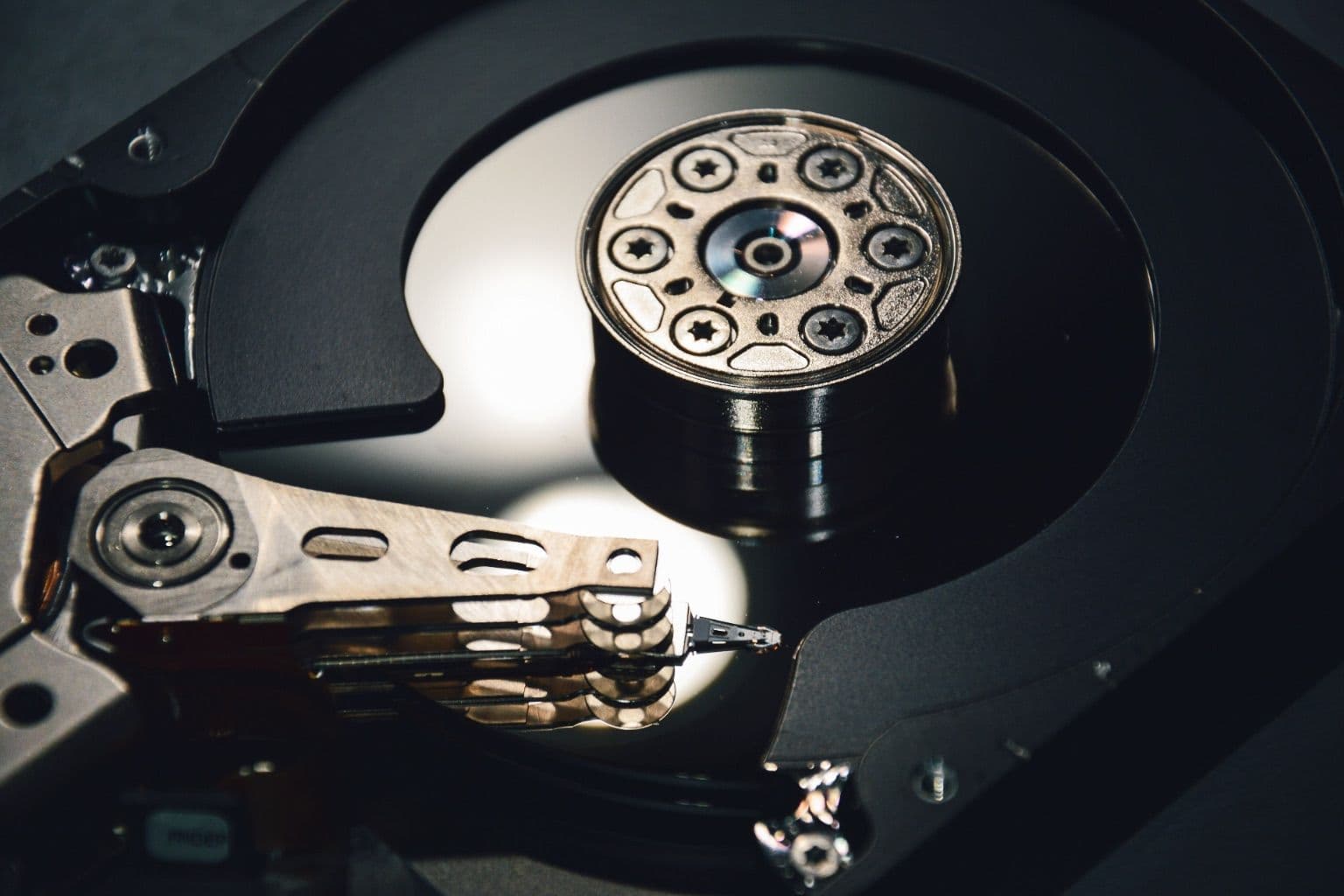
Cover photo: HDD Internal, via Wikimedia Commons (CC0).

