Lenovo Service Center Near Me in Dubai: Check the Warranty First
Before you look for a Lenovo service center near me in Dubai, look up the laptop's serial number on Lenovo's UAE warranty page. The result tells you whether the machine is still covered, and what kind of service it is entitled to: a courier collection, a carry in visit, a technician at your office, or Premier Support with a direct line to Lenovo engineers. Only then use Lenovo's own service provider locator to find an authorised repairer. In many cases you will discover that you do not need to drive anywhere at all.
Codeeo Tech is not a Lenovo service center and does not carry out Lenovo warranty repairs. We supply Lenovo hardware and warranty extensions to businesses from Dubai Silicon Oasis. This guide explains the order of steps that gets a faulty Lenovo fixed fastest, and where a supplier like us fits once the repair question is settled.
Step one: find the serial number
Everything Lenovo does starts with the serial number. Lenovo's support article on finding PC serial numbers lists several ways to get it:
- The label. On a ThinkPad the serial number is usually on a sticker underneath the machine, after "S/N" or "Serial Number".
- Lenovo Vantage. The Vantage app shows the system type and serial number on its landing page.
- Command Prompt. Type
wmic bios get serialnumberfor the serial andwmic csproduct get namefor the model and type number. - BIOS setup. On ThinkPad and ThinkCentre machines, the Main tab of the BIOS shows the Machine Type Model and the system unit serial number. This works even when Windows will not start.
- Detect Device. Lenovo's support site can detect a Windows PC through its Service Bridge tool and open the product page directly.
For a company, this step should take seconds because the serial is already on record. If it does not, start now: a simple sheet with each machine's serial, model number, user, purchase date and warranty end date turns every future fault into a two minute lookup. Our guide to a practical asset register for a UAE SME shows a workable layout.
Write down the full model number too. Its first four characters are the machine type, which Lenovo uses to check international service eligibility.
Step two: read what the warranty lookup tells you
Enter the serial number on Lenovo's warranty lookup for the UAE. You are looking for three things: whether the warranty is active, its end date, and the service type attached to it.
Lenovo's warranty FAQ says commercial products come with a base warranty of one to three years, and that the service level varies by model. The FAQ also lists the upgrades that may sit on top of the base warranty, depending on the model: Depot, Onsite, Premier Support, Premium Support, Accidental Damage Protection, Keep Your Drive, International Warranty, Sealed Battery Replacement and Product Exchange. If someone in your company bought an upgrade, it should appear here once registered.
If the dates look wrong, they may be. Lenovo's article on incorrect warranty dates explains that a machine bought through a retailer or reseller may show a start date based on when that seller bought the stock, with about a month added for shelf time. Lenovo corrects the record when you submit your proof of purchase. If the lookup returns no product at all, Lenovo's advice is to contact its warranty and registration team.
Step three: understand your service type
The service type decides whether a Lenovo service center near me is even the right search. The Lenovo Limited Warranty defines the main types, and PSREF, Lenovo's specification database, shows the base warranty for each model number, often listed as one year of courier or carry in service.
| Service type | What happens, per Lenovo's warranty terms | Do you visit a service center? |
|---|---|---|
| Customer Replaceable Unit | Lenovo ships a replacement part that you fit yourself | No |
| Courier or Depot | A courier collects the machine, it is repaired at a designated center and returned at the provider's expense | No, it is collected |
| Carry in | You take the machine to an authorised service provider | Yes |
| On site | A service provider repairs or exchanges the product at your location; some repairs may still go to a center at the provider's expense | Usually no |
| Product Exchange | Lenovo ships a replacement and you return the faulty unit in the same carton | No |
Before any of these, Lenovo's warranty terms say a problem may first be handled by phone, through software updates or with a customer replaceable part. So the first call is often to Lenovo support, not to a shop.
Where Premier Support changes the route
If the lookup shows Premier Support, use it. Lenovo's UAE Premier Support page describes 24/7 access to advanced technicians, a single point of contact for case management, technical account managers for escalations and direct phone access to engineers. It also lists next business day onsite labour and parts prioritisation in select markets, and Lenovo notes that features and support options may differ by country. In practice, a Premier Support customer should open a case with Lenovo first and let Lenovo arrange the repair, rather than searching for a service center.
If the upgrade you bought does not show
A common surprise is a warranty upgrade that was paid for but never appears in the lookup. Lenovo's warranty FAQ explains why: upgrades must be registered. After purchase, Lenovo sends a "Lenovo Services Registration Required" email with an authorisation code and PIN, which you enter on its registration portal. Once registered, a confirmation email arrives with the terms and the start and end dates.
If registration fails with a "Service Incompatible with the machine serial provided" error, Lenovo says to contact the reseller or sales representative the warranty was bought from. If Lenovo asks for a copy of your invoice because of the purchase date, the FAQ directs you to its Service Entitlement Team. Lenovo's support article on warranty dates recommends registering within 15 days of purchase, so this is worth checking the week the machines arrive, not the day one fails.
If the warranty has already expired
An expired warranty does not always mean a paid walk in repair. Lenovo's warranty FAQ describes Post Warranty services, which extend cover after the base warranty or upgrade ends. According to that FAQ, Post Warranties run for one or two years, offer Onsite or Depot cover (with Premier Support versions on some devices), have a more limited scope than upgrades, and can be stacked. If the device has been out of warranty for more than 30 days a reinstatement fee applies, and after 120 days reinstatement is no longer available. A Post Warranty bought for an already expired machine is registered but stays inactive for a 60 day waiting period, so it will not cover a fault that exists today.
For a laptop that has just failed, that waiting period usually means the choice is between a paid repair and a replacement. For a fleet, it is a reason to diarise warranty end dates and decide on extensions before they lapse.
Step four: find an authorised Lenovo service center near me
If your warranty is carry in, or the machine is out of warranty and you want an authorised repairer, use Lenovo's locator. Lenovo's support article on how to locate a repair center or service provider sets out the steps:
- Open Find a Lenovo Service Provider from that article.
- Choose United Arab Emirates as the country, and optionally the product type.
- Under Purpose, choose Service Provider, which Lenovo defines as a repair shop or authorised provider of service on Lenovo systems and accessories.
- Choose whether the product is for home or business, set a search radius in kilometres, and search.
- Click a marker on the map to see the provider's name and address.
Lenovo adds a note worth following: call ahead to confirm that the provider takes appointments or walk ins and can service your specific machine type. A center that handles consumer IdeaPads may not hold parts for a ThinkPad P series workstation.
The same article points to Lenovo's Contact Us page, where entering the serial number first shows the support options available for that product, such as submitting a service request, International Warranty Service, chat, a call back and Lenovo Premier Support. Lenovo notes that each option is only available for certain products in certain countries.
If the laptop was bought outside the UAE
The Lenovo Limited Warranty applies to products in the country or region of purchase. For a laptop bought abroad, the route is International Warranty Service. Lenovo's IWS FAQ says no registration is needed, that it covers eligible machine types in countries where that type is announced, sold and supported, and that for Think branded products you enter the four character machine type on Lenovo's support site to see the list of countries and service details.
Check that before you drive to a service center. If your machine type is not supported in the UAE, the center may only be able to offer a paid repair.
Before you hand the laptop over
Once you know where the machine is going, prepare it. The Lenovo Limited Warranty asks customers to back up their data, provide passwords or system keys needed for service, and remove or protect confidential and personal data before service, and states that the service provider is not responsible for loss or disclosure of data. That deserves its own checklist, and our guide to preparing a business laptop for a Lenovo service center in Dubai covers backups, BitLocker recovery keys and Keep Your Drive in detail.
Where a supplier fits when a laptop fails
A warranty repair restores one machine. It does not keep the person working while the laptop is away. That is a procurement problem, and it is where Codeeo Tech can help:
- A spare or replacement laptop quoted quickly, including used ThinkPads such as the ThinkPad T490s.
- Lenovo warranty extensions for machines still inside their upgrade window, such as the three year courier or carry in pack.
- Parts for Lenovo ThinkSystem servers, such as drives, memory and power supplies, where the server is out of warranty.
If your company has more than a few Lenovo laptops, the cheapest fix is often decided long before a fault. Our article on how long to keep business laptops covers when an out of warranty repair stops being worth it.
Frequently asked questions
How do I find a Lenovo service center near me in Dubai?
Use the Find a Lenovo Service Provider tool linked from Lenovo's support site, choose the UAE, set Purpose to Service Provider and search by radius. Call the provider before visiting to confirm it can service your machine type.
My warranty says Courier or Carry in. Which should I use?
Either route is covered. Courier means the machine is collected and returned at the provider's expense; carry in means you take it to an authorised provider yourself. Open a case with Lenovo support to start a courier collection.
Will an unauthorised repair shop void my Lenovo warranty?
The Lenovo Limited Warranty says only unaltered Lenovo products and parts are eligible for replacement, so work done by an unauthorised shop can complicate a later claim. If the laptop is still in warranty, use Lenovo or an authorised provider.
Can Codeeo Tech repair my Lenovo laptop?
No. Codeeo Tech is a supplier, not a Lenovo service center. We can quote a replacement machine, a warranty extension or server parts, and help you decide whether replacing is better value than an out of warranty repair.
What if the warranty lookup shows nothing?
Lenovo's support article on incorrect warranty dates says to contact its warranty and registration team if the lookup returns no product or shows wrong dates. Keep your invoice ready, because that is the proof Lenovo asks for.
What to send Codeeo Tech while the laptop is away
- The model number and serial number of the failed machine.
- What the warranty lookup shows: type and end date.
- Whether you need a temporary spare, a permanent replacement or a warranty extension.
- Keyboard language and Windows edition for any replacement.
- Delivery address and how quickly the user needs to be working again.
Codeeo Tech is at Building A1, IFZA Business Park, Dubai Silicon Oasis, and every item is priced through Add to Quote. Send the details through the contact form and we will reply with options that keep the user working while Lenovo handles the repair.
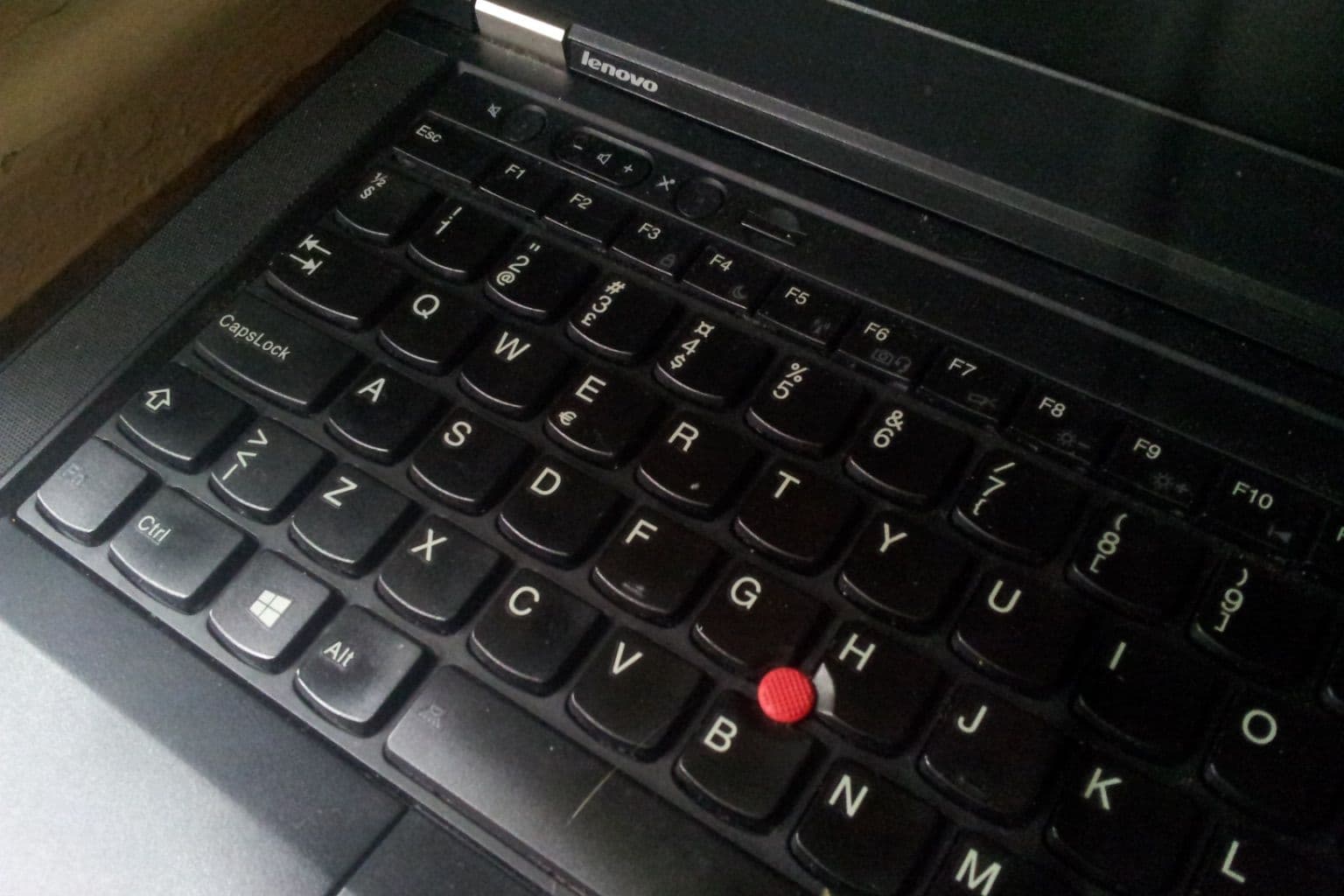
Cover photo: ThinkPad T430 (keyboard), via Wikimedia Commons (CC0).

