Buying a Business Server in 2026: Tower, Rack or Cloud for a UAE SME
Most server purchases in the UAE go wrong in the same two ways. The business buys far more processor than it will ever use, and far less memory and storage than it needs within eighteen months. The result is an expensive machine that feels slow.
This guide works through the decision in the order that actually matters: what the workload is, where the machine will live, and only then what to put in it.
First decide whether you need a server at all
Buy on premises when you have workloads that must stay local: a line of business application that expects a local database, file shares that heavy users open all day, a CCTV or access control recorder, a domain controller, or anything where an internet outage must not stop work. Large local datasets are the strongest case of all, because moving them in and out of a cloud provider is where cloud bills become unpredictable.
Stay in the cloud when demand is spiky, when the team is distributed, or when you would otherwise be buying a server to run one modest application. Our comparison of cloud versus on premises strategy goes through the trade off in more depth.
In practice most UAE SMEs land on both. A local server for data gravity and the things that must not stop, cloud for email, collaboration and anything seasonal.
Tower or rack
Choose a tower when the server will live in an office, a locked store room or a small comms cupboard, when you are buying one or two machines, and when there is no rack. Towers are quieter and tolerate a normal room better.
Choose a rack server when you already have a rack or are building one, when you expect to add more machines, or when the unit will sit in a data centre or a properly cooled comms room. Rack units are denser and easier to cable and maintain, and they are considerably louder, so they do not belong in an occupied office.
If there is no rack today but there will be in two years, buy the rack unit and buy the rack. Retrofitting is more expensive than starting right, and a proper enclosure with managed cabling solves several problems at once, as we set out in our piece on structured cabling for UAE offices.
Sizing the machine
Memory first
For virtualised workloads, memory runs out long before processor does. Add up the memory each virtual machine needs, add the hypervisor overhead, add a third for growth, and then check that the chassis has free slots left afterwards. A server you can expand without replacing existing modules is worth more than a marginally faster processor.
Processor by core count, not clock speed
Virtualisation and database work reward cores. A handful of latency sensitive applications reward clock speed. Very few SME workloads need the top part in a family, and the price curve at the top is steep. Buy mid range and put the difference into memory and storage.
Storage by what it must survive
Use NVMe or enterprise SSDs for anything a person waits on, and larger spinning disks only for bulk archive and video retention. Enterprise drives are specified for continuous duty and carry the endurance ratings that desktop drives do not, which is the actual difference behind the price gap. Configure redundancy so a single drive failure never interrupts service, and remember that redundancy is not backup. Backup design is a separate exercise, and our guide to disaster recovery and backup in the UAE covers it.
Network ports
Specify at least two ports so the server can be dual homed to two switches. If the server carries storage traffic or many virtual machines, specify multi gigabit or ten gigabit and make sure the switch you already own can terminate it. A server with faster ports than the switch supports is money sitting idle.
Out of band management
Take the management licence. Being able to power cycle, reinstall and watch the console of a machine you cannot physically reach turns a site visit into a five minute job. It is the single most underrated line on a server quotation.
The things people forget until installation day
- Power protection. A server without a correctly sized UPS is a server waiting to corrupt a database. Size it deliberately rather than picking whatever is in the box, as we explain in our guide to UPS and power protection for Dubai offices.
- Cooling. A comms room in Dubai without dedicated cooling will run hot the first time building air conditioning goes off at the weekend. Specify cooling and a temperature alert at the same time as the server.
- Rails, cables and power distribution. These are usually separate line items, and a missing rail kit stops an installation dead.
- Licensing. Operating system and hypervisor licensing is frequently counted per core or per socket, so a processor choice quietly changes the software bill. Price the two together.
- Support response time. Next business day and four hour response are different products at different prices. Match the level to what the workload actually costs you per hour of downtime.
A workable starting specification
For a typical twenty to eighty person UAE business running file services, a line of business application, a domain controller and perhaps a CCTV recorder, a single mid range rack or tower server with a mid tier processor, generous memory with free slots, enterprise SSDs in a redundant configuration, dual network ports, redundant power supplies and out of band management will carry the load comfortably for five years. Add a second identical machine before you add exotic features to the first one, because two ordinary servers beat one remarkable server every time something fails.
Codeeo Tech supplies Dell EMC, HPE, Supermicro and Lenovo servers to businesses across the UAE, with the rails, power protection and switching specified alongside rather than discovered later. Send us the workload and we will size it properly.
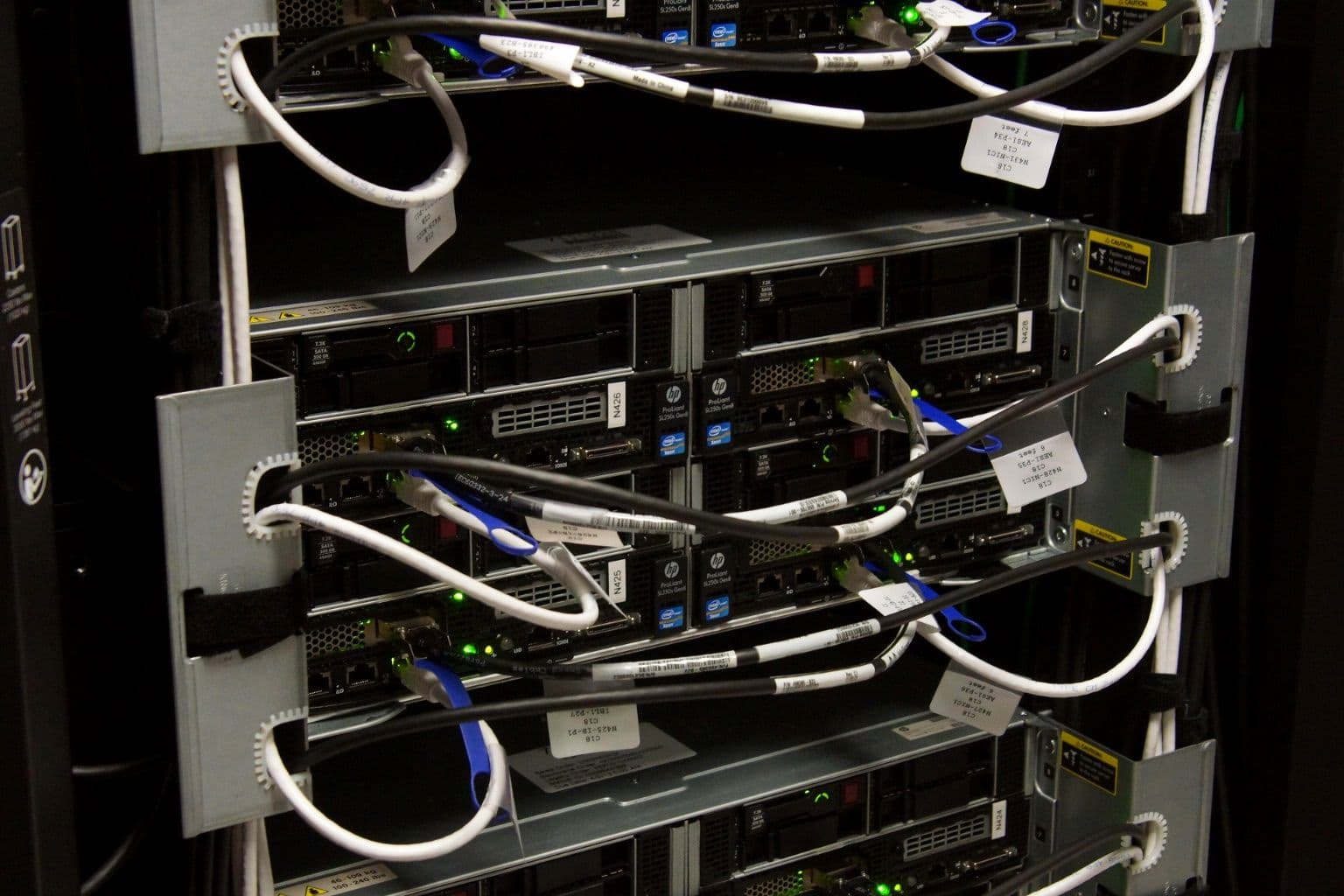
Cover photo: HP s6500 chassis with ProLiant SL250s servers and storage by Patrick Finnegan, via Wikimedia Commons (CC BY 2.0).

