HP Distributors in UAE: How to Check HP Stock Is Genuine and In Region
Stock that comes through HP distributors in UAE should pass four checks on the day it arrives: the serial number returns a result on HP's warranty page with the United Arab Emirates as country of purchase, the warranty start date is close to your invoice date, any Care Pack you paid for is registered against that serial, and the box, labels and product number match what was quoted. If any of the four fails, stop and ask before the units are deployed. This guide explains each check, what HP's own warranty terms say about imported units, and the signs that a "new" HP laptop has had a previous life.
Why the source matters when buying from HP distributors in UAE
HP Inc. sells most business devices in the region through partners. The "Shopping" route on HP's Middle East contact page leads to a reseller locator, and the resellers on it buy from HP distributors in UAE that HP appoints for the region. That chain is what gives a laptop a clean warranty record here.
Not every HP laptop sold in Dubai has come that way. Some are parallel imports bought in another market and shipped in. Some are customer returns or refurbished units. Some were sold to a project elsewhere and resold. None of these is automatically a problem, and a used or refurbished machine sold honestly as used can be good value. The problem is stock presented as new and in region when it is neither, because the warranty you think you have may not exist in the form you expect. We cover the broader issue across brands in our guide to genuine versus grey market hardware in the UAE. This article is about HP specifically.
Check one: the serial on HP's Middle East warranty page
HP's warranty check for the region is on support.hp.com under the Middle East country selector. The form asks for two things: the country or region of purchase, and the serial number. It also has a multiple products option, which lets you add several serials, each with its own country of purchase, and submit them together. For a delivery of twenty laptops, use that rather than checking one at a time.
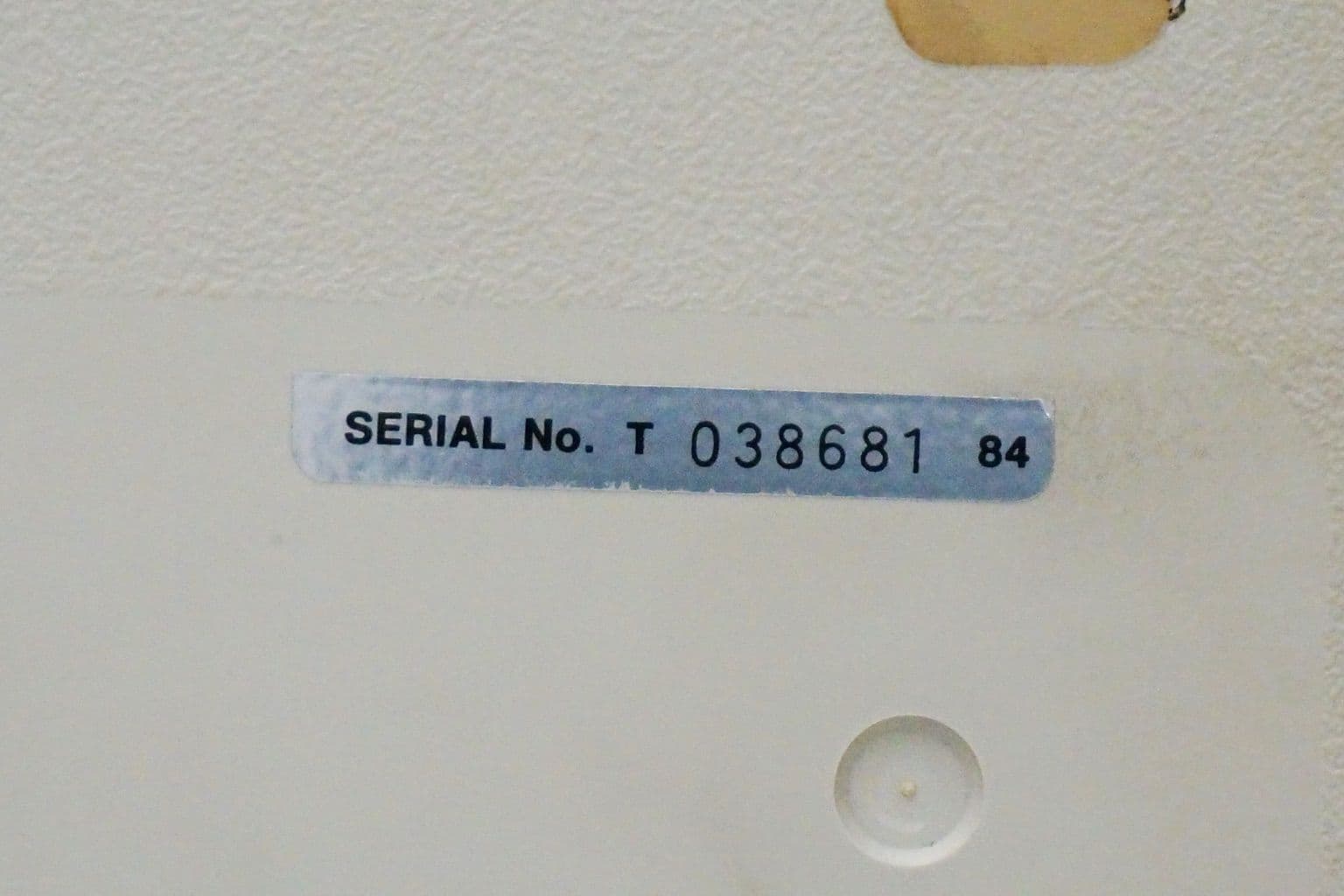
Find the serial on the label underneath the laptop and on the outer carton. They should match. On a working machine, HP's Care Pack FAQ points to HP Support Assistant, which shows the product name, model number and serial number.
What a good result looks like:
- The product name and product number match the quotation exactly.
- A warranty status shows as active, with a start date and end date.
- The coverage type matches what you were told, for example a base warranty of the length HP sells for that model, plus any Care Pack.
What should make you pause: no result at all for a machine sold as new, a product name that differs from the label, or a status showing the warranty already expired.
Check two: read the warranty start date
The start date is the most revealing line on the result. HP's worldwide limited warranty says the warranty period starts on the later of the date of purchase or the date that HP or its authorised service provider completes installation, and that a dated sales or delivery receipt is the proof of purchase date unless HP or the reseller states otherwise in writing.
For a laptop bought new from regional stock, the start date shown should therefore be close to the date on your invoice. If the start date is many months earlier, the unit was most likely sold or registered somewhere before it reached you. That might be innocent, such as a unit that sat in a channel partner's stock and was registered on shipment, but it means part of your warranty has already been used. Ask the reseller to explain the gap in writing. If they cannot, ask for a replacement unit or a correction.
HP's support community describes a route on the warranty result to dispute it, where you can upload proof of purchase. That is useful when the start date is wrong because of a registration error, and it is another reason to keep the dated invoice and delivery notes together.
Check three: region, product number and HP's import terms
HP's worldwide limited warranty is helpful on travel and strict on imports. It says the warranty can be enforced in any country or region where HP or its authorised service providers offer warranty service for the same product model number, and that warranty terms, service availability and response times may vary by country. It adds that HP will not alter form, fit or function to make a product work in a country it was never intended for.
It then includes an importer clause. Where local law makes the importer responsible for warranty on imported products, or does not require the manufacturer to provide it, warranty service for HP products in that country is provided solely by the importer and not by HP, unless the importer was specifically authorised by HP or its local affiliate to import the products and refer warranty service to HP.
Two practical checks follow from that:
- Is this product number sold in the region? HP's product numbers carry a suffix after the # sign that varies by market. HP's own India store, for example, lists business laptops with product numbers ending in #ACJ. Ask the supplier which market the units were built for, and compare the suffix on the box with what HP sells here.
- Who will honour the warranty? If the units were not imported through HP's regional channel, ask the supplier to state in writing who handles warranty repairs in the UAE and where.
Keyboard layout is a quick physical clue. A unit built for another market may arrive with a keyboard layout and power cord that do not match what your users expect. That alone does not prove a problem, but it tells you the unit was made for somewhere else.
Check four: Care Pack registration
A Care Pack on the invoice is not the same as a Care Pack on the serial. HP's Care Pack FAQ says Care Packs are digital purchases, associated with the hardware serial number for which they are bought and then registered. For commercial devices, it says a Care Pack can be bought at the time of sale or within 90 days of purchase, and that registration may require proof of purchase, a contact name, contact details and the device product and serial numbers.
So ask the reseller for the registration confirmation, then check it yourself: run the serial again on HP's warranty page and confirm the Care Pack level now appears. If it does not appear within a reasonable time, chase it while you are still inside the 90 day purchase window, because outside that window your options narrow to post warranty plans, which HP sells on a different timetable.
Signs of grey or refurbished units sold as new
None of these signs is proof on its own. Together, they tell you to look harder.
- Packaging. Resealed cartons, retaped flaps, missing factory seals, generic plain boxes, or a carton serial label that has been covered or replaced.
- Serial labels. A missing, scratched or overprinted serial label on the chassis. HP's limited warranty says it does not extend to any HP hardware product from which the serial number has been removed.
- Battery history. A battery that reports a high cycle count on a laptop sold as new. HP's warranty covers notebook batteries for the warranty period of the laptop or 1,000 charge cycles, whichever comes first, so existing cycles eat into that.
- Windows and setup. A machine that boots straight to a desktop with an existing user account, instead of the first time setup screens a new unit shows.
- Wear. Shine on keys, marks on the palm rest, scuffs on the base or feet that are worn flat.
- Accessories. A non HP charger, missing documentation, or a power cord for another region.
- Warranty mismatch. Any of the warranty problems above: no result, an early start date, or a Care Pack that never appears.
If you find these on units sold as new, photograph them, record the serials, and raise it with the supplier the same day. Our guide to reading an enterprise hardware quotation line by line shows how to make "new", "refurbished" and "used" explicit before the order is placed, which makes this conversation much shorter.
A delivery day checklist
| Check | Pass | Ask questions if |
|---|---|---|
| Carton condition | Factory sealed, labels intact | Retaped, relabelled or plain box |
| Serial on carton and chassis | Match each other and the delivery note | Missing, mismatched or altered |
| HP warranty result | Active, correct product name | No result or wrong product |
| Warranty start date | Near your invoice date | Months earlier than your purchase |
| Care Pack | Registered against the serial | On the invoice but not on the serial |
| Product number suffix | Matches the quoted market | Built for a different market than stated |
| First boot | Windows first time setup | Existing accounts or a used desktop |
If a unit fails a check
Do not deploy it, and do not open more cartons from the same batch until you know what happened. Write down the serial, take photographs of the carton, labels and warranty result, and send them to the supplier the same day with a clear question: is this unit new and in region, and if not, what is it? A reputable supplier will either show a reason, such as a registration delay that HP corrects, or replace the unit. Keep your messages and the supplier's replies in writing, because if a warranty claim is refused later, that correspondence is your record of what you were sold.
Used HP stock, labelled honestly
Used HP laptops are a legitimate purchase when they are sold as used. The HP laptops currently listed in the Codeeo Tech store are used units and their names say so, for example the EliteBook 840 G5 used laptop and the ProBook 640 G5 used laptop. For a used unit, HP's warranty check will often show the original coverage as expired, and that is expected. What matters is that the description, the condition and any supplier warranty are stated plainly before you buy. Our article on second hand laptops in Dubai covers what to check on those.
FAQ
Which country should I select on HP's warranty check?
The country or region where the unit was purchased. For stock bought through HP distributors in UAE, that is the United Arab Emirates. Selecting a different country can return a misleading result.
Is a laptop with no warranty result always fake?
No. It may be a registration delay, a typing error in the serial, or a unit sold in another market. It does mean you should not deploy it until the supplier explains the result.
Does HP's warranty work in Dubai for a laptop bought abroad?
HP's limited warranty says it can be enforced where HP or its authorised providers offer service for the same model number, with terms that may vary by country. Its importer clause means some imported units are serviced by the importer, not HP. Check before you rely on it.
How long do I have to register a Care Pack?
HP's Care Pack FAQ says a Care Pack for a business device can be bought at the time of sale or within 90 days of purchase. Confirm registration well inside that window.
Are refurbished parts used in HP warranty repairs?
HP's limited warranty says refurbished parts may be used in repairs and that a unit may be replaced with a refurbished unit of the same type, to the extent local law allows.
What to send with an HP enquiry
- The exact HP product numbers you need, or the model names if you are still choosing.
- Whether every line must be new and in region, or whether used units are acceptable for some.
- The warranty or Care Pack level you expect on each line.
- The company name that should appear as owner on the warranty record.
- Any serials you have already received and want checked.
Codeeo Tech is a reseller at Building A1, IFZA Business Park, Dubai Silicon Oasis. It is not an HP distributor or an authorised HP partner, and every item is priced through Add to Quote. Send the list through the contact form and the reply will state, line by line, whether each unit is new or used, where it comes from, and what warranty applies.
Cover photo: NMB-Hi-Tek-Gen2-XT-038681-Serial-No-Label, via Wikimedia Commons (Public domain).

