Lenovo Store Near Me in Dubai: Eight Checks Before You Pay
If you searched "Lenovo store near me" in Dubai, the quickest way to find a genuine seller is Lenovo's own Where to Buy page for the UAE, filtered by partner type and device. Once you are standing at the counter, spend ten minutes on eight checks before you pay: the full model number, the region it was built for, the keyboard language, the serial number on the box against the machine, the warranty start date, the packaging, the accessories and the invoice. Each one takes a minute and avoids a problem that is expensive to fix later.
Codeeo Tech is not a Lenovo shop and does not run a showroom for walk in sales. We supply Lenovo business hardware to companies on quotation from Dubai Silicon Oasis. This guide is for the buyer who has found a Lenovo store near me, or near the office, and wants to walk out with the right laptop today.
Finding a genuine Lenovo store near me in Dubai
Lenovo publishes two tools for this. The first is the Where to Buy page on lenovo.com/ae. It lets you choose the country (UAE, Oman, Qatar, Kuwait or Bahrain), then a partner type: consumer retailers, commercial resellers, large enterprise partners or distributors, then a device type such as laptops, desktops or workstations. For a single laptop, the consumer retailer list is the one to use.
The second is Lenovo's service and reseller locator. Lenovo's support article on locating a repair centre or service provider explains the steps: pick your country, optionally a product type, then choose "Reseller" under Purpose, which Lenovo defines as an authorised dealer of Lenovo systems, parts and accessories. You set a search radius in kilometres and the results appear on a map. Lenovo adds that you should call ahead to confirm availability.
A shop that sells Lenovo laptops but does not appear on either list is not automatically a problem, but it changes how carefully you should run the checks below. Our guide to genuine versus grey market hardware in the UAE explains what can go wrong with stock imported outside the official channel.
Check 1: the full model number, not the series name
A shelf tag that says "ThinkPad E14" or "IdeaPad Slim 5" describes a family, not a machine. Every Lenovo laptop has a full model number, printed on the box label and on the label underneath the laptop. The first four characters are the machine type; the rest identify the exact configuration.
Type that full model number into Lenovo's Product Specifications Reference, PSREF, on your phone. The model table on each PSREF product page lists, for every individual model number, the processor, memory, storage, keyboard, operating system language, base warranty, the region and the country the model was announced for. If the store's model number does not appear, or appears with a different specification from the one on the shelf tag, ask why before going further.
Check 2: the region the unit was built for
This is the check most buyers skip. The Lenovo Limited Warranty states that the warranty applies only to products in the country or region of purchase. Lenovo's International Warranty Service can extend cover abroad for eligible machine types, but it depends on the machine type being sold and supported in the country where you ask for service.
In PSREF, the Region and Country/Region rows for your model number tell you where that exact configuration was announced. A model announced for the UAE or the wider Middle East is the cleanest result. A model announced for another region is not necessarily a fake, but it raises two questions: will the local service network accept it, and was it brought in through a proper channel? Ask the store directly and note the answer.
Check 3: keyboard language and layout
PSREF lists the keyboard for each model number, for example "Backlit, English" or a regional layout. In the UAE, many buyers want an Arabic and English keyboard; others want plain US English. Look at the keys, not the box. Check the legends on the letters, the position of the Enter key and the backslash key, and whether there are extra characters that suggest a European layout.
A keyboard is not impossible to change later, but it is a parts replacement, not a setting. If the layout matters to you, settle it before you pay.
Check 4: the serial number on the box matches the machine
Ask the staff to open the box in front of you. Compare the serial number on the outer box label with the serial on the label underneath the laptop. Lenovo's support article on finding serial numbers gives two ways to confirm it from inside Windows: open Command Prompt and type wmic bios get serialnumber, or type wmic csproduct get name to see the machine type and model. On a ThinkPad, the BIOS setup utility also shows the Machine Type Model and the system unit serial number under its Main tab.
Three numbers should agree: the box label, the bottom label and the number the machine reports about itself. If they do not, the laptop has been repaired, swapped or repackaged, and you should not pay new price for it.
Check 5: the warranty start date on Lenovo's site
With the serial number in hand, open Lenovo's warranty lookup for the UAE on your phone. It shows the warranty type and its start and end dates.
Do not panic if the start date is earlier than today. Lenovo's support article on incorrect warranty dates explains that for machines bought from a retailer or reseller, Lenovo starts the base warranty when the retailer bought the stock from Lenovo, and generally adds about a month to cover time on the shelf. Lenovo lets you correct the start date later by submitting your proof of purchase, and its warranty FAQ says the warranty period starts on the original date of purchase shown on your receipt or invoice.
What should worry you is a start date a year or more in the past on a "new" laptop, a warranty that has already expired, or a lookup that returns no product at all. Any of those suggests old stock, a returned unit or a machine from outside the region. Ask the store to explain it in writing on the invoice.
Check 6: packaging and first boot
A new laptop should arrive in an intact box with its original seals. Look for cut and retaped seals, scuffed corners inside an unscuffed outer sleeve, and fingerprints or film missing from the screen and lid. These are not proof of anything, but they are reasons to ask questions.
If the store lets you power it on, a new Windows laptop should start at the first time setup screen that asks for region and keyboard. A machine that boots straight to a desktop with an existing user account has been set up before. That might be a harmless demo, but it should be sold and priced as one.
Demo and open box units are a legitimate way to save money, as long as they are labelled that way. Ask how long the unit was on display, whether the battery has been cycled daily, and whether the store will note "display unit" on the invoice. Run the warranty lookup anyway: a display laptop often shows a start date months earlier than a boxed one, and you will want the store's written explanation if you later ask Lenovo to correct it.
Check 7: charger and accessories
Check that the box contains the charger and any accessory the shelf tag or the model's PSREF page mentions, such as a pen on a two in one. Look at the plug type on the charger. A charger with a plug for another country is a small clue that the unit was not made for the UAE market, which brings you back to check 2.
Check 8: the invoice you walk out with
Your invoice is your warranty evidence. Lenovo asks for an original receipt or invoice when it corrects a warranty start date, so make sure yours shows the store's legal name, the date, and the laptop's full model number and serial number. The UAE Federal Tax Authority's guide to tax invoices lists the words "Tax Invoice", the supplier's name, address and Tax Registration Number, the date, a description of the goods, and the total and tax charged. For a company purchase, ask for the invoice in the company's name and with its TRN.
If you plan to add a warranty upgrade, do it promptly. Lenovo's warranty FAQ recommends buying upgrades with the product or within 90 days of purchase, says some, such as Accidental Damage Protection, must be bought within that 90 day window, and asks you to register upgrades after purchase.
A one minute checklist to keep on your phone
- Full model number on box and laptop, looked up on PSREF.
- PSREF region and country match where you will use it.
- Keyboard legends match the language you need.
- Serial on box, bottom label and Windows all agree.
- Warranty lookup shows a sensible start date and the expected type.
- Seals intact; first boot reaches the setup screen.
- Charger and accessories present, with a UAE plug.
- Tax invoice with model, serial, date and, for companies, your TRN.
When a store is the wrong place to buy
A store is ideal for one or two laptops needed today. It is less suited to a company buying ten or more identical machines, a specific configuration that is not on the shelf, or a business warranty such as onsite service or Premier Support. Lenovo's own Where to Buy page separates consumer retailers from commercial resellers for this reason.
That is where Codeeo Tech fits. We quote Lenovo business hardware, from used ThinkPads such as the ThinkPad T14s to ThinkSystem servers, and Lenovo warranty extensions such as the three year courier or carry in pack. Every quotation states the full model number, so you can run the same PSREF checks before you approve it. Browse the Lenovo section of our store to see what can be quoted.
Frequently asked questions
Is there an official Lenovo store near me in Dubai?
Use Lenovo's UAE Where to Buy page and its reseller locator to see which retailers Lenovo itself lists for your area. Both are maintained by Lenovo, so they are more reliable than a map search, which mixes authorised sellers with general electronics shops and repair kiosks.
Can I check the warranty before I pay?
Yes. The serial number is on the box and under the laptop, and Lenovo's warranty lookup works on a phone. Do it at the counter; it takes under a minute.
The warranty started months ago. Should I walk away?
Not necessarily. Lenovo starts the warranty clock when the retailer bought the stock, plus about a month, and corrects it when you submit your invoice. A start date of a few months is normal. A start date of a year or more on a "new" laptop deserves a clear explanation.
Does a laptop from another region still get Lenovo service in the UAE?
It depends on the machine type. Lenovo's International Warranty Service covers eligible machine types in countries where that type is sold and supported, and you can check eligibility on Lenovo's support site with the four character machine type. Check before buying, not after a fault.
What if I need an Arabic keyboard and the store only has English?
Ask whether the store can order the same machine with an Arabic and English keyboard, and check that model number on PSREF. Swapping a keyboard after purchase is a parts job, so it is better to get the right layout from the start.
What to send if you would rather get a quote
- The Lenovo model number you saw in the store, or the role the laptop is for.
- Quantity, keyboard language and Windows edition.
- The warranty level you want, for example carry in, onsite or Premier Support.
- Your company name and TRN for the invoice.
- Delivery address and the date you need the machines.
Codeeo Tech is at Building A1, IFZA Business Park, Dubai Silicon Oasis, and every product is priced through Add to Quote. Send the details through the contact form and the quotation will show the full model number, keyboard and warranty so you can check it the same way you would at a store counter.
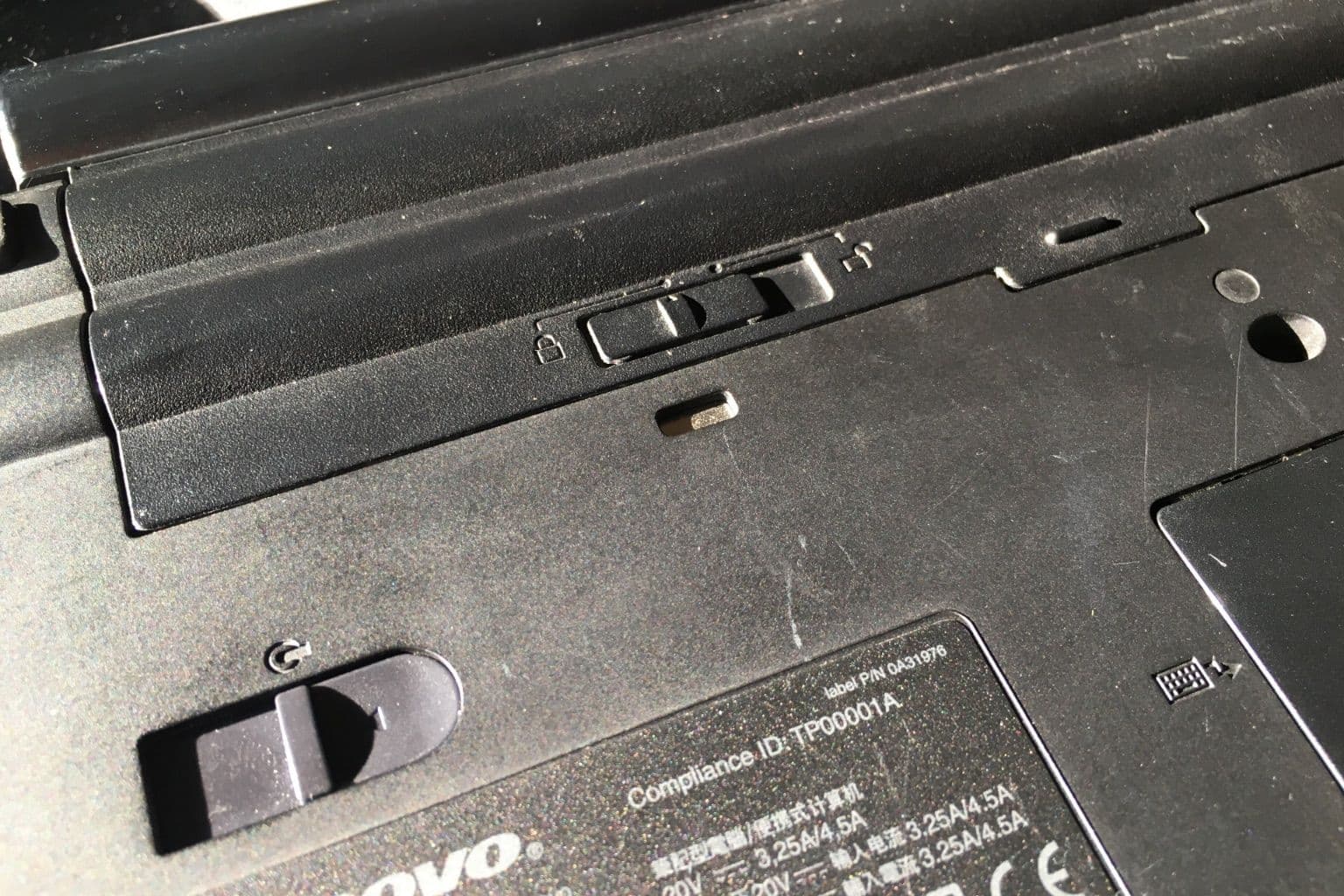
Cover photo: Locking mechanism for battery with pictograms and part of type label on lower side of Lenovo ThinkPad T410 laptop, via Wikimedia Commons (CC0).

