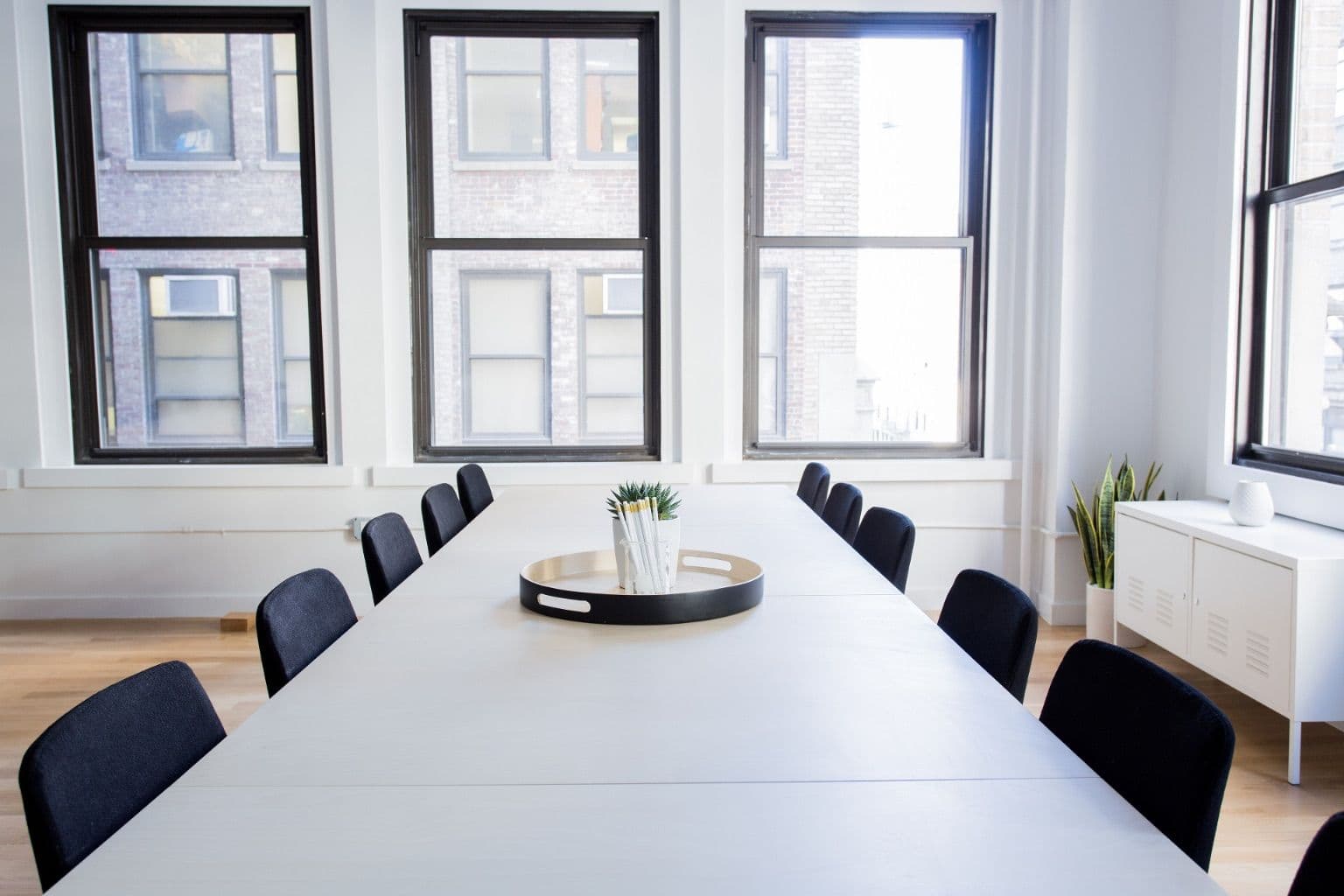
Meeting Room Video Kit That People Actually Use
A video conferencing system in a Dubai meeting room gets used when three things are true: a meeting starts with one tap on the table, the far end can hear the person sitting at the back chair, and the shared slide is readable from that same chair. Most abandoned rooms fail on the second and third points, not the first. The fix is to size the video bar to the depth of the room and the screen to the farthest seat, then wire and license the room so it works on day 400 as well as it did on day one.
Every figure below comes from vendor datasheets, Microsoft Learn and the AVIXA display sizing standard, read on 25 September 2026. Datasheets change between hardware revisions, so check the one for the exact part number on your quotation.
Why good rooms end up unused
The pattern is common in offices from JLT to DIFC. A company fits a 65 inch screen and a USB webcam, staff learn that the first five minutes of every call go on cables and settings, and within a quarter people take calls from their desks with headsets instead. Microsoft's own planning guide for Teams Rooms tells you to check that chairs cannot block the camera, that the room has no excessive echo or noisy air conditioning, and that there is enough power for the screens. Local fit-outs, with glass partitions and ceiling cassette AC units, fail those checks often.
Glass is the quiet problem. A 4 by 5 metre room with two glass walls and a hard floor reflects speech back into the microphones, and noise suppression can only do so much with it. A rug, an acoustic panel on the wall behind the screen, or a fabric blind costs less than moving up a product tier, and it helps whichever bar you buy.
Match the video bar to the depth of the room
The single most useful number on a video bar datasheet is the microphone pickup range, because it tells you whether the person at the far end of the table will be heard. Measure from the wall where the screen will hang to the farthest chair, then compare. Microsoft's Teams Rooms planning template groups rooms as Focus (10 by 9 feet, 2 to 4 people), Small (16 by 16 feet, 4 to 6), Medium (18 by 20 feet, 6 to 12) and Large (15 by 32 feet, 12 to 16). In metres that is roughly 3.0 by 2.7, 4.9 by 4.9, 5.5 by 6.1 and 4.6 by 9.8.
| Poly video bar | Mic pickup range | Horizontal field of view | Sensible fit |
|---|---|---|---|
| Studio X30 | Up to 4.57 m (15 ft) | 110° | Focus and small rooms |
| Studio X52 | Up to 6.09 m (20 ft) | 95° | Medium rooms |
| Studio X70 | Up to 7.62 m (25 ft) | 120° wide, 70° narrow | Large rooms, long tables |
Those figures are from HP's Poly datasheets for each model. A Large room of the Microsoft template is 9.8 metres deep, which is beyond even the X70's 7.62 metres, so the back third of that table needs an extension microphone. And a small huddle room needs a wide lens more than a long reach, because people sit close to the screen and at sharp angles. The X30's 110° lens is wider than the X52's 95° for exactly that reason.
The Poly section of our store currently lists the Studio X30 and the Studio X70, each as a kit with the Poly TC8 touch controller.
Size the screen from the back chair
Screen size is usually chosen by budget. The AV industry has a standard for it instead: ANSI/INFOCOMM V202.01:2016, Display Image Size for 2D Content in Audiovisual Systems, known as DISCAS. For meeting room content such as slides and spreadsheets, which the standard calls Basic Decision Making, AVIXA's training material gives the farthest viewer distance as image height multiplied by percent element height multiplied by 200. AVIXA suggests 3 percent element height as a good starting point, within a practical range of 2 to 4 percent.
A 16:9 screen's image height is its diagonal multiplied by 9 and divided by 18.36. Running that at 3 percent gives the farthest seat each common size can serve:
| 16:9 screen | Image height | Farthest viewer at 3% |
|---|---|---|
| 55 inch | 685 mm | 4.1 m |
| 65 inch | 809 mm | 4.9 m |
| 75 inch | 934 mm | 5.6 m |
| 86 inch | 1,071 mm | 6.4 m |
The 75 inch row matches AVIXA's own worked example of 934 mm and 5,604 mm. The practical reading is that a 55 inch television in a 6 metre room fails the people at the far end. The same AVIXA material limits the closest seat to no more than 30 degrees from eye level to the top of the image, so mount height matters as much as size. Wall and trolley mounts sit in the Peerless-AV range; check the wall build first, since many Dubai fit-outs use gypsum partitions that need backing plates for a heavy screen.
Appliance mode or laptop mode
The Poly datasheets list native Microsoft Teams, Zoom and Google Meet certification, plus a USB device mode where a laptop drives the call and the bar acts as camera, microphone and speaker. Native mode is what makes one-tap joining possible, and it is the main reason a room gets used. USB mode suits a company without one settled platform, but it brings back the cable routine that emptied the room.
Licensing catches people out in native mode. Microsoft states that each meeting room device needs a Teams Rooms licence, either Teams Rooms Basic or Teams Rooms Pro, and that ordinary per-user Microsoft 365 licences are not authorised on shared meeting devices. Microsoft positions Pro for organisations with 25 or more meeting room devices or anyone wanting its central management portal, and Basic for a few rooms with core features, which include joining Zoom and Webex meetings through Direct Guest Join.
The network side
Microsoft recommends 10 Mbps up and down per Teams Room and strongly recommends a wired connection. The X30 datasheet puts actual call rates lower, from 1,024 kbps for 1080p at 30 frames per second and from 2,048 kbps for 4K at 30, but the headroom covers content sharing and busy periods. If a room must run on Wi-Fi, Microsoft asks for a signal of -60 dBm or better between the device and at least one access point, channel utilisation below 50 percent, and priority on 5 GHz.
Two further points from Microsoft save hours on install day. Teams Rooms does not support proxy authentication, so the device must be exempted before it goes live. And if your firewall inspects traffic with a private certificate authority, the device must be given that certificate chain. On the switch side, touch controllers are typically powered over Ethernet; the TC10 datasheet, for example, specifies 802.3at. Our explainer on PoE standards covers the budget arithmetic.
Dubai conditions: heat, glass and type approval
The X30 datasheet gives an operating range of 0 to 40 °C and 15 to 80 percent humidity. A west-facing glass room in a Business Bay tower with the building AC on a weekend timer is exactly the condition that range excludes, so ask facilities whether meeting rooms keep cooling out of hours, and keep the bar's vents clear of the screen's own heat.
Video bars with Wi-Fi, AirPlay or Bluetooth are telecommunications equipment under UAE rules. TDRA requires the registered manufacturer, importer or distributor to obtain type approval before equipment is offered or sold in the UAE, and it exempts imports for personal, non-commercial use. That exemption is why a unit carried in from abroad is not the same as supplied stock. Our guide to genuine versus grey market hardware explains the warranty side.
Keeping the room working after month one
Microsoft notes that Teams Rooms on Windows ships with a local admin password of sfb and tells you to change it as soon as possible. HP lists Poly Lens as the remote device management software for these bars, so one person can see every room's status without walking the floor. HP Inc. completed its acquisition of Poly on 29 August 2022, according to its filing with the US SEC, so warranty checks go to HP, not HPE; our note on HP and HPE warranty systems shows where to look.
Name one person who owns the rooms. Their first week's job is a short printed card on each table, a test call every Monday morning before the week's meetings, and a record of each bar's serial number in the asset register.
What to send with a quote request
- Room length and width, and the distance from the screen wall to the farthest chair.
- The platform you meet on most: Teams, Zoom, Google Meet or a mix.
- How many rooms you plan to equip this year, which decides Teams Rooms Basic or Pro.
- Whether a wired port and a PoE switch port are free near the screen and the table.
- Wall construction where the screen will hang.
Every item on the Codeeo Tech store is quoted rather than priced, so the bar, controller, mount and any extension microphone are confirmed by part number at quotation stage. Send the five answers above through the contact page. Installation and acoustic treatment stay with your AV installer or facilities team; getting the right parts in the right sizes is the part we handle.
Cover photo: Minimalist meeting room (Unsplash), via Wikimedia Commons (CC0).

