Firmware Updates Without Breaking the Network
The upgrade itself is almost never what breaks the network. What breaks it is running an image you have not matched against your own hardware, on a device nobody has console access to, with no committed way back. Get those three right and a switch reload is a ninety second outage at midnight. Get them wrong and you are driving to Jebel Ali at 03:00 with a console cable.
There is a reason to plan this week. Cisco publishes its bundled IOS and IOS XE security advisories on the fourth Wednesday of March and September, a schedule stated in the event response for the March 2026 bundle, first published on 25 March 2026 with 12 advisories describing 12 vulnerabilities. The fourth Wednesday of September 2026 is the 23rd. If you run Catalyst switches, a list of things you may need to patch arrives in under a week.
Decide what actually forces a reload
Not every advisory earns a maintenance window. The test is whether the vulnerability is reachable in your configuration and whether anyone is exploiting it. Cisco published a software hardening advisory on 5 August 2026, identifier cisco-sa-hardening-iosxe-V8NMuMZJ, covering seven CVE identifiers from CVE-2026-20267 to CVE-2026-20273 with a maximum CVSS base score of 9.8. Two details in it decide the priority for a UAE office: Cisco states the issues affect IOS XE in autonomous or controller mode regardless of device configuration, and that there are no workarounds. That combination removes the option of waiting.
That advisory also shows how upgrade targets are published. The first fixed releases are 17.9.10, 17.12.8, 17.15.6, 17.18.4 or 17.18.4a, and 26.1.2, each tied to the train you are already on. Move to the fixed release on your own train unless you have a feature reason to change trains, because a train change brings new defaults and new bugs into the same window.
For pace, borrow a public benchmark. CISA Binding Operational Directive 22-01, issued on 3 November 2021, requires US federal agencies to remediate vulnerabilities in the Known Exploited Vulnerabilities catalogue within two weeks, and within six months for CVE identifiers assigned before 2021. Those deadlines carry no legal weight in the UAE, but they make a defensible internal rule: two weeks for anything known to be exploited, next quarterly window for the rest.
The inventory decides the plan
NIST Special Publication 800-40 Revision 4, published in April 2022, frames this as assigning every asset to a maintenance group, defined as a set of assets with similar patch schedules, testing needs, outage restrictions and impact if compromised. Applied to a real floor in Business Bay, the access switch feeding the meeting rooms tolerates a reload at 22:00. The switch carrying Power over Ethernet to the door controllers and the cameras does not, because a five minute outage there locks staff out of the server room you are standing in.
So the window needs a list first: model, serial, current version, which circuit feeds it, and what it carries. The method is in a practical asset register for a UAE SME, and it is the cheapest part of this exercise. The expensive part is discovering mid window that the PBX sits on the switch you just reloaded, which is why it pays to know where your calling platform actually lives before you touch the edge.
Canaries, even under pressure
NIST SP 800-40r4 recommends phased deployment for routine patching, where a small subset of assets receives the patch first and acts as a canary for identifying issues and likely operational impact. Its wording is blunt about why: in effect, this is how the patching gets tested. For emergency patching it recommends the same approach on a highly accelerated schedule, with a canary period that could last a few minutes to a few hours, because even an urgent patch can arrive corrupted.
In a two site UAE business, that means upgrading one access switch at the smaller site, leaving it for a working day, then doing the rest. If a firewall is in scope, a new image can change how inspection behaves under load, which we covered in why firewall throughput drops when inspection is on. Test the throughput after the upgrade, not on the Monday the sales team notices.
Install mode is what makes the change reversible
On Catalyst 9000 switches, the boot mode decides whether you have a way back. In bundle mode the bootloader boots a single .bin image file. In install mode it boots packages.conf, with the software extracted into packages, and that is the mode the upgrade workflow is built around. Cisco documents the sequence as install add, which copies the package to the device, install activate, which loads it, and install commit, which makes the update persistent over reloads.
The safety net sits between activate and commit. The auto abort timer expires in 7200 seconds, two hours, and rolls the activation back on its own if you never commit. Rely on that when upgrading a device you cannot reach physically: if the box comes back wrong and you lose management, it reverts itself. Before committing, install abort returns to the version that was running. After committing, install rollback to committed is the documented route back. Run install remove inactive first to clear unused installation files, because a flash that cannot hold both images is the most common reason an upgrade stops before it starts.
Know what your platform supports. Cisco's Catalyst 9000 upgrade guidance lists in service software upgrade on the C9400 and C9500 with dual supervisors, and not on the C9200, C9300 or C9600. The C9300 instead supports ReloadFast, which requires install mode, release 16.8.1 or later, and a single uplink to the spanning tree root or a port channel. On a stack, software auto-upgrade enable lets a member that joins with a mismatched version pull the right image instead of sitting in version mismatch until someone notices.
Wireless is the half that gets forgotten
Upgrading a controller without preparing the access points turns a short reload into a long one, because every AP then downloads its image after the controller returns. Cisco's Catalyst 9800 documentation describes image predownload as downloading the upgrade image to the AP in advance so that outages are minimised and the AP can join and register immediately after the upgrade. The limits are published: up to 100 APs per Wireless Network Control Daemon instance using the default CAPWAP method, up to 50 using HTTPS, and 25 per instance on the 9800-L with CAPWAP. The controller must be in install mode, since bundle mode does not support predownload.
So ap image predownload and show ap image belong in the plan a day early, and ap image swap in the window itself. For a 60 AP office across three floors in JLT, predownloading the evening before turns the wireless outage from staggered rejoins into roughly the time each radio takes to restart.
What goes wrong in a Dubai comms room
Out of band access is the first thing to check and the thing most small networks lack. If the only path to the switch is the switch, a failed activation ends the window. A console server, or at minimum a working console cable and a person who can reach the room, is the difference between a rollback and a site visit. Building access at 02:00 in Business Bay usually means a security escort and a lift card, so arrange it beforehand.
Heat is the second. A reload power cycles fans and power supplies, and that is the moment marginal hardware declines to come back. A comms room cooled by one split unit in August is where you want a person on site during the reboot rather than a remote session. That is an operational judgement, not a vendor rule.
Third is licensing, which catches grey market buyers hard. The Cisco advisory carries a plain note that customers may download only software that was procured from Cisco directly or through an authorised reseller or partner, and for which the licence is still valid. A switch bought outside that chain can be vulnerable and unpatchable at the same time, which is the practical cost we set out in genuine versus grey market IT hardware in the UAE. If you are replacing kit that cannot be patched, our Cisco catalogue lists what we carry, and every item goes through a quote so the licence and support entitlement are set out before anything ships.
The order that keeps the window short
- Match the advisory to your own inventory by model and running version, not by product family name.
- Confirm flash space and clear it with install remove inactive.
- Copy the running configuration off the device, and confirm you can read it back.
- Prove out of band access works before you need it.
- Predownload AP images the day before a controller upgrade.
- Upgrade one canary device and leave it running long enough to see a working day of traffic.
- In the window, activate without committing, verify uplinks, PoE loads, voice and the firewall path, then commit.
- Record the new version in the asset register the same night, because the next bundled publication is six months away at most.
For a second pair of eyes on a release decision or a hardware refresh before a window, talk to our team. We supply the hardware and the licensing paperwork that makes patching possible, and we will say plainly when the right answer is to leave a device alone until the next quarter.
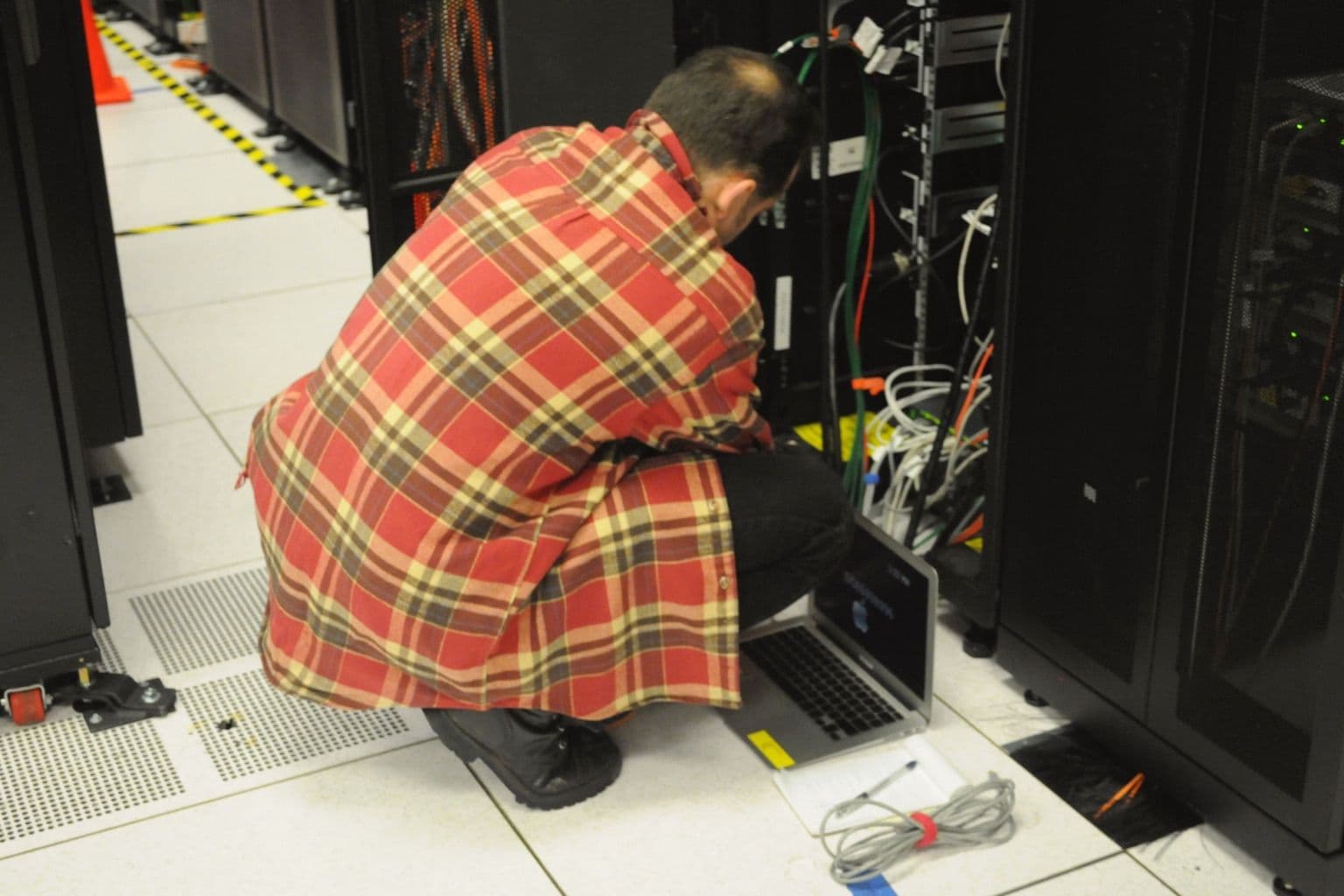
Cover photo: Technician with laptop working on server rack at NERSC, via Wikimedia Commons (CC0).

