HP Service Center Near Me in Dubai: Finding the Authorised One and Reading Your Care Pack
To find an HP service center near me in Dubai that HP actually authorises, use HP's own service center locator on its Middle East support site, call the center before you go, and check your warranty status by serial number first so you know whether the repair is covered. If your device has an HP Care Pack, you may not need to visit anywhere: depending on the type, HP either sends a technician to you or sends a courier to collect the device. This guide shows how to find and verify the right center, what to bring, and what each common Care Pack type really promises.
One clarification before anything else: Codeeo Tech is not an HP service center and not an HP authorised service provider. We are an IT hardware reseller in Dubai Silicon Oasis. Where we fit is covered at the end.
How to find an authorised HP service center near me in Dubai
Search results for "HP service center near me" mix HP authorised providers with independent repair shops that use HP's name in their listings. Independent shops can be perfectly good, but a repair there will not be handled under HP's warranty and may affect it. To find the authorised ones:
- Use HP's locator. HP's Middle East support site has a page titled "Find an HP authorized service center near you" at support.hp.com. Select the UAE and your area to see the providers HP lists.
- Call before you visit. HP's own locator page says to call before visiting a service center. Hours, the product types a center handles, and whether it takes walk ins all vary.
- Match the product type. Some providers handle laptops and desktops, others printers. Ask whether they handle your exact product line, for example an EliteBook, a ProBook or a consumer model.
- Cross check the name. If a shop claims to be authorised, compare its name and address with HP's locator. If it is not listed, treat the claim with caution.
Also make sure you are dealing with the right company. HP Inc. makes PCs, monitors and printers; Hewlett Packard Enterprise makes servers, storage and Aruba networking, and runs a separate support system. Our explainer on HP or HPE and their two warranty systems sets out which is which.
Check your warranty before you go anywhere
Knowing your cover first changes the whole conversation at the counter. HP's warranty check page for the Middle East asks for three things: whether you are checking a single product or several, the country or region of purchase, and the serial number. The multiple product option is useful for an office checking a batch of laptops at once.
Find the serial number on the label under the laptop, in the battery bay on older models, or on the original box and invoice. The result tells you whether the unit is under standard warranty, whether a Care Pack is registered against it, and when cover ends.
Three outcomes need action before a repair:
- The start date is earlier than your purchase. The unit may have been registered before it reached you. Contact the seller with your invoice.
- A Care Pack you paid for is missing. Ask the seller for the Care Pack registration details. Unregistered cover is hard to claim.
- The country of purchase is not the UAE. Cover bought abroad may not be serviceable here in the same way. HP's own published terms for its US consumer plans, for example, exclude equipment moved outside the country of purchase unless the Care Pack includes travel cover. Ask HP how your specific cover applies in the UAE.
What each Care Pack type means
A Care Pack is an HP service contract that extends or upgrades the standard warranty for a set number of years. The names describe the service level, and they are worth reading literally.
Next business day onsite
If HP cannot fix the fault remotely, a technician comes to your location, with the aim of arriving the next business day after the case is logged and diagnosed. Three details change what "next business day" means in practice: the hours during which calls count as logged that day, which days count as business days, and whether your location falls inside the onsite service area. Ask for the service description for the exact Care Pack part number and check those three points for your address.
Pickup and return
HP arranges for a courier to collect the device, repairs it at an HP designated repair center, and returns it. You go without the device for the courier cycle plus repair time, so this suits offices that keep a spare laptop. HP's Accidental Damage Protection datasheet, which describes the same courier process, says service requests received before 12:00 local time can be collected the same day and others are scheduled for the next business day, and that return shipment by ground usually takes 3 to 7 business days. You are responsible for packing the device properly for collection.
Accidental damage protection
Standard warranty covers manufacturing faults, not accidents. HP's Accidental Damage Protection datasheet describes cover for accidental drops, spills and electrical surges that affect the device's function. The terms worth knowing before you rely on it:
- It must be bought within 30 days of buying the HP product.
- The product must also be covered by the HP warranty or a warranty extension lasting at least as long.
- It typically allows a maximum of one claim in any twelve month period from the service purchase date, and HP notes that claim cover varies by country.
- Exclusions listed include theft, loss, damage caused by fire, a vehicle accident or act of nature, normal wear, consumables, and abuse or misuse.
- Accessories bought separately, such as docking stations, carrying cases and port replicators, are not covered.
- If HP replaces the device instead of repairing it, the replaced product becomes HP's property.
HP's datasheet also says the full exclusions sit in a regional policy document. Ask for the UAE version before buying.
Comparing the three
| Care Pack type | Where the repair happens | Covers accidents? | Best for |
|---|---|---|---|
| Next business day onsite | At your site | No, unless combined with accidental damage protection | Offices with no spare devices |
| Pickup and return | HP repair center, via courier | No, unless combined | Offices that keep a spare |
| Accidental damage protection | Depends on the base service | Yes, within the policy terms | Laptops that travel |
What to prepare before a repair
Whether you walk into a center, book a pickup or wait for a technician, preparation shortens the repair and protects your data:
- Serial number and product number from the label, plus a copy of the purchase invoice.
- A clear fault description: what happens, when it started, any error codes or beep patterns, and what you have already tried.
- A backup. Assume the drive may be replaced or wiped. Back up anything not already in cloud storage.
- Encryption recovery key. If the drive uses BitLocker, make sure your IT team holds the recovery key. A motherboard replacement can trigger a recovery prompt.
- Remove accessories. HP's datasheet asks customers to remove add ons and accessories before returning a unit, and separately bought accessories are not part of the covered product anyway.
- Sign out of personal accounts where your company policy allows, and remove any SIM card or memory card.
If your company's data policy says a failed drive must never leave the premises, raise this before the repair, not at the counter, and ask HP what options exist for your model and contract.
After the repair
HP's Middle East site links to a page where you can check repair status, which saves calling for updates. When the device comes back, check that the fault is fixed, that the serial number matches your records, and that any replaced part is noted on the repair report. Update your asset register with the repair date and parts changed. A pattern of repeat repairs on the same model is a useful signal at your next refresh.
When an independent repair shop makes sense
An authorised center is the right first stop while a device is under warranty or Care Pack, because the repair costs you nothing and keeps the cover intact. Once cover has expired, the calculation changes. Independent repair shops in Dubai can be quicker and cheaper for simple jobs on older machines, such as a replacement battery, keyboard or charging port.
If you go that way, ask three questions before handing the device over: will they use genuine HP parts or compatible ones, will they give a written repair warranty, and will the drive stay in the machine while they work. For a company laptop, also confirm that your data policy allows a third party to handle the device at all. And if a laptop out of warranty needs a motherboard or screen, compare the repair quote with the cost of a replacement before agreeing to it.
Planning cover for an office fleet
For a business, the best time to think about the nearest HP service center is at purchase, not after a failure. Three habits make later repairs routine:
- Buy cover with the hardware. The same Care Pack on every unit in one order gives every unit the same service level and the same expiry month.
- Register and verify at delivery. Run every serial through HP's warranty check in the first week and keep a screenshot or export with the invoice.
- Keep one spare per ten or so laptops if you choose pickup and return, so the courier cycle never leaves someone without a machine.
Frequently asked questions about HP service centers near me in Dubai
How do I know a repair shop is an authorised HP service center?
Check it against HP's service center locator on the Middle East support site. If it does not appear there, it is not listed by HP as authorised, whatever its signage says.
Do I need to visit a service center if I have a Care Pack?
Often not. With next business day onsite cover a technician comes to you, and with pickup and return a courier collects the device. HP generally tries remote diagnosis first in either case.
Does accidental damage protection cover a stolen laptop?
No. HP's datasheet lists theft and loss among the exclusions. Theft is a matter for your insurance, and for remote lock and wipe tools if your laptops support them.
I bought my HP laptop abroad. Will a Dubai service center repair it under warranty?
Check the warranty by serial number with the country of purchase selected, then ask HP directly. Cover terms can depend on where the product and any Care Pack were bought.
Can I buy a Care Pack later?
Ask the supplier which Care Packs can still be added for your unit and its age. For accidental damage protection the answer is fixed: HP's datasheet says it must be bought within 30 days of the product purchase.
How long will a pickup and return repair keep the laptop away?
Allow for collection, repair and the return journey. HP's accidental damage datasheet says return shipment by ground usually takes 3 to 7 business days on its own, so plan for a spare device rather than expecting the laptop back within a day or two.
Where Codeeo Tech fits
If you searched for an HP service center near me because a laptop has failed, HP's locator is the right place to go, not us. Where Codeeo Tech helps is before and after: supplying HP hardware to businesses with the right cover attached at purchase, and quoting replacements when a repair is not worth it. Our guide on how long to keep business laptops helps with that decision, and you can browse our HP range, where every item is priced through Add to Quote.
If you want a quotation for HP hardware with cover included, send:
- The model or part number and quantity.
- The cover you want: standard warranty, pickup and return, or next business day onsite.
- Whether to add accidental damage protection, given the 30 day purchase window.
- The site address where onsite service would be delivered.
- Your company name and TRN for the tax invoice.
Send those through the contact form from our office at Building A1, IFZA Business Park, Dubai Silicon Oasis, and the reply will confirm the Care Pack part numbers available for that model.
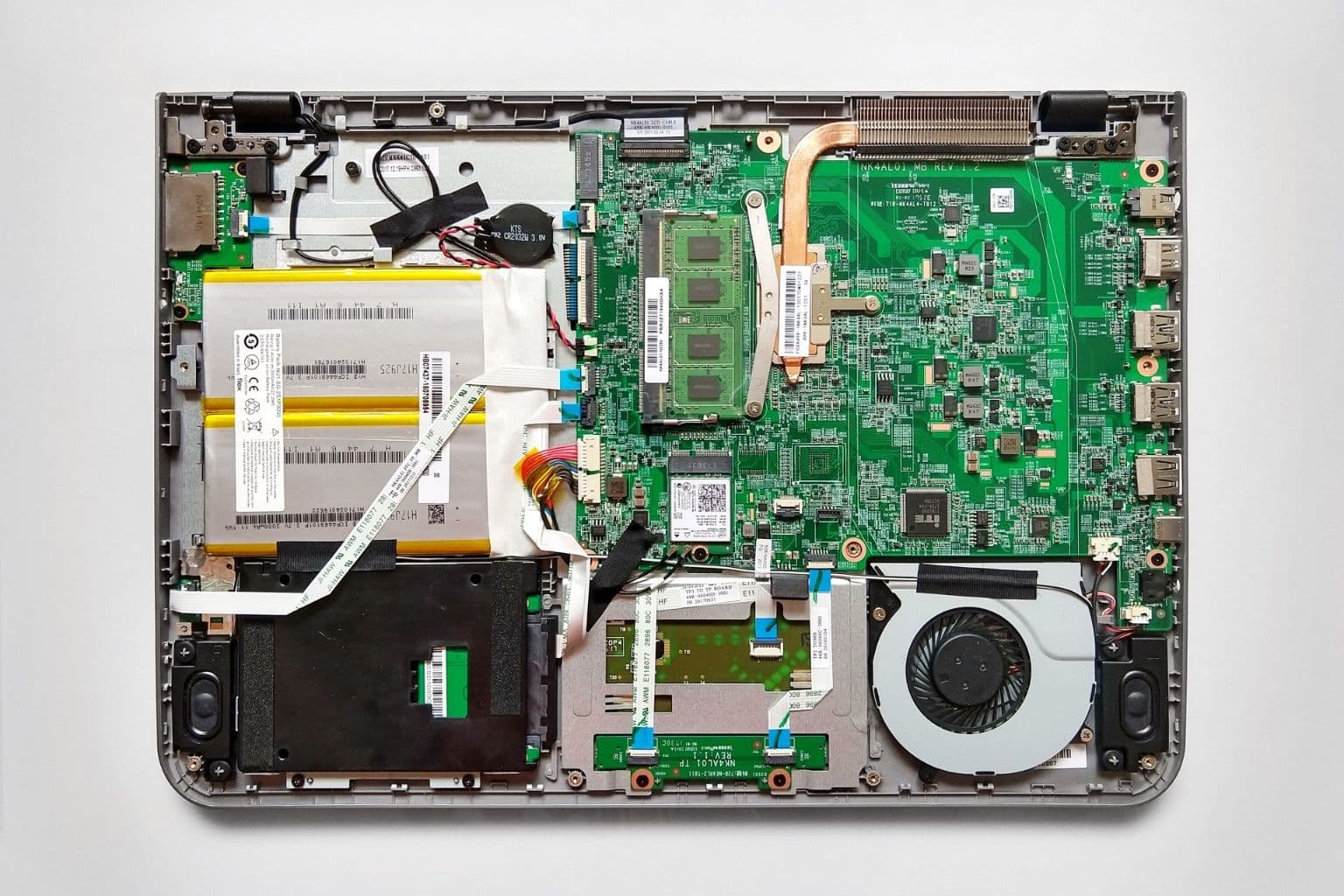
Cover photo: Compaq Presario CQ17 internals by Adriano Makoto Suzuki, via Wikimedia Commons (CC BY 2.0).

