Monitoring That Tells You Before Users Do
Network monitoring earns its keep when it raises an alarm before the first person walks over to say the internet is down. For a UAE office with one comms room and a few dozen switch ports, that means watching five signals, not five hundred: device reachability, interface errors and utilisation, the syslog messages your switches and firewall already produce, flow data, and the power and heat in the comms room. Most of the equipment you own can report all five today, and a free open source collector can receive them.
The common failure is not the absence of a tool. It is a tool that alerts on everything, so the one message that mattered on a Thursday afternoon in August sat under forty that did not. What follows is how to choose the signals, the protocols that carry them, and the thresholds worth setting, with every standard and vendor figure named and dated.
Start with the questions users would ask
Work backwards from the complaints. "The internet is down" is a WAN uplink or firewall question. "Wi-Fi keeps dropping" is an access point, PoE or DHCP question. "The file server is slow" is a server, storage or uplink question. "Everything went off at 2pm" is a power question. Each complaint maps to one or two measurements, and those measurements are your first alerts.
For a 40 person office in JLT, the list that matters is short: each switch and access point reachable, both ISP links up, the firewall reachable from inside and outside, the UPS on mains, runtime above a floor, and the room below a temperature.
The five signals and the protocols that carry them
1. Reachability
A ping every minute to every switch, access point, firewall interface and server is the cheapest alert you will ever set, and it catches the dead PoE port and the tripped breaker. LibreNMS, the open source monitoring platform, polls devices every 300 seconds by default according to its own 1 Minute Polling guide (read 29 September 2026). That guide warns that faster polling raises disk writes for every graph on every device, and recommends its Fast Ping feature as the easier route to quicker up and down alerts. Follow that advice: fast ping for reachability, five minute polling for everything else.
2. Interfaces: errors and utilisation
SNMP polling gives you interface counters. The two that predict complaints are input errors, which point to a bad patch lead or a failing transceiver, and sustained utilisation on the uplink between the core switch and the firewall. An uplink that sits above 70 percent through the 10am peak is a capacity problem that users will describe as "slow internet" long before the ISP line is full.
Use SNMP version 3. RFC 3414 (December 2002, now Internet Standard STD 62) defines the User-based Security Model behind it, with three levels: noAuthNoPriv, authNoPriv, and authPriv, where authPriv adds encryption on top of authentication and integrity checks. SNMP v1 and v2c send the community string in clear text, so anyone on the management VLAN can read it. Set every device to authPriv from day one.
3. Syslog, filtered by severity
Your switches and firewall already write a running account of what went wrong. RFC 5424 (March 2009) defines eight syslog severities, from 0 Emergency down to 7 Debug. For alerting, severities 0 to 3 (Emergency, Alert, Critical, Error) are the useful band. Severity 4 Warning goes to a dashboard, and 5 to 7 go to storage for troubleshooting only.
One caveat matters. RFC 5426 (March 2009), which maps syslog onto UDP port 514, states that syslog over UDP has no acknowledgement and no way to detect lost datagrams. The message that a switch is about to reload can be the one that never arrives. That is why syslog supplements polling and never replaces it.
4. Flow data, when you need to know who
SNMP tells you the uplink is full. Flow export tells you which machine filled it. IPFIX, defined in RFC 7011 (September 2013), is the standard version of Cisco NetFlow version 9 (RFC 3954), and each Flow Record carries properties such as source address and byte counts. For most offices under 100 users, flow export from the firewall is enough, and it answers the question after a slow afternoon in Business Bay: was it a cloud backup, an update wave, or one laptop syncing video?
5. Power and heat
In the UAE this is the signal that pays for the whole exercise. A failed split unit in a closed comms room in Al Quoz in July removes the only thing holding the room below outdoor temperature. Cisco's hardware installation guide for the Catalyst 9200 series lists an operating range of minus 5 to 45°C (read 29 September 2026). The switch logs thermal warnings before it shuts down, which only helps if someone receives them.
An APC Smart-UPS fitted with a Network Management Card 3 can report both. The NMC3 User Guide (document 990-91148D) lists notification by event log, email, syslog and SNMP traps. With the environmental monitoring model, the Temperature and Humidity screen lets you set thresholds per sensor, where High and Low raise warnings and Maximum and Minimum are critical. Note two defaults from the same guide: SNMPv1 and SNMPv3 are both disabled out of the box, so the card will not answer your collector until you enable v3 and create a user.
Thresholds that do not cry wolf
Alert fatigue kills monitoring faster than any hardware fault. The NMC3 guide explains hysteresis with a worked example: a maximum humidity threshold of 65 percent with a 10 percent hysteresis means the alarm only clears when humidity drops below 55 percent, so a reading wavering between 60 and 70 does not fire repeatedly. Apply the same idea everywhere.
| Signal | Warn | Page someone | Why this level |
|---|---|---|---|
| Device reachability | 1 missed check | 3 consecutive misses | One lost ping during a firmware push is noise |
| Uplink utilisation | 70% for 15 minutes | 90% for 15 minutes | Short bursts are normal; sustained load is not |
| Interface input errors | Any rise on an uplink | Rising every poll for an hour | Points to cabling or optics before a link drops |
| Comms room temperature | 30°C | 35°C | Leaves time to act before the 45°C switch limit |
| UPS | On battery | Runtime below 10 minutes | Time to shut servers down cleanly |
| Syslog | Severity 4 | Severity 0 to 3 | RFC 5424 bands, filtered by source |
The temperature figures above are our working numbers for a small comms room, not a vendor specification. Tune them after two weeks of readings, because a room that idles at 24°C and one that idles at 29°C need different warnings.
Cloud dashboards or a collector on site
If the estate is Cisco Meraki, the dashboard already does much of this. Meraki's Alerts and Notifications documentation (read 29 September 2026) lists alerts when a switch, WAN appliance or camera "goes offline for (x) minutes", uplink status changes, DHCP pool exhaustion, and rogue access points, delivered by email, the mobile app, webhooks, syslog or SNMP. The DHCP pool alert catches a frequent cause of "Wi-Fi connected, no internet" in busy offices.
The trade off is scope. A cloud dashboard sees its own devices. It does not see the APC UPS, the Dell or HPE server's management controller, or the ISP router du or Etisalat by e& installed. A mixed estate, which is the norm for offices in Dubai Silicon Oasis and DIFC that grew one purchase at a time, needs a collector that speaks SNMPv3 and syslog to everything. LibreNMS, for example, supports SNMP traps, syslog and alert transports from email to Microsoft Teams.
Whichever you pick, the monitoring box must not share a single point of failure with what it watches. A collector on the same UPS and the same ISP line as the office will go quiet at exactly the moment you need it. Send its alerts out over a mobile data path, or use a cloud alerting transport, so a WAN outage still reaches a phone. Our post on testing dual ISP failover covers why the backup path needs its own check.
What goes wrong in practice
- Nobody owns the inbox. Alerts go to an it@ address read by a person who left in March. Route pages to a named phone and review the list quarterly.
- Maintenance floods the channel. A planned switch upgrade produces 60 alerts and trains everyone to ignore the next 60. Schedule maintenance windows in the tool before any work, as our firmware update checklist recommends.
- Dependencies are missing. When the core switch fails, 20 access points behind it alert as well. Tell the tool which devices sit behind which, so you get one page, not 21.
- The room itself is not watched. The switches report their own inlet temperature, but the first sign of a failed AC unit is the room. Our comms room housekeeping guide covers airflow and labelling.
Where Codeeo Tech fits
Codeeo Tech supplies hardware, not monitoring services, so the setup above belongs to you or your IT partner. If the audit shows a UPS without a management card, switches too old for SNMPv3, or a site that would suit a Meraki estate, the catalogue lists APC power protection, Cisco switching and Meraki, and HPE Aruba networking for quotation. Send model numbers and quantities through the contact page.
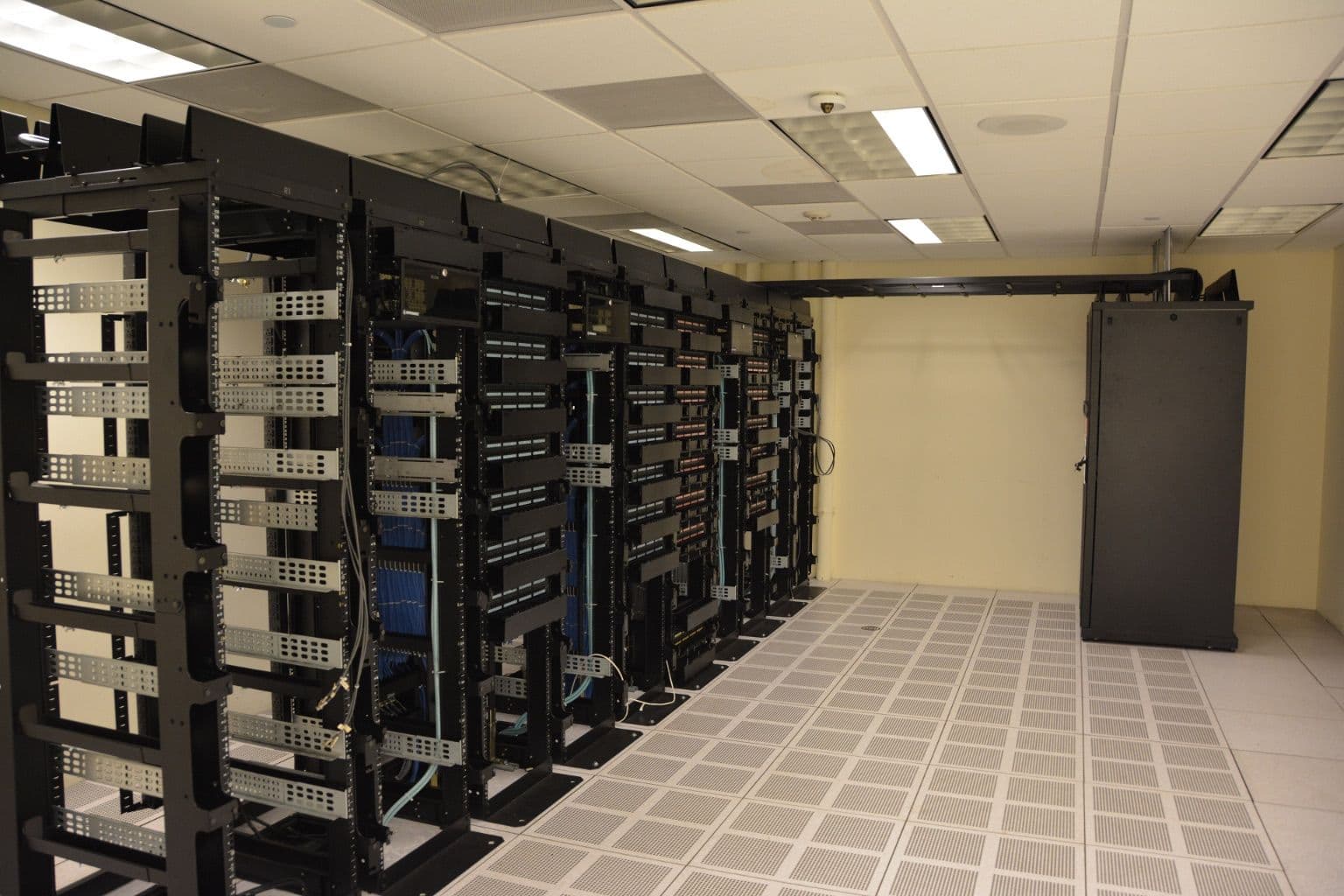
Cover photo: Datacenter Server Racks (22370909788) by Carl Lender from Sunrise, USA, via Wikimedia Commons (CC BY 2.0).

